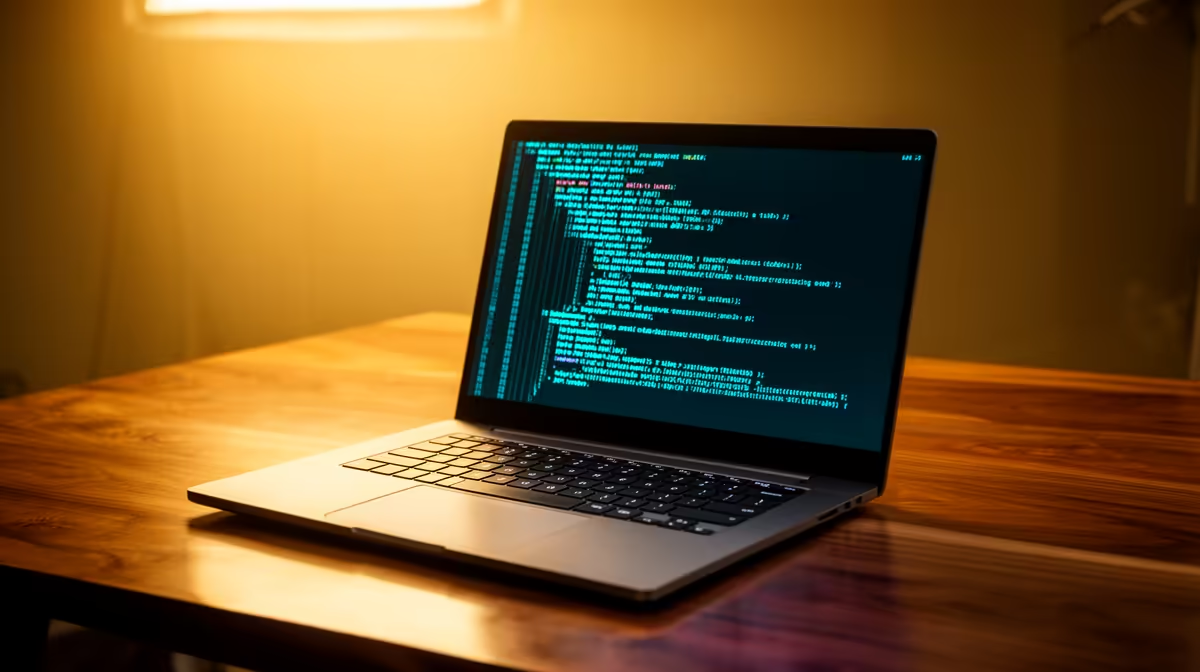
Cloud AI coding agents flip the usual laptop maths on its head. Tools like Claude Code and Codex CLI run their heavy thinking on remote servers, so your laptop for cloud AI coding agents does not need a discrete GPU at all. What it needs is enough memory to keep an editor, a browser full of docs, a terminal, and a handful of containers alive at once. That changes which SA machines under R15,000 are genuinely worth buying.
Quick Answer
For cloud AI coding agents under R15,000 in South Africa, prioritise 16GB of RAM (32GB if you can stretch), a modern multi-core CPU, and a fast NVMe SSD. Skip the gaming GPU entirely. A capable thin-and-light in this band leaves plenty of headroom above Evetech's R8,000 laptop floor.
Why the GPU does not matter here
A local large language model needs a powerful GPU and lots of VRAM. A cloud agent does not. When you run Claude Code or a similar CLI, the model inference happens in a data centre and your laptop only sends prompts and receives responses over the network. Your machine handles the editor, the language server, the git operations, and the test runs. None of those are GPU-bound for typical web, backend, or scripting work.
That single fact is what makes a sub-R15,000 budget realistic. The money that would have gone to a graphics card goes to RAM, storage, and a better screen instead. If your workflow ever does shift to running models locally, the AI-focused PCs at Evetech show what that heavier hardware actually costs, which makes the cloud-agent saving even clearer.
The specs that actually move your day
Memory is the real bottleneck
RAM is where cloud-agent development lives or dies. An agent often spawns multiple processes, you keep several browser tabs of documentation open, and a containerised database or two may run in the background. 16GB copes with most single-project work. 32GB removes the friction entirely and is worth the stretch if your budget allows, because you rarely regret extra memory.
CPU cores for parallel work
A modern multi-core CPU handles compilation, test suites, and the agent's file operations smoothly. You do not need the top-tier chip. A current mid-range processor with six to eight cores keeps builds quick and lets the agent edit and run code without the fan spinning up constantly.
Storage speed and size
An NVMe SSD makes dependency installs, repository clones, and project switches feel instant. Aim for at least 512GB so node modules, virtual environments, and Docker images do not crowd you out. Spinning disks have no place in a developer machine in this band.
Screen and battery
You stare at this screen all day. A 14 to 16 inch display at full HD or higher reduces scrolling and eye strain. Decent battery life matters too, since cloud agents let you work from a coffee shop or a lecture hall without a desk full of accessories.
Matching the machine to how you work
A student or junior developer doing web and scripting work is well served by a 16GB thin-and-light. A freelancer juggling several client repositories, multiple containers, and a busy browser should target 32GB and a faster CPU, even if that means choosing carefully within the budget. Either way, the spend lands comfortably under R15,000 because no GPU premium applies.
Connectivity is worth a glance before you buy. USB-C charging, at least one USB-A port, and HDMI output cover most home and campus setups without a pile of dongles. When you want to compare what current desktop and laptop money buys overall, the best-selling machines at Evetech give a fast read on where the value sits right now.
A practical SA buying approach
Set your firm ceiling at R15,000, then work down. Lock in 16GB minimum and an SSD as non-negotiables. Treat a sharper screen and longer battery as the upgrades you spend the remaining budget on, rather than chasing CPU benchmark numbers you will never feel in cloud-agent work. This keeps you from overpaying for hardware your workload genuinely does not use.
What the budget cannot buy, and why that is fine
It helps to know what you are giving up at R15,000 so you do not feel short-changed. You will not get a high-refresh gaming panel, a discrete graphics card, or the thinnest premium chassis. None of those serve cloud-agent work. The agent does not care how many frames your screen pushes, and it never touches a GPU. So the features cut from this price band are precisely the ones your workflow ignores, which is what makes the budget honest rather than compromised.
Where you should refuse to compromise is memory and storage, because those are the parts you cannot easily upgrade later on many thin-and-light machines. RAM is frequently soldered, and a cramped SSD fills fast with dependencies and container images. Buy enough of both on day one and the machine stays comfortable for years of agent-driven work.
A note on Linux and the terminal
Many developers using cloud coding agents live in the terminal, and a lot of that work happens over SSH or inside Linux containers. A budget laptop running Linux or Windows with a Linux subsystem handles this beautifully, since the local load is light. This is another reason the hardware bar stays low: a clean terminal, a fast SSD, and ample RAM matter more than any single flashy component.
Avoiding the common overspend trap
The temptation in this category is to buy a gaming laptop because it looks powerful, then discover its strengths sit idle. Gaming machines pour budget into a GPU and cooling you will not use, while sometimes shipping with only 16GB of RAM that fills quickly. A quieter productivity-focused laptop with more memory and a better keyboard serves a developer far better at the same price. Spend where the work lives, which for cloud agents is memory, storage, and a comfortable typing experience, not raw graphics horsepower.
Frequently Asked Questions
Do I really not need a graphics card for AI coding?
Correct, not for cloud agents. The model runs remotely, so the GPU sits idle during agent work. You would only need a strong GPU to run models locally on your own machine, which is a different and far more expensive setup.
Is 16GB of RAM enough, or should I get 32GB?
16GB handles most single-project development comfortably. 32GB is the better long-term choice if you run many containers or keep heavy browser sessions open, and it is worth stretching for when the budget permits.
Will a cheaper laptop near R8,000 cope?
It can run a cloud agent, but tight RAM and slower storage will make multitasking sluggish. Spending toward the middle of the band buys noticeably smoother day-to-day work.
What internet do I need for cloud coding agents?
A stable fibre or solid mobile connection is enough, since you are exchanging text prompts and responses rather than large files. Latency matters more than raw bandwidth for a responsive feel.
Does the operating system matter?
Cloud agents run across Windows, macOS, and Linux. Pick the platform your toolchain and team already use. The hardware advice on RAM, CPU, and SSD applies the same way regardless.
Building a cloud-first developer setup on a R15,000 budget? Compare current specs and pricing on the best-selling machines at https://www.evetech.co.za/pc-best-sellers/x/1912 and pick the RAM and SSD combo that fits your workflow.