Quick Answer
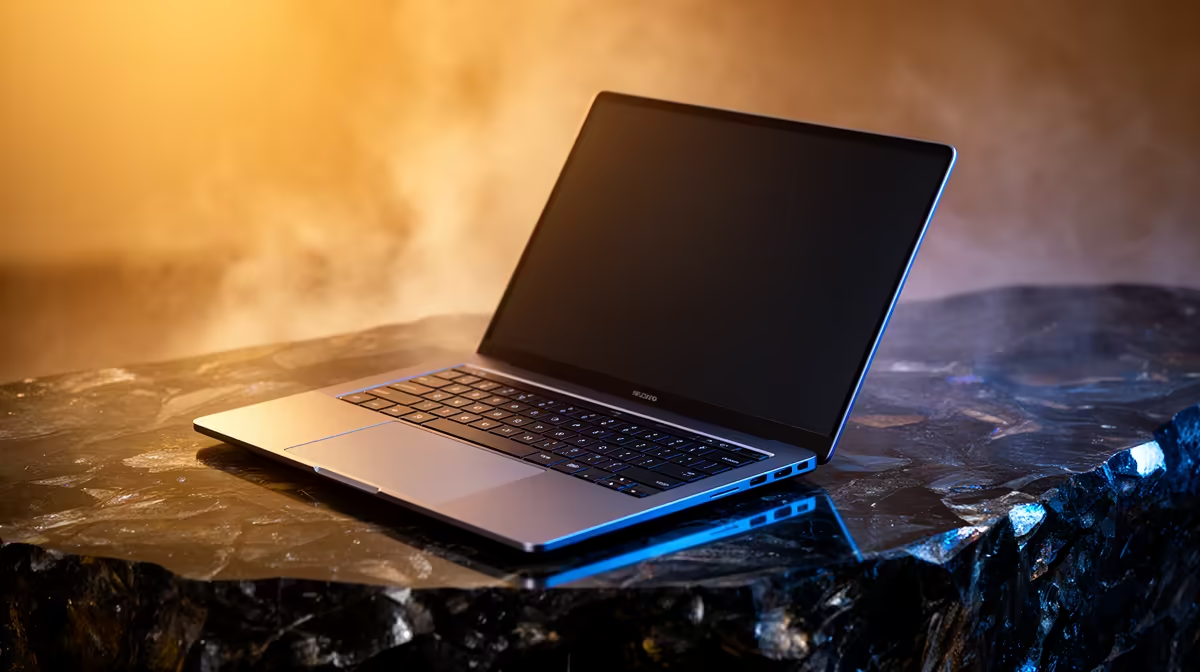
For Law at University of KwaZulu-Natal, the safest laptop target is Core i5 or Ryzen 5, 16GB RAM, a 512GB SSD, quiet cooling and 8-10 hours of battery life. Budget around R10,000-R20,000 for a machine that can survive several semesters instead of only opening notes. Compare model families such as ASUS Vivobook 14, Lenovo IdeaPad Slim 5, HP Pavilion 14 or ThinkPad E14, then choose by RAM, SSD size, warranty and screen quality rather than one badge on the lid.
Match The Spec To Law Work
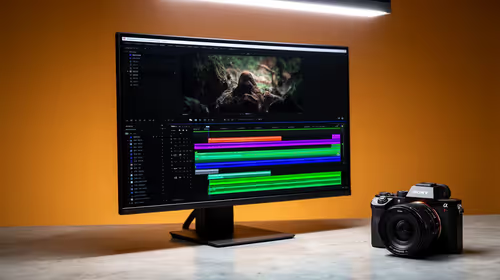
Law students usually touch PDF case bundles, legal databases, Word, OneNote, Teams calls and long reading sessions. That workload rewards a fast NVMe SSD, enough memory to keep notes and apps open, and a screen that remains readable during long sessions. A 60Hz panel is fine for document-led courses, while creative and CAD work benefits from a 100% sRGB screen and stronger cooling. Moving from 8GB to 16GB RAM is usually more important than a tiny CPU generation jump.
SA Price Bands And Model Shortlist
Use price bands, not one exact live price, when comparing local stock. Entry study laptops start near R8,000-R12,000, but Law buyers should shortlist the R10,000-R20,000 range when course software is heavier. Compare ASUS Vivobook 14, Lenovo IdeaPad Slim 5, HP Pavilion 14 or ThinkPad E14 with the same RAM, SSD and warranty terms before deciding. If memory is soldered, choose 16GB or 32GB upfront because later upgrades may not be possible.
Campus And Daily-use Checks
UKZN students should plan for Durban and Pietermaritzburg study days, so durability and easy service support count. Check USB-C charging, HDMI for projectors, WiFi 6, webcam quality and keyboard comfort before ordering. A 14-inch laptop is easier to carry, but a 15.6-inch or 16-inch display can be better for spreadsheets, code, timelines or drawings. Keep at least 20% SSD space free so updates, cache files and coursework exports do not slow the machine down.
FAQ
Is 16GB RAM enough for Law?
Yes, 16GB is the minimum sensible target for Law. Choose 32GB if you will run CAD, video, large datasets, Docker containers or several Adobe apps at once.
Should University of KwaZulu-Natal students buy a gaming laptop?
A gaming laptop makes sense only when RTX graphics, cooling and a stronger CPU help the actual coursework. For reading, coding, Excel and reports, a lighter business or creator laptop is usually easier to carry.
What is the best value range in South Africa?
Most students should compare models between R12,000 and R25,000 before stretching higher. Creative, engineering and CAD courses can justify R25,000-R35,000 when the extra GPU, RAM and SSD capacity saves time every week.
Before You Order
Match one shortlisted model against the course software list, then confirm 16GB RAM, 512GB or 1TB SSD, local warranty support and the ports needed for University of KwaZulu-Natal labs or projectors.