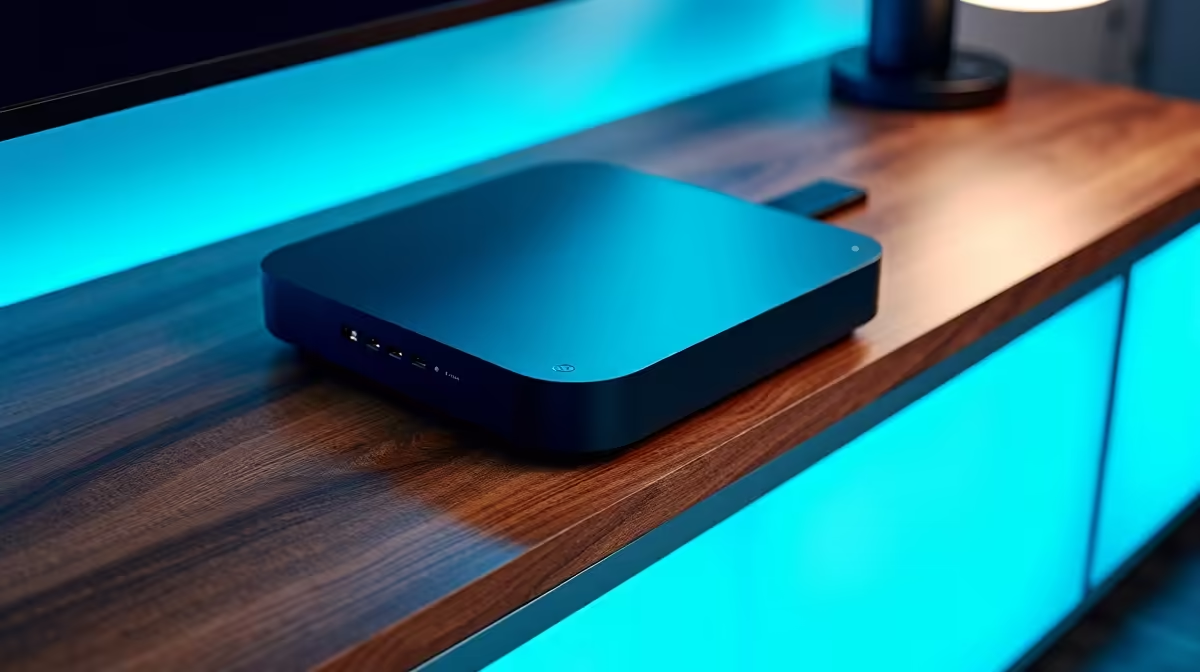
The promise of Matter devices for Home Assistant is simple to state and genuinely useful in practice: buy a plug from one brand, a bulb from another and a sensor from a third, and add them all to Home Assistant as Matter devices regardless of which ecosystem they were sold for. The catch is small but real, and it comes down to one piece of network plumbing called a Thread border router.
Quick Answer
Matter devices can be added to Home Assistant and controlled locally across brands, no single-brand hub required. The one requirement to know is that Matter-over-Thread devices need a Thread border router on your network to reach Home Assistant, while Matter-over-Wi-Fi devices connect directly. Get the border router in place and the cross-brand picks below work together cleanly.
How Matter changes the Home Assistant picture
Before Matter, mixing smart home brands meant juggling separate apps and hoping each one had a decent Home Assistant integration. Matter flips that: it is a shared standard, so a certified Matter device joins Home Assistant as a Matter device and runs locally, independent of the brand's own cloud. That local control is the part that matters most for reliability, since your automations keep working even when the internet does not.
Matter devices come in two transport flavours, and the distinction drives every buying decision. Matter-over-Wi-Fi devices, like many smart plugs, connect straight to your network. Matter-over-Thread devices, common for battery sensors and bulbs, speak Thread, a low-power mesh, and they need a Thread border router to bridge that mesh onto your main network so Home Assistant can see them.
Matter 1.4 multi-fabric support
A key capability added in later Matter releases is that a single Matter device can join multiple controllers at once. Matter 1.4 supports up to five simultaneous fabrics per device, meaning one Thread light bulb can be controlled by Home Assistant, Apple Home, and Google Home simultaneously, each with its own secure fabric and independent encryption. For households that mix ecosystems, this removes the old all-or-nothing trade-off between platforms.
The piece that makes it all work: a Thread border router
Why you need one
A Thread border router is the bridge between low-power Thread devices and the rest of your network. Without one, Matter-over-Thread sensors and bulbs simply have no path to Home Assistant. With one in place, they join the Thread mesh and appear in Home Assistant alongside everything else. If you only ever buy Matter-over-Wi-Fi devices you can skip it, but most well-rounded setups end up wanting Thread for battery-powered sensors.
Choosing the router
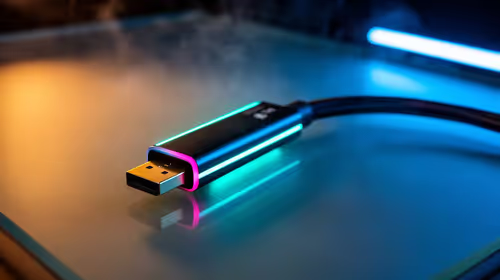
Several routes exist. The Home Assistant SkyConnect dongle is the official recommended choice: it plugs into your Home Assistant machine and provides both Zigbee and Thread radios in one stick, which is a tidy, cost-effective solution for a self-hosted setup. Thread 1.4 certification (required on all new hardware since January 2026) standardised credential sharing so newly installed border routers join an existing Thread network instead of creating competing ones, which simplifies multi-router homes considerably. A dedicated multi-protocol hub with a Thread border router is the alternative if you prefer a separate device.
Commissioning a Matter device
Adding a Matter device to Home Assistant is straightforward. Power the device and put it into pairing mode, then open Home Assistant's Settings, Devices and Services, and add a Matter device. The process involves scanning the QR code on the device or entering its setup code. Home Assistant handles the rest and the device appears in your entity list ready for automations. No manufacturer app is required.
Cross-brand picks that play nicely
Smart plugs
Smart plugs are the easiest entry point because many are Matter-over-Wi-Fi and need no Thread router. Thread-based energy-monitoring plugs are the premium tier with fast, reliable response, while budget Matter plugs from the value brands get you local on-off control for very little. Either way, they land in Home Assistant as standard Matter devices.
Bulbs and lighting
For colour lighting, Thread-based Matter bulbs join your mesh and respond quickly, and they are a sensible first Thread purchase since lighting is what you interact with most. If you already run a popular lighting bridge, note that several have gained Matter support so the bridge itself can expose its bulbs to Home Assistant as Matter endpoints, which saves re-buying hardware.
Sensors
Battery-powered motion, door and window, leak and temperature sensors are where Thread shines, thanks to its low power draw. These are almost always Matter-over-Thread, so this is exactly where the border router becomes non-negotiable. Once the router is in place, sensors from different brands all surface in Home Assistant as automation triggers. Browsing the smart home range is the easiest way to see which plugs, bulbs and sensors are stocked locally, and the accessories best sellers cover the dongles and small add-ons that round out a Home Assistant build.
Frequently Asked Questions
Do all Matter devices need a Thread border router?
No. Only Matter-over-Thread devices, common for battery sensors and many bulbs, need a Thread border router. Matter-over-Wi-Fi devices, including many smart plugs, connect directly to your network and work with Home Assistant without one.
Can I mix brands with Matter in Home Assistant?
Yes, that is the core benefit. Any certified Matter device joins Home Assistant as a Matter device regardless of the brand it was sold under, so you can pair a plug, a bulb and a sensor from three different makers and control them together.
Do Matter devices work without the internet?
Largely, yes. Matter devices added to Home Assistant run locally, so your automations and control keep working during an internet outage. That local-first behaviour is one of the main reasons to standardise on Matter for a Home Assistant setup.
What is the easiest Matter device to start with?
A Matter-over-Wi-Fi smart plug, because it needs no Thread border router and connects straight to your network. It lets you confirm your Home Assistant Matter setup works before you invest in a Thread router for sensors and bulbs.
What is the Home Assistant SkyConnect dongle?
The SkyConnect is the official Home Assistant USB dongle that provides both Zigbee and Thread radios in a single stick. It acts as a Thread border router for Matter-over-Thread devices and a Zigbee coordinator for Zigbee devices, making it the most practical single accessory for a mixed smart home build.
Can a Matter device be shared across Home Assistant and Apple Home?
Yes. With Matter 1.4 multi-fabric support, one device can be enrolled in up to five controllers simultaneously, including Home Assistant and Apple Home, each with its own secure connection. You lose no local control by adding it to both.
Build a smart home that answers to you rather than to one brand's app. Explore the smart home range at Evetech and start with a Matter device that drops straight into Home Assistant.