

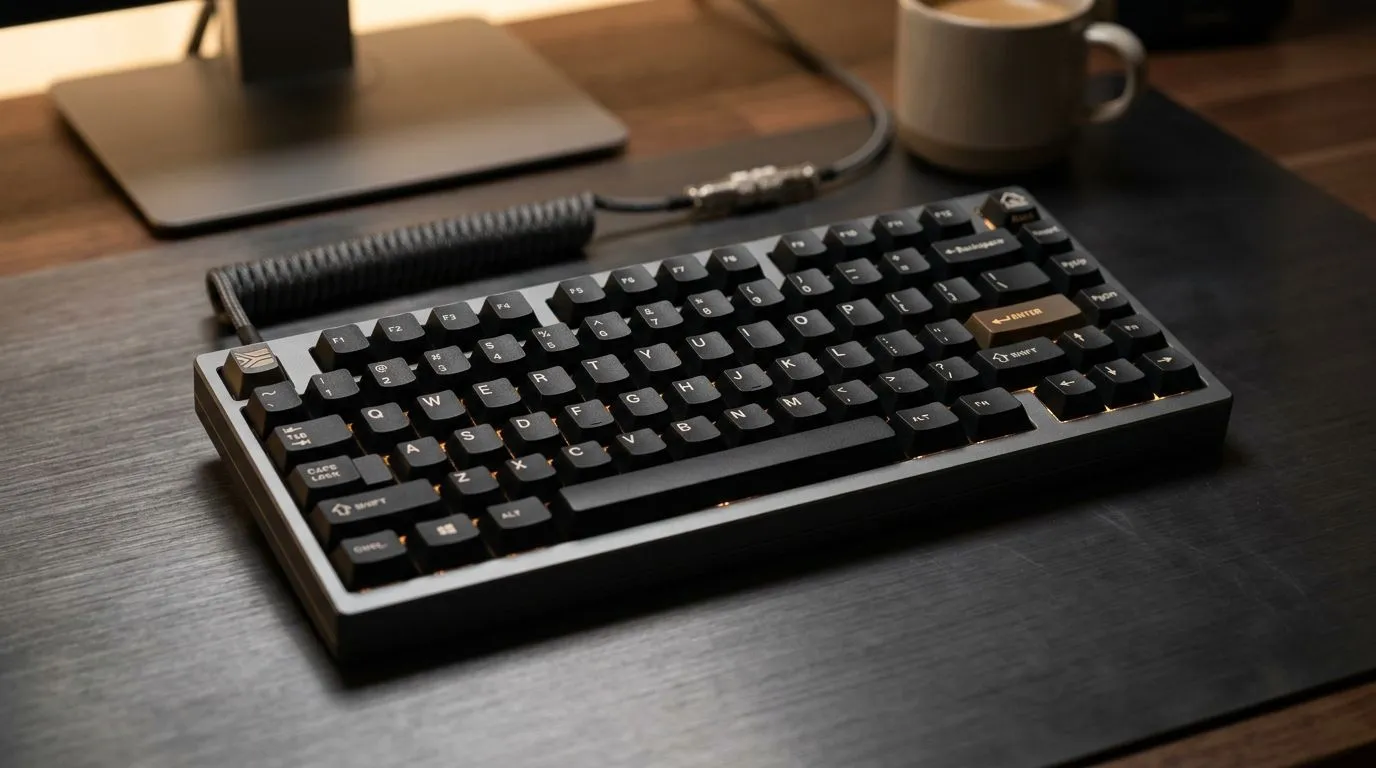
Work-From-Home Deadlines Need the Best Mechanical Keyboard Features for Work-From-Home
If your desk time is stretching into real work… you’ll feel it in your hands. A mechanical keyboard can turn tiring typing into smooth momentum. For South African gamers and buyers, the right switches, layout, and connectivity matter more than flashy RGB. 🔧 Whether you’re answering emails, building spreadsheets, or writing guides after a long match, the “best” keyboard is the one that fits your rhythm.
Best Mechanical Keyboard Features for Work-From-Home: Switch Type That Matches Your Fingers
The biggest decision is switch feel. Mechanical keyboards use different switch designs that change sound, travel, and response. In general:
- Tactile switches give a noticeable bump, great if you want confirmation without bottoming out.
- Linear switches feel smooth, popular with gamers who like consistent keystrokes.
- Clicky switches add audible feedback, but can annoy roommates and open offices.
What to look for: “hot-swap” support, so you can test switch types without soldering. That’s especially useful when you’re unsure if you’ll prefer linear or tactile after a week of WFH.
Key Feel on a Budget: Stabilizers, Keycaps, and Layout Choices
Even a good switch can feel cheap with shaky stabilisers. Look for keyboards that describe stabilised keys (especially the longer keys like Enter, Shift, and Space). For keycaps, PBT keycaps tend to resist shine better than cheaper materials.
Layout is also productivity. A full-size board can help if you use numpad shortcuts in Excel. A tenkeyless (TKL) board saves desk space and keeps you closer to the mouse. Either way, make sure the layout matches how you work.
Productivity Pro Tip ⚡
On work-from-home days, enable keyboard “media controls” and map your most-used shortcuts (play pause, mute, volume) to easy-to-reach keys. It reduces mouse travel and keeps you focused during meetings and recordings.
Best Mechanical Keyboard Features for Work-From-Home: Connectivity That Won’t Let You Down
WFH isn’t just one device. You might jump between laptop, desktop, and even a work-issued machine. Connectivity becomes a feature, not an afterthought.
If you prefer zero lag and simple setup, wired is dependable. If you value cable-free comfort, wireless can be excellent, but you should check for stable connection and battery expectations.
For more keyboard options in South Africa, browse:
- Wired models: cheap wired keyboard deals
- Wireless models: affordable wireless keyboard picks
- If you want the broader range first, start here: the best-value keyboard listings
Best Mechanical Keyboard Features for Work-From-Home: Extra Functions That Actually Help
Beyond the switches, look for features that improve daily flow:
- Dedicated media keys for quick volume/mute during calls
- Programmable keys for shortcuts (you can map macros for copy/paste, browser navigation, or launch apps)
- N-key rollover so fast typing and shortcut combos register correctly
If you also want a matched setup, pairing matters. Getting a compatible desk rhythm often beats chasing random upgrades. For a ready-to-buy bundle, check: keyboard and mouse combos. And if you’re watching your budget, you can compare active deals here: current mechanical keyboard deals. 🚀
FAQ: Quick Checks Before You Buy
Will RGB ruin productivity? Not if you can dim it. Many boards let you set subtle lighting or turn it off. Does a mechanical keyboard reduce fatigue? It can, because consistent key feel and spacing encourages better typing habits. If your keyboard is too heavy or noisy, you’ll notice faster.
Ready to Find Your Perfect Match?
Ready to Find Your Perfect Match? The Mac vs Windows debate is complex, but for maximum power, choice, and value in South Africa, Windows is hard to beat. Explore our massive range of laptop specials and find the perfect machine to conquer your world.











