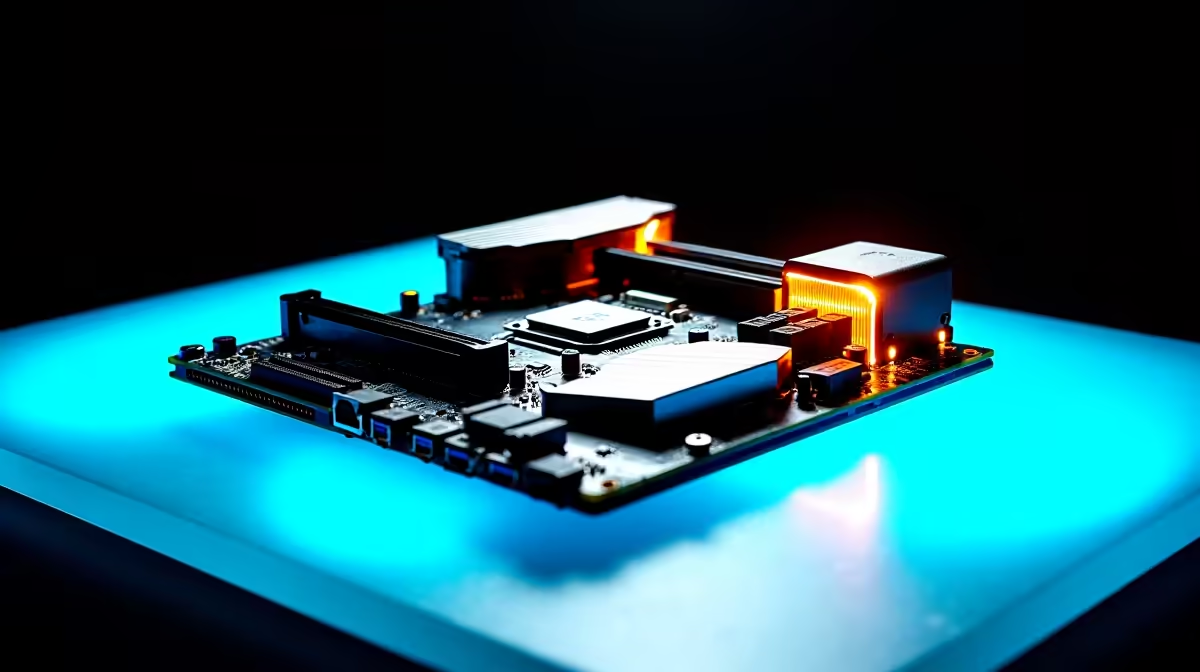
Building a rig in South Africa means making every single ZAR count. When putting together a custom build, it is tempting to blow your entire budget on a flashy graphics card. You might want to cheap out on the rest. But your motherboard is the central nervous system of your rig. Knowing the best motherboard features to prioritise in a mid-range gaming PC budget in South Africa will save you headaches... and cash.
Crucial Features for Mid-Range Builds
Let us look at what actually matters when you are stretching your rands. You do not need a board with liquid cooling armour. You also do not need dual LAN ports for standard 1080p or 1440p gaming. You just need stability, decent connectivity, and room to upgrade.
Solid Power Delivery (VRMs) ⚡
Voltage Regulator Modules (VRMs) control the power going to your CPU. A mid-range board needs decent VRM heatsinks to keep temperatures low under heavy gaming loads. If you are leaning towards Team Blue, look for reliable ASUS Intel motherboards. They offer robust power phases for Core i5 processors. Prefer Team Red? The latest ASUS AMD motherboards provide excellent power delivery for mid-tier Ryzen chips. They do this without breaking the bank.
Fast Storage and PCIe Slots 🚀
Modern games are massive. You need at least two M.2 NVMe slots for fast storage expansion. PCIe Gen 4.0 is the current sweet spot for a mid-tier budget. It ensures your graphics card and SSD run at optimal speeds. When browsing a wide selection of motherboards, always check the spec sheet for Gen 4 support. Gen 5 is great but usually too expensive for a mid-range budget.
Memory Support and Expansion
Your CPU thrives on fast RAM. Ensure your chosen board supports dual-channel memory. You want a board with four DIMM slots so you can easily upgrade later. Pairing your motherboard with compatible high-speed memory kits ensures smooth framerates. It also helps with snappy multitasking while you game and stream.
Compatibility Pro Tip 🔧
Always check the QVL (Qualified Vendor List) on the motherboard manufacturer website before buying RAM. It confirms exactly which memory modules have been tested to run flawlessly at their advertised speeds on your specific board.
Rear I/O Connectivity
Do not forget about the back panel. A good mid-range board should offer plenty of USB ports for your peripherals. Look for at least six USB ports to handle your mouse, keyboard, headset, and webcam. A built-in I/O shield is also a fantastic bonus. It makes installation much easier and protects your components from dust.
Should You Build or Buy Pre-Built? ✨
Sometimes picking individual parts is stressful. Balancing a budget while worrying about BIOS updates can be overwhelming. If you want guaranteed compatibility and full warranty support, exploring the best gaming PC deals is a very smart alternative. You get a perfectly balanced system. The motherboard features are already optimised for the paired hardware. This takes the guesswork out of your mid-range build.
Ready to Build Your Dream Rig?
Finding the right foundation for your PC does not have to be a headache. Whether you are upgrading an old system or starting fresh, we have the perfect components for your budget in South Africa. Explore our massive range of PC components and start building your ultimate gaming machine today.