

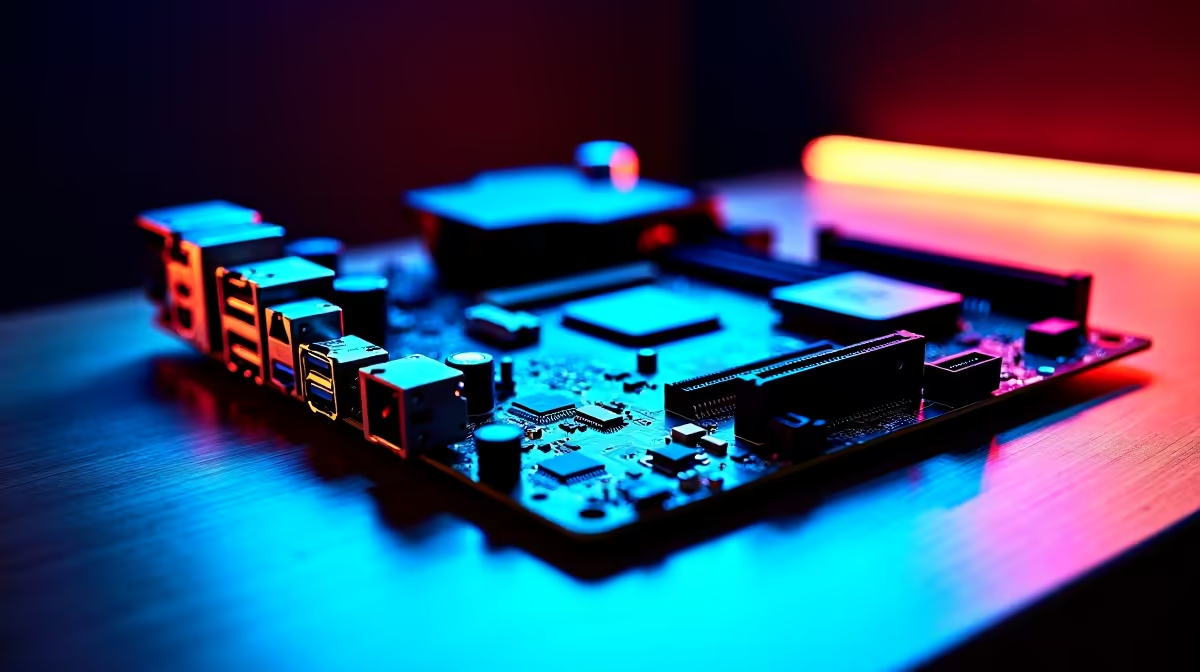
Building a budget gaming rig in South Africa does not mean you have to settle for junk. Finding the best motherboard features to prioritise under R2,500 for a new PC build is crucial on a tight budget. The right board unlocks your system's true potential... while the wrong one throttles your performance. Let us look at what actually matters when every Rand counts.
Crucial Connectivity and Storage Options ⚡
At this price point, you need to be smart about expansion. Do not overpay for Wi-Fi if you plan to use an Ethernet cable. Instead, focus on storage capabilities. A board with at least one PCIe 3.0 or 4.0 M.2 slot is non-negotiable for fast boot times.
When you browse our wide selection of motherboards, look for options offering enough USB ports. You also want a reinforced PCIe x16 slot to safely support heavier, modern graphics cards. Decent onboard audio is another feature you should not ignore. Look for standard Realtek audio chips that deliver clear sound for your gaming headsets.
Picking Your Platform Wisely ✨
Your CPU choice dictates your motherboard socket. Both major camps offer brilliant budget options. If you lean towards team blue, you will find excellent value in ASUS Intel motherboards. Look for B660 or H610 chipsets. These provide solid power delivery for entry-level processors.
On the flip side, the AM4 platform remains a budget builder's dream. Grabbing reliable ASUS AMD motherboards like a B550 gives you incredible upgrade paths. Always check the VRM heatsinks. Better cooling here means your system stays stable during intense gaming sessions. A reliable BIOS interface makes tweaking your system much easier. ASUS boards are well known for their user-friendly BIOS menus... making setup a breeze.
Memory Support for Maximum Speed 🚀
Many budget boards under R2,500 only feature two RAM slots. This is perfectly fine for most gamers... provided you buy the right capacity from the start. At the R2,500 mark, you will primarily be looking at DDR4 memory support. This currently offers the best price-to-performance ratio in South Africa.
Make sure the board supports XMP or DOCP profiles. This helps you get advertised speeds out of your high-performance memory kits. Speeds around 3200MHz to 3600MHz offer the best sweet spot for budget builds.
Memory Upgradability Tip 🔧
If your chosen motherboard only has two RAM slots, always buy a single kit containing two sticks rather than one large stick. Dual-channel memory significantly boosts gaming performance... especially on budget AMD Ryzen processors.
Bringing Your Budget Build Together
Choosing the right motherboard features for a budget PC build is about balance. You want a foundation that handles your current hardware while leaving a little room to grow. If picking individual parts feels overwhelming, you can always explore our curated pre-built gaming PC deals. These systems are already optimised for peak performance and incredible value.
Ready to Start Your Build? Finding the perfect foundation for your gaming rig does not have to break the bank. Explore our massive range of PC components and build the ultimate budget machine today.











