

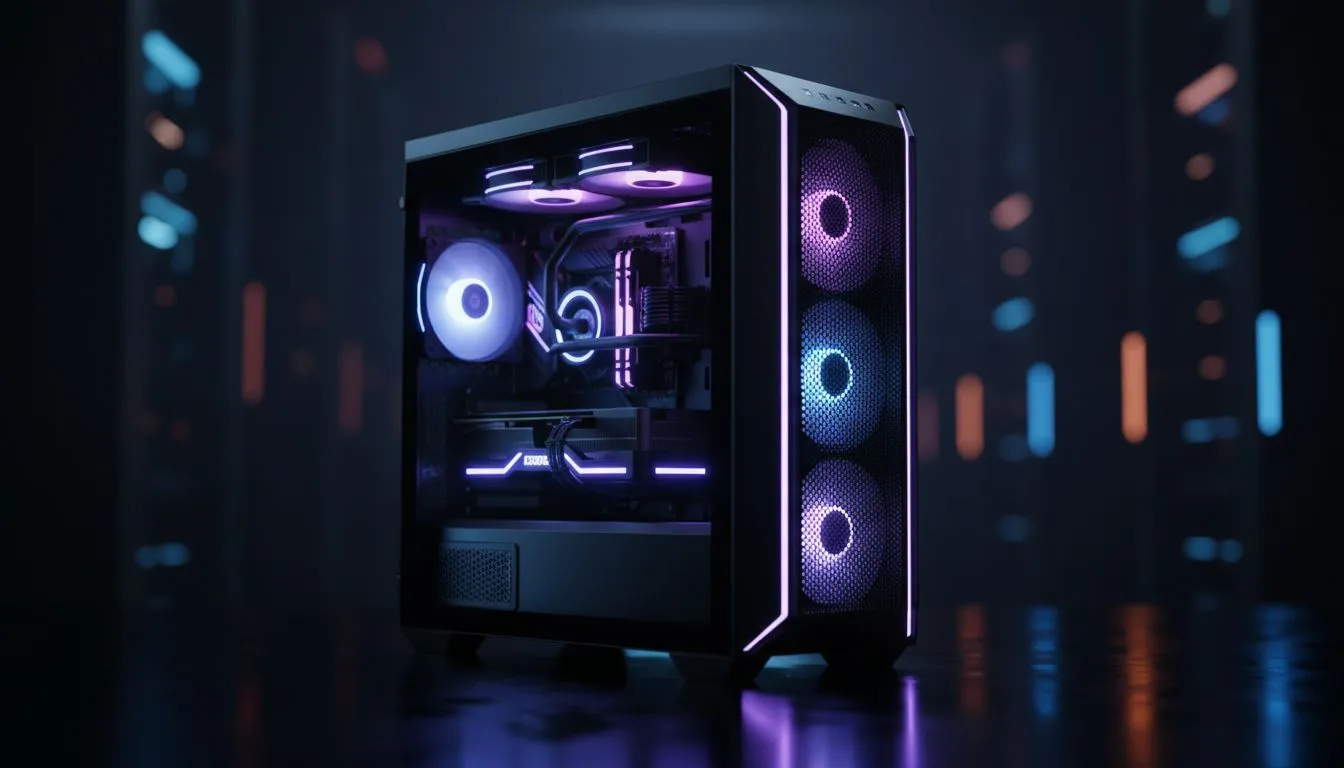
Is your PC sweating more than a Durbanite in February? We have all been there. Your fans are spinning at maximum speed... yet your frame rates are dropping. Finding the best PC case airflow layout is the most affordable way to boost performance. You do not need a liquid nitrogen rig. You just need to understand how air moves through your chassis... let's dive into the science of staying cool. ⚡
Understanding Positive vs Negative Pressure
Airflow balance is the foundation of any cool system. Positive pressure happens when your intake fans move more air than your exhaust fans. This is excellent for dusty South African homes. It forces air out of every small gap... preventing dust from settling in your components. Negative pressure does the opposite. It pulls air through every crack... which often leads to more cleaning labour. Most enthusiasts aim for a neutral or slightly positive balance. You can find a massive selection of computer cases that support various fan configurations to help you achieve this balance.
The Classic Front-to-Back Flow
This setup is widely regarded as the best PC case airflow layout for the average gamer. Cool air enters through the front... passes over the GPU and CPU... and then exits through the rear or top. It is simple and highly effective. If you want a chassis designed specifically for this type of thermal efficiency... Fractal Design PC cases are the gold standard. Their mesh front panels allow for unrestricted intake... ensuring your internal temperatures stay low even during a heavy rendering session.
Dust Management Pro Tip ⚡
Always place your PC on a desk rather than the floor. South African homes can get dusty quickly. Keeping your case elevated prevents the power supply from acting like a vacuum cleaner for carpet fluff. This simple move can drop your PSU temperatures by several degrees without costing a cent.
Optimising Airflow on a Budget
You do not need to spend thousands of Rands to keep your hardware chilly. Many Gamdias gaming cases come with pre-installed fans right out of the box. This saves you the hassle of buying extra cooling hardware later. If you are building a new rig on a strict budget... look for budget-friendly cases under R1500. Even an affordable chassis can perform like a beast if you position your fans to create a clear path for the air. 🔧
Does Top Exhaust Actually Help?
Heat naturally rises... but your fans are much stronger than natural convection. Adding a top exhaust fan helps pull hot air away from the CPU cooler faster. Just be careful with your placement. If you put an intake fan directly next to an exhaust fan... you create a "short circuit". The cool air leaves the case before it even touches your motherboard. Aim for a path that crosses over your hottest parts... like the VRMs and the back of your graphics card. 🚀
Ready to Find Your Perfect Match? The battle against heat is constant, but with the right chassis, you can keep your performance high and your noise levels low. Explore our massive range of computer cases and find the perfect home for your high-performance hardware.











