


PCIe 5.0 vs PCIe 4.0 for Cinematic Story Games in SA
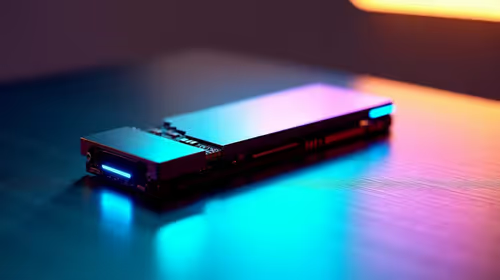
PCIe 5.0 and PCIe 4.0 differ most in lane support, compatibility, and upgrade value for cinematic story games. SA buyers should match the choice to their actual hardware and games.
Read moreThe best portable monitor for a remote worker or digital nomad is a sub-2lb 15.6-inch 1080p IPS USB-C panel that runs off one laptop cable with no wall adapter. Slim enough for any sleeve, it boosts productivity at any cafe or co-working space.
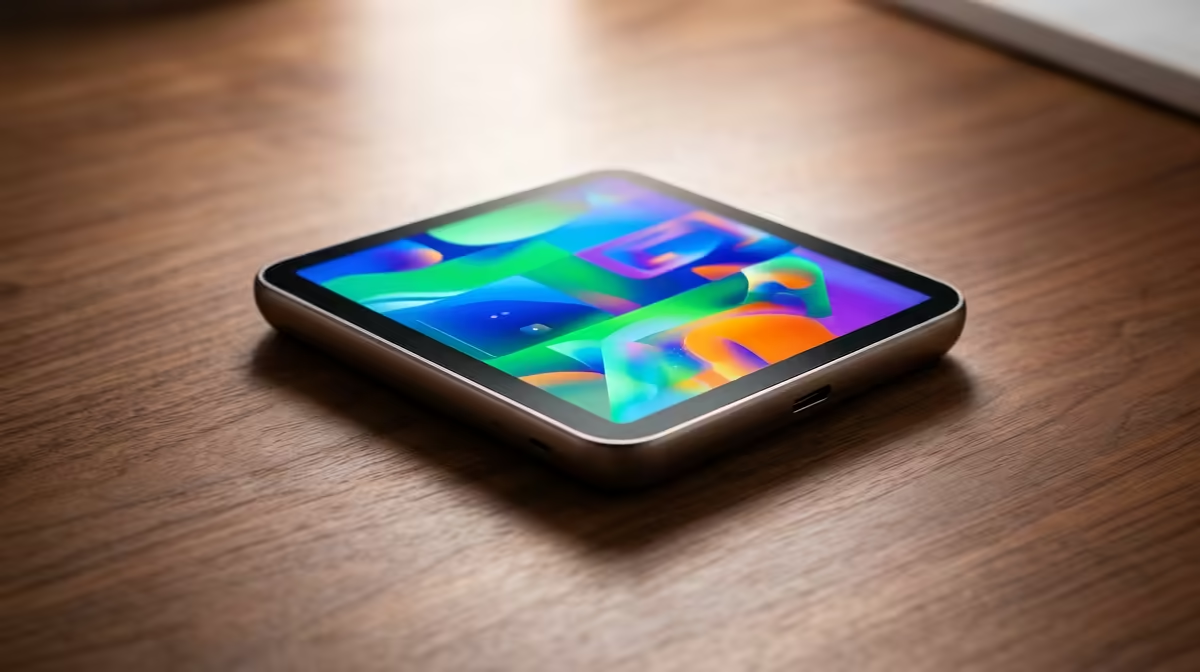
A second screen changes how you work on the move, and the best portable monitor for a remote worker or digital nomad earns its place by being almost invisible in your bag. The target is a sub-2lb, 15.6-inch 1080p IPS panel that runs off a single USB-C cable from your laptop, with no wall adapter to carry. Slim enough to slide into a laptop sleeve, it turns any cafe table, co-working desk or hotel room into a two-screen setup.
The ideal portable monitor for remote work is a 15.6-inch 1080p IPS panel under 2lb that draws power and video from one USB-C cable. No separate charger, no second bag. That single-cable design is the feature that matters most, because it is what makes a second screen something you actually carry rather than leave at home.
A portable monitor lives or dies on how much hassle it adds. The moment it needs a wall adapter, a separate power brick and a video cable, it stops travelling with you. A monitor that takes power and picture from one USB-C cable plugged into your laptop removes that friction entirely. You unfold it, plug in once, and you have a second display.
That one cable does two jobs: it carries the video signal and it pulls power from the laptop's battery or charger. The practical catch is that it draws on your laptop's power budget, so on a long unplugged day a brighter panel will shorten your laptop's runtime. For most cafe and co-working sessions where a charger is within reach, that is a fair trade for the productivity a second screen brings.
If you want to see the current local field, the portable monitor selection at Evetech gathers the travel-friendly panels in one place with pricing, which makes it easy to filter for the size and weight that suit how you move.
15.6 inches is the sweet spot. It roughly matches a standard laptop screen, so the two displays feel like one workspace, and it fits the secondary pocket of most laptop bags. Push to 17 inches and you gain screen but lose the easy carry. Drop to 13 or 14 inches and it tucks away beautifully but starts to feel cramped for spreadsheets. Under 2lb is the line that keeps the monitor from feeling like an extra burden in your daily bag.
A 1080p IPS panel is the right call for travel work. IPS gives you wide viewing angles, so the screen stays readable when you tilt it to share with a colleague across a co-working table, and consistent colour for design and photo tasks. 1080p keeps the power draw modest, which protects your laptop battery, and at 15.6 inches it is sharp enough for documents, code and video calls. A 4K travel panel exists but it pulls more power and costs more for a benefit you rarely notice on a screen this size.
A matte or anti-glare finish is worth seeking out, because remote work happens near windows and under mixed cafe lighting where a glossy screen turns into a mirror. Reasonable brightness helps in bright rooms, but remember every extra nit costs battery when you are running off the laptop.
Look for two USB-C ports rather than one. With a pair, you can feed power into one while the other carries video from the laptop, which lets you keep both the monitor and the laptop charging from a single wall socket on a long day. A mini-HDMI input is a useful bonus, since it lets the same monitor connect to a games console, a camera or a work laptop that only outputs video over HDMI. Check that the monitor supports video over USB-C in the first place, because some cheaper panels carry power on USB-C but still demand a separate HDMI cable for the picture, which defeats the single-cable promise.
The single-cable setup only works if your laptop's USB-C port can carry a video signal, a feature called DisplayPort Alt Mode. Most current laptops support it, but not every USB-C port does, so confirm yours before committing. If your machine lacks it, you fall back to plugging in over HDMI and powering the monitor separately, which still works but loses the tidy one-cable appeal. Thunderbolt ports always carry video, so a Thunderbolt-equipped laptop is a safe bet for the clean setup. This is the one compatibility check worth doing up front, because it decides whether you get the experience the monitor is sold on.
Two designs dominate the travel monitor market. Some panels build a kickstand into the back, which props the screen at a fixed or adjustable angle and adds a little thickness. Others ship with a magnetic folio cover that doubles as a stand, much like a tablet case, protecting the screen in your bag and folding into a prop on the desk. The folio approach usually travels flatter and shields the panel better, while a built-in kickstand can feel sturdier and faster to set up. Neither is clearly better, but knowing which you are buying avoids the surprise of needing a separate stand you did not pack.
Part of the appeal is how little setup there is. A built-in kickstand or a folio cover that props the screen up means no separate stand to pack. Position it beside your laptop at a similar height so your eyes move between the two without strain, keep the brighter screen toward the better-lit side of the table, and you have a genuine dual-monitor desk anywhere you sit. For a feel of how portable panels compare against desktop displays on price and features, the monitor best sellers give a quick frame of reference before you commit.
Anyone whose desk changes location gets value here: a consultant hopping between client offices, a developer who reviews code beside documentation, a student working from res and the library on alternate days, or a freelancer running a brief on one screen and the work on the other. If your job ever spills past a single laptop screen and you are not always at the same desk, a single-cable portable monitor is one of the cheapest upgrades to how much you get done in a day.
15.6 inches is the most practical size. It matches a typical laptop screen for a seamless dual-display feel and still fits the secondary pocket of most laptop bags, while staying under the 2lb weight that keeps it easy to carry.
The best ones do not. A USB-C portable monitor draws both video and power from a single cable to your laptop, so there is no wall adapter to pack. The trade-off is that it uses some of your laptop's battery.
It will use some battery, since it is powered from your laptop. A 1080p panel draws less than a 4K one, and lowering brightness helps. On a long unplugged day, keep a charger handy.
For a 15.6-inch travel screen, 1080p is the sensible choice. It is sharp at that size, uses less power and costs less. A 4K panel adds power draw and price for detail you rarely notice on a screen this small.
Yes. An IPS panel's wide viewing angles make it easy to share with someone beside you, and a second screen lets you keep the call on one display and your notes or slides on the other.
Ready to add a second screen to your mobile setup? Browse the portable monitor selection at Evetech, compare weight and panel specs, and pick the single-cable display that travels as light as you do.
15.6 inches is the most practical size. It matches a typical laptop screen for a seamless dual-display feel and still fits the secondary pocket of most laptop bags, while staying under the 2lb weight that keeps it easy to carry.
The best ones do not. A USB-C portable monitor draws both video and power from a single cable to your laptop, so there is no wall adapter to pack. The trade-off is that it uses some of your laptop's battery.
It will use some battery, since it is powered from your laptop. A 1080p panel draws less than a 4K one, and lowering brightness helps. On a long unplugged day, keep a charger handy.
For a 15.6-inch travel screen, 1080p is the sensible choice. It is sharp at that size, uses less power and costs less. A 4K panel adds power draw and price for detail you rarely notice on a screen this small.
Yes. An IPS panel's wide viewing angles make it easy to share with someone beside you, and a second screen lets you keep the call on one display and your notes or slides on the other.
PCIe 5.0 and PCIe 4.0 differ most in lane support, compatibility, and upgrade value for cinematic story games. SA buyers should match the choice to their actual hardware and games.
Read more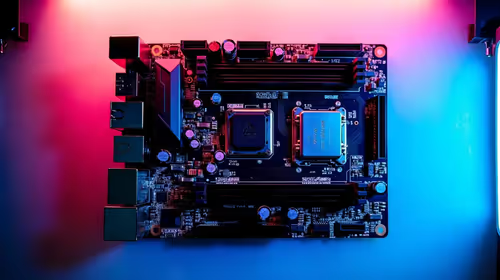
ATX 3.1 vs ATX 3.0 for streaming on Twitch and YouTube buyers - what changes is mostly about compatibility, budget, upgrade path, and setup fit. SA buyers should check device support and real needs before expecting a clear win from either option.
Read more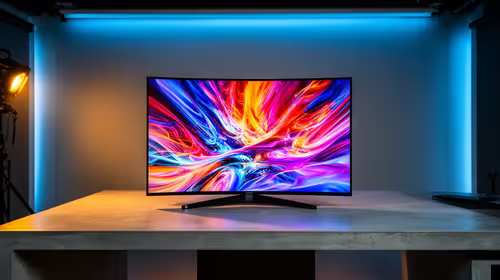
OLED vs Mini-LED for video editing in 4k is mainly about fit, features, compatibility, cost, and upgrade path, not one automatic winner. SA buyers should match the choice to the setup.
Read more
The real world difference between IPS and VA for streaming on Twitch and YouTube is colour consistency versus contrast. For SA creators, match the panel to OBS previews, chat visibility, camera work, and long editing sessions after live streams.
Read more
IPS vs OLED for Couch Co-Op Gaming comes down to contrast, motion, burn-in care, refresh needs, desk use, and game type. SA buyers should match the choice to their setup instead of assuming one option always wins.
Read more
FSR 4 and FSR 3.1 affect competitive esports only if they preserve clarity, latency, and stable frame pacing. SA players should compare response feel, motion quality, and support in the specific titles they grind.
Read more
Wi-Fi 7 vs Wi-Fi 6e for cinematic story games comes down to router support, latency goals, device compatibility, and coverage. SA buyers should match the choice to the real network setup.

The real world difference between PCIe 5.0 and PCIe 4.0 for MMO and live-service games is usually about loading, patches, and headroom. SA players should weigh NVMe speed, GPU lanes, CPU limits, and platform cost.

Windows 11 gaming laptop dead pixel checks begin with a full-screen colour test. This how to fix dead pixel windows 11 gaming laptop guide helps SA users compare settings, drivers, external screens, and warranty routes.

AM5 motherboard stuck pixel fixes in South Africa start with panel, cable, GPU output, and Windows checks. Use a clean test path before blaming the motherboard or replacing screen hardware.

FPS drops blamed on a wireless mouse often point to input, driver, USB, network, or system-load checks. Use a quick SA-friendly troubleshooting flow to isolate software, firmware, thermals, storage, and game settings before replacing hardware.

How to fix fps drops on steam deck starts with power profile, shader cache, storage health, and per-game settings. For South Africa, check charger quality, heat, and download stability before assuming the handheld needs repair. Retest after updates.

How to fix low FPS after an RTX 5080 build upgrade starts with driver cleanup, display settings, thermals, and power mode. For SA gamers, verify GPU usage, PCIe speed, RAM profile, and CPU limits before changing parts.

Hollow Knight Silksong at 4K needs a GPU matched to settings, VRAM, CPU balance, and monitor goals. Use this SA guide to compare tiers without treating FPS target or prices as fixed.
How to fix FPS drops after a Ryzen 9 9950X3D starts with BIOS, chipset, EXPO, power, and GPU driver checks. It helps isolate upgrade stutter on high-end SA gaming rigs before you change hardware, reinstall Windows, or retune cooling.
PCIe 5.0 and PCIe 4.0 differ most in lane support, compatibility, and upgrade value for cinematic story games. SA buyers should match the choice to their actual hardware and games.

FPS drops Windows 11 mechanical keyboard issues can come from USB polling, keyboard utilities, power settings, or overlays. This gaming checklist helps test input-device causes before deeper GPU or CPU troubleshooting.
ATX 3.1 vs ATX 3.0 for streaming on Twitch and YouTube buyers - what changes is mostly about compatibility, budget, upgrade path, and setup fit. SA buyers should check device support and real needs before expecting a clear win from either option.