

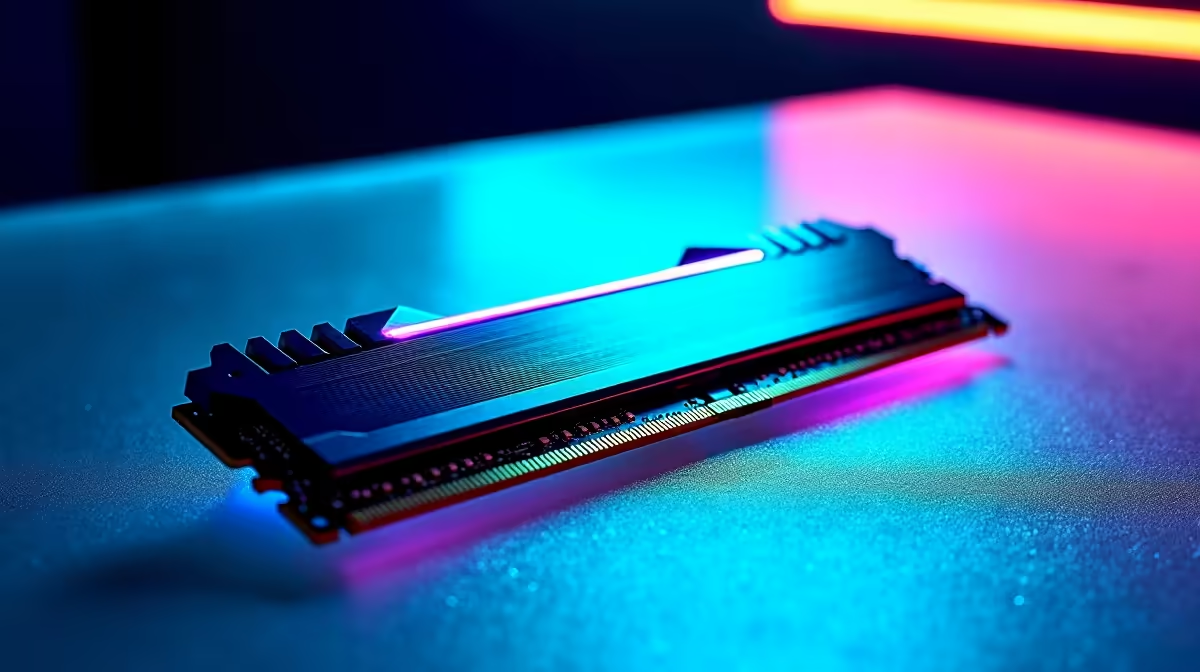
So, you've got the heart of your gaming rig sorted: the legendary AMD Ryzen 5 5600X. Lekker! But pairing this CPU with the wrong memory is like putting retreads on a sports car… you're just leaving performance on the table. Choosing the best RAM for your Ryzen 5 5600X isn't just about capacity; it's about speed, synergy, and unlocking that buttery-smooth frame rate you're chasing. Let's get it sorted.
Why Your RAM Choice is Crucial for the 5600X
The Ryzen 5 5600X, like all its Ryzen siblings, has a special relationship with RAM speed. It's all thanks to something called the Infinity Fabric Clock (FCLK). Think of it as the super-fast highway connecting different parts of your CPU. For optimal performance, you want your memory clock and the FCLK to run at the same speed (a 1:1 ratio). Hitting this balance reduces latency, giving you a snappier, more responsive system in everything from Apex Legends to Adobe Premiere. While you fine-tune these core specs, don't neglect the basics that keep your battle station powered up. A reliable charger for under R500 ensures your phone and other peripherals are always ready for action.
Pro Tip: Don't Forget to Enable XMP/DOCP! 💡
Your new RAM will likely run at a slower, default speed out of the box. To get the advertised speeds (e.g., 3600MHz), you must jump into your PC's BIOS and enable its XMP (Extreme Memory Profile) or DOCP (Direct Overclock Profile). It’s usually a one-click setting that gives you a free, massive performance boost.
Finding the Best RAM for Your Ryzen 5 5600X Build
So, what's the magic number? For the 5600X, the performance sweet spot is widely considered to be 3600MHz RAM. This speed typically allows the Infinity Fabric to run at a stable 1800MHz, achieving that perfect 1:1 ratio without needing complex manual tuning. This is the optimal memory for a Ryzen 5 5600X if you want maximum performance without breaking the bank. Let's look at some top picks to match your budget and style.
The Performance Sweet Spot: 3600MHz CL16/CL18
This is the go-to recommendation. A 16GB (2x8GB) kit of 3600MHz RAM with a CAS Latency (CL) of 16 or 18 offers the best blend of speed and value for a 5600X build. It provides a noticeable uplift in gaming performance over slower kits and will handle any modern title with ease.
The Budget-Savvy Option: 3200MHz CL16
Building on a tighter budget? No stress. A quality 3200MHz CL16 kit is still a fantastic choice and a huge step up from older standards. The real-world gaming difference between 3200MHz and 3600MHz is often just a few frames per second, saving you a couple of hundred ZAR that you can put towards other parts of your setup, like quality-of-life upgrades from well-known brands like Promate for your charging needs.
How Much RAM Capacity Do You Need? 🚀
Choosing the right capacity is just as important as speed when selecting RAM for your 5600X. Your decision here boils down to your primary use case.
For most South African gamers, 16GB (in a 2x8GB configuration for dual-channel performance) is the perfect amount. It's more than enough to run the latest AAA games, have Discord open, and even a few browser tabs without your system breaking a sweat.
However, if you're a streamer, a content creator, or someone who loves to future-proof their rig, stepping up to 32GB (2x16GB) is a smart move. It gives you incredible headroom for multitasking and ensures your PC remains a powerhouse for years to come. This kind of long-term thinking also applies to your peripherals; investing in solid charging accessories under R1000 means you won't have to worry about them for a long time.
Power Up Your Entire Setup Getting the right RAM is a huge step, but a truly optimised rig considers every detail. Ensure all your devices are ready for action with our massive range of PC components and chargers at Evetech for performance that leaves lag in the dust.











