


Complete Guide: Setting Up Monitor Light
Setting Up Monitor Light. Tested & verified settings for best FPS and visual quality on SA hardware budgets.
Read moreDiscover top rugged laptops with removable mesh intake for quick, hassle-free cleaning. Boost performance and durability 🚀💻 | Evetech.
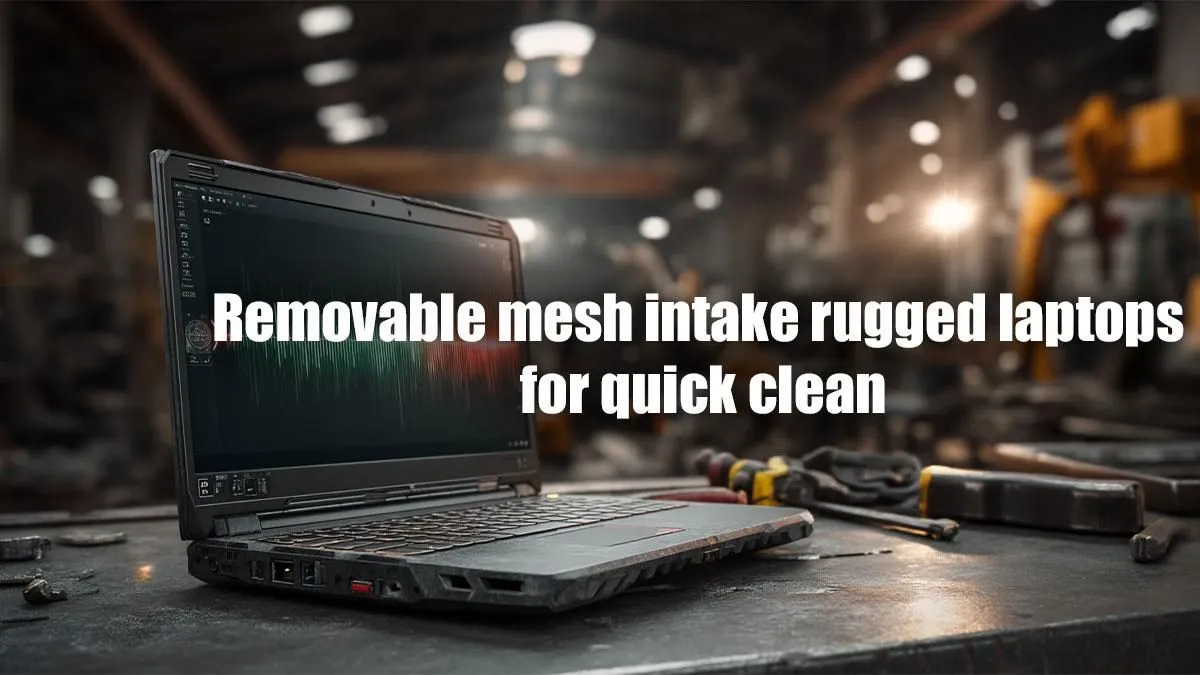
South Africa's dust is legendary. It gets everywhere… especially into the delicate fans and heatsinks of your performance laptop. Before you know it, your rig is running hotter, louder, and slower. What if the solution was as simple as cleaning a filter? We're diving into the world of the best removable mesh intake rugged laptops, built to withstand the Highveld dust and keep your frames high. 🔧
Let's be honest, nobody enjoys the deep-cleaning ritual of disassembling a laptop just to blow out dust bunnies. Yet, neglecting it is a performance killer. Dust acts like a blanket, trapping heat and forcing your system to thermal throttle—that's when your CPU and GPU deliberately slow down to avoid damage. The result? Stuttering gameplay and sluggish performance, right when you need it most.
A laptop with a removable mesh intake tackles this problem head-on. It's a simple but brilliant innovation: a fine, easily accessible filter that traps dust before it enters the main chassis. This means better airflow, cooler components, and a longer lifespan for your machine. For anyone serious about performance, considering one of these durable machines from the latest top-tier gaming laptop deals is a smart move.
This isn't just about a single feature; it's about a design philosophy built for durability and sustained performance. These machines are engineered to take a beating and keep on going.
These features combine to create a system that's not just tough, but also incredibly easy to maintain, ensuring you get peak performance for years.
Maintaining one of these rugged laptops for easy cleaning is refreshingly simple. Forget the screwdrivers and anxiety.
When using compressed air, always hold the can upright and use short bursts from about 15cm away. This prevents propellant liquid from spraying onto your components. Never use a vacuum cleaner directly on internal electronics!
This tiny bit of maintenance can have a massive impact on your laptop's thermal performance, especially if you're pushing one of the latest CPUs found in our Intel laptops on special to its limits during intense gaming sessions.
Ready for a Dust-Proof Performance Boost? Stop letting dust dictate your FPS. Explore our wide range of durable and high-performance notebooks built for South African conditions. Shop all laptop specials at Evetech for a rig that stays cool under pressure.
They allow quick cleaning to prevent dust buildup and maintain performance.
Yes, they're built to withstand tough conditions like dust and impact.
The mesh filters dust while allowing proper ventilation for cooling.
Brands like Dell, Lenovo, and Panasonic have models with removable mesh.
Yes, easily removable design allows for user-friendly cleaning without tools.
They feature durable builds, resistant to drops, water, dust, and extreme temperatures.
For superior durability and performance in challenging work environments.
Setting Up Monitor Light. Tested & verified settings for best FPS and visual quality on SA hardware budgets.
Read more
Assassins Creed Shadows Ultrawide Support: 21:9. Clear setup instructions with SA-specific considerations, troubleshooting tips & recommended components.
Read more
Complete Gaming Setup Guide for the Collector. Clear setup instructions with SA-specific considerations, troubleshooting tips & recommended components.
Read more
Will the Steam Deck 2 Have an OLED Screen? Leaked. Plain-English explanation of what it means, why it matters & how it affects your buying decisions in SA.
Read more
Setting Up Ultrawide 144Hz. Tested & verified settings for best FPS and visual quality on SA hardware budgets.
Read more
Kingdom Come: Deliverance 2 Ultrawide Support. Clear setup instructions with SA-specific considerations, troubleshooting tips & recommended components.
Read more
When Will the RTX 6090 Launch in South Africa Detailed answer with SA data, expert analysis & practical recommendations for local buyers.

Top Valorant Settings for RTX 5070: FPS Optimisation picks evaluated on performance, value & SA availability with current Rand pricing from Evetech.

RDNA 3.5 Graphics in Ryzen AI 400? Can You Game. Plain-English explanation of what it means, why it matters & how it affects your buying decisions in SA.

GPU Price Index : December Report. Current stock data & price tracking for SA buyers. See what is available and where prices are heading.

Core i5-14600K + B760 + RTX 5060 Build Under. Full parts list, Rand pricing & expected performance. Build confidently with SA-available components.

RX 7600 Apex Legends at 4K: FPS Benchmark. Real-world benchmark data, FPS numbers & performance analysis. What SA gamers can actually expect.

RX 7900 XTX GTA 6 at 4K: FPS Benchmark & Optimal. Real-world benchmark data, FPS numbers & performance analysis. What SA gamers can actually expect.

Head-to-head comparison of RTX 5070 vs RX 9070 XT: Gaming Performance for SA gamers. Performance benchmarks, Rand pricing & which delivers better value.

Starfield Max Settings on RTX 5070. Tested & verified settings for best FPS and visual quality on SA hardware budgets.

Top RX 7800 XT Model Under R8,000 picks evaluated on performance, value & SA availability with current Rand pricing from Evetech.

RTX 5070 Valorant Optimised Settings: Graphics. Real-world benchmark data, FPS numbers & performance analysis. What SA gamers can actually expect.

Top Laptop with Core i7 + RX 7700S: Picks picks evaluated on performance, value & SA availability with current Rand pricing from Evetech.