


Humidity Damage to PC Components: Recovery Guide
Humidity Damage to PC Components: Recovery Guide. Everything you need to know with SA pricing, step-by-step instructions & expert recommendations.
Read moreFind the best SSD setup for work-from-home users handling large files in South Africa. Boost load speeds and backups with the right capacity, NVMe vs SATA, and simple workflow. 🚀💾
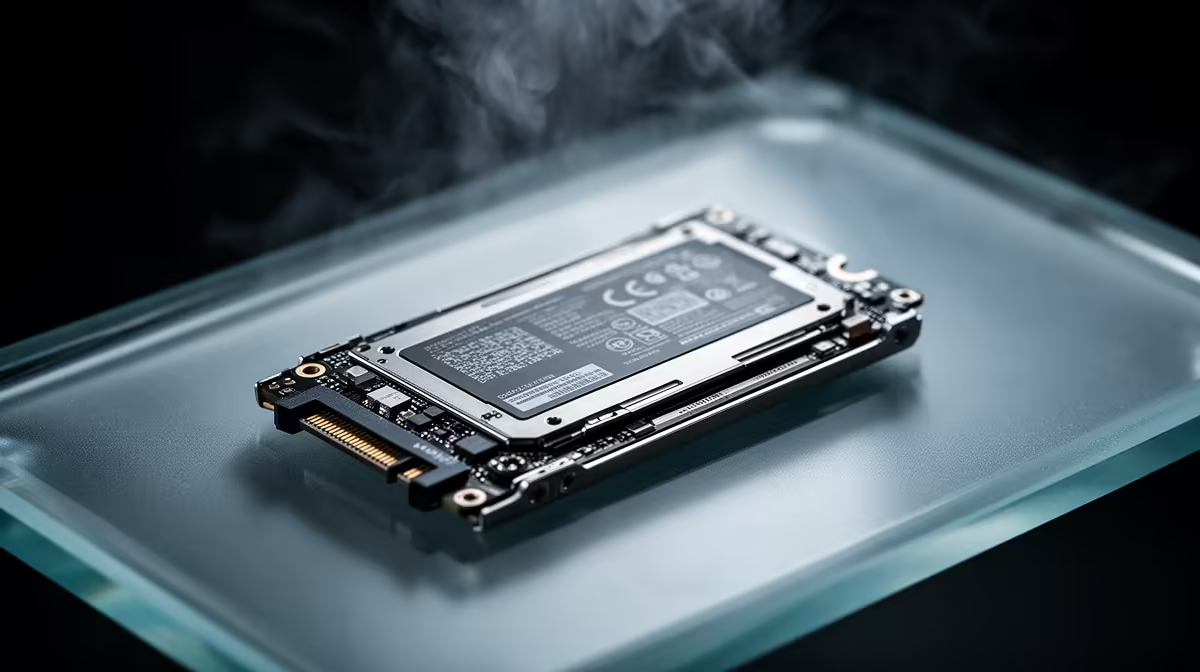
If you’re working from home in South Africa, you’ve probably felt it… the moment your laptop “thinks” instead of working. Large photo imports lag. Video exports stall. Game installs and editing timelines fight for disk time.
A fast drive doesn’t just feel snappier. It protects your productivity. That’s why this guide focuses on the Best SSD Setup for Work-from-Home Users Handling Large Files. We’ll cover capacity, form factor, and what to choose so your files stay quick, secure, and backed up.
Before you shop, estimate your workload. Not the vague “I store lots of stuff” answer. Do a quick count:
For most work-from-home users handling large files, capacity matters more than people expect. A drive that’s always near full gets slower, and Windows needs room to manage temporary files.
If you’re also gaming on the same machine, plan shared space too. Game updates plus media libraries add up fast.
You’ll usually get the biggest improvement by moving to a modern NVMe SSD (especially for large transfers and app loading). For your exact build choices, Evetech stocks a wide selection, including options by brand, form factor (like M.2 2280), and interface (including newer PCIe generations).
On Windows, keep your scratch cache folders on the SSD that holds your active projects (not your documents drive). In many creative tools you can change “cache location” in settings, which reduces write bottlenecks during exports and reduces stutter when scrubbing footage.
The easiest upgrade is often installing an M.2 NVMe SSD if your system supports it. M.2 2280 is a common size, and it keeps your build clean without extra cables.
If your device only supports SATA, you can still improve responsiveness, but you’ll want to manage expectations for very large file workflows.
Evetech makes it easy to browse by form factor and interface, so you can match your motherboard and workload without guessing:
A simple setup can outperform an “all-in-one” drive. Consider:
This reduces fragmentation pressure and helps keep your primary workflow consistently fast. It’s especially useful when your job includes large video renders, raw imports, or frequent dataset updates.
If your build supports it, confirm the physical fit (like M.2 2280) and the interface support (like newer PCIe generations). Use Evetech filters to narrow it down fast:
A fast SSD won’t protect you from deletion, corruption, or ransomware. Pair your setup with a backup routine:
Use this before you checkout:
If your current system feels sluggish when handling big projects, upgrading storage is one of the most practical, measurable changes you can make. ⚡
Ready to Find Your Perfect Match? The Mac vs Windows debate is complex, but for maximum power, choice, and value in South Africa, Windows is hard to beat. Explore our massive range of laptop specials and find the perfect machine to conquer your world.
Use an NVMe SSD as your primary drive for apps and active projects, then add a larger SSD or external SSD for working files and fast transfers, plus backups.
For heavy file workflows, NVMe is usually faster for loading and transfers. SATA SSD still helps with cost, capacity, and basic workloads.
A practical starting point is 1TB for active projects, with 2TB–4TB for sustained work. Larger libraries and caches benefit from more headroom.
Yes. External SSDs make it easy to move projects, expand storage, and create an off-system copy for backups, especially when working across devices.
RAID can improve speed, but backups are still required. For most WFH users, a single fast NVMe plus reliable backup copies is simpler and safer.
Use the 3-2-1 rule: keep at least two copies on different media (internal SSD and external SSD/HDD) and verify restores occasionally.
Enable TRIM, keep firmware updated, leave free space, monitor SSD health, and avoid filling drives to 0% capacity for long periods.
Set your photo/video catalog on a fast NVMe SSD, store originals on a larger SSD, and use an external SSD for quick exports and backup copies.
Humidity Damage to PC Components: Recovery Guide. Everything you need to know with SA pricing, step-by-step instructions & expert recommendations.
Read more
Gamer Spending Trends April : Complete Setups. Clear setup instructions with SA-specific considerations, troubleshooting tips & recommended components.
Read more
Setting Up DDR5 32GB Kit. Tested & verified settings for best FPS and visual quality on SA hardware budgets.
Read more
Tech Setup Guide for SPU Res Students. Clear setup instructions with SA-specific considerations, troubleshooting tips & recommended components.
Read more
Monster Hunter Wilds Ultrawide Support: 21:9 and. Clear setup instructions with SA-specific considerations, troubleshooting tips & recommended components.
Read more
Apple iPad Durability Guide: Cases, Screen. Practical breakdown of costs, regulations & whether it makes financial sense for SA buyers.
Read more
AMD RX 9050 XT: Rumoured Specs, Price & Release. SA-focused analysis with local pricing data, real-world insights & actionable buying advice.

Can RTX 4080 Super Run AI Workloads for SA Developers Detailed answer with SA data, expert analysis & practical recommendations for local buyers.

Can RTX 4090 Run AI Workloads for SA Developers Detailed answer with SA data, expert analysis & practical recommendations for local buyers.

Top Settings for Intel Arc B580 at Ultrawide 1440p picks evaluated on performance, value & SA availability with current Rand pricing from Evetech.

RTX 4060 CS2 Low Settings at 1080p: FPS Results. Real-world benchmark data, FPS numbers & performance analysis. What SA gamers can actually expect.

Visual Artifacts: Possible GPU Issue Issue #1. Diagnosis steps, proven fixes & when to seek professional help. SA-specific support info included.

Can the RTX 4090 Handle 1440p 144Hz Gaming. Performance testing verdict with real data & practical recommendations for SA buyers.

Top ASUS GPU Under R15000 picks evaluated on performance, value & SA availability with current Rand pricing from Evetech.

GTA 6 Max Settings on RTX 5070. Tested & verified settings for best FPS and visual quality on SA hardware budgets.

Cyberpunk 2077 Max Settings on RTX 5080. Tested & verified settings for best FPS and visual quality on SA hardware budgets.

Starfield Max Settings on RTX 5070 Ti. Tested & verified settings for best FPS and visual quality on SA hardware budgets.

Top RTX 5090 Under R5000 picks evaluated on performance, value & SA availability with current Rand pricing from Evetech.