


Humidity Damage to PC Components: Recovery Guide
Humidity Damage to PC Components: Recovery Guide. Everything you need to know with SA pricing, step-by-step instructions & expert recommendations.
Read more🔍 Struggling with harsh lighting? These webcams deliver crystal-clear video in any environment! 🌞 Check our top picks to 💯 upgrade your streaming quality.
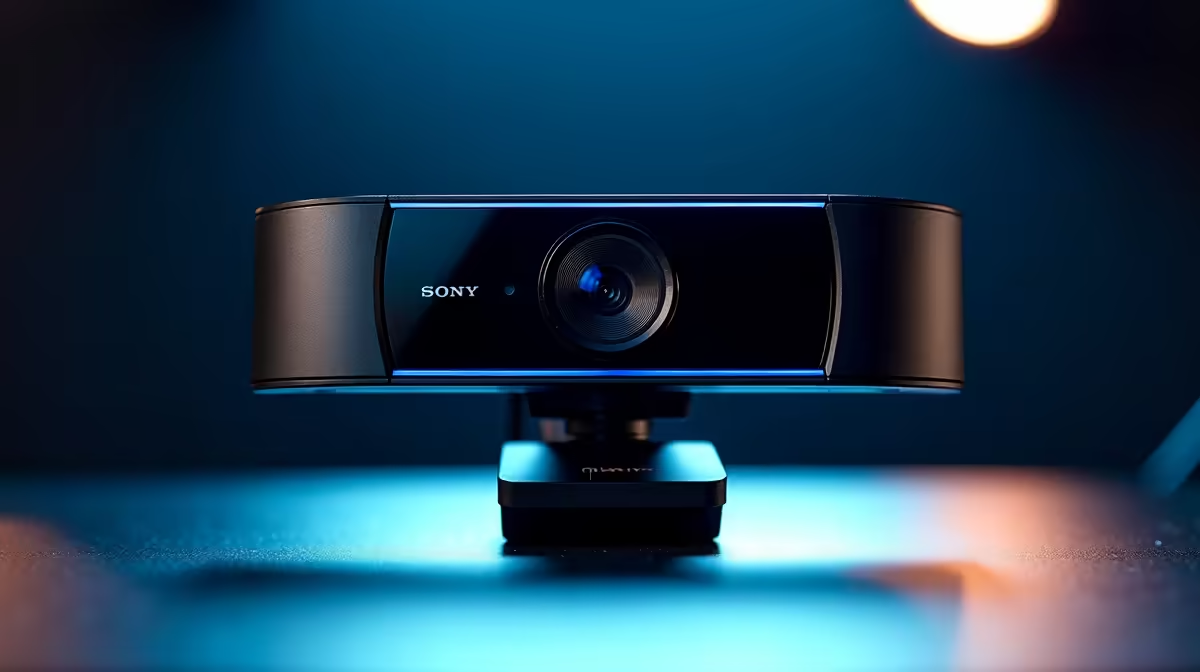
You know the feeling. You’re trying to look professional on a Teams call, but the Jozi sun behind you has turned you into a mysterious silhouette. Or maybe you’re streaming, and your face cam looks like it was filmed on a potato from 2005. Bad lighting is the enemy of clear video, but the solution is simpler than you think. Finding one of the best webcams for harsh lighting conditions will fix your video woes for good. ✨
That tiny camera built into your laptop bezel is a marvel of engineering, but it's not designed for difficult lighting. The core problem lies with its tiny sensor and lens. They can't capture enough light information to balance a very bright background (like a window) with a darker foreground (your face). This is called a lack of dynamic range.
The result? Your camera makes a choice. It either exposes for the bright background, plunging you into shadow, or it exposes for you, blowing out the window into a white blaze. A dedicated webcam, even an affordable one, is one of the single biggest upgrades you can make to your setup. You can find some surprisingly capable webcams for under R1000 that will instantly outperform any built-in camera.
When you're hunting for a webcam that can handle bad lighting, a few key specifications matter more than megapixels. Look for these features to ensure you get a crisp, well-lit image every time.
This is the most important feature for combating harsh backlighting. An HDR-capable webcam essentially takes multiple exposures at once and intelligently merges them. It combines the detail from the dark parts of the image with the detail from the bright parts, creating a single, balanced video feed. This is how you get a clear view of your face and the view outside your window. It's a common feature in many of the best webcams under R2000, offering incredible value.
A larger, higher-quality sensor can physically gather more light. This leads to a cleaner, less grainy image, especially in low-light situations (not just bright ones). Paired with a good glass lens, it ensures maximum clarity and colour accuracy. You don't need to be a photography expert; just know that better hardware is the foundation of a better picture. 📸
Don't rely on 'Auto' mode. Dive into your webcam's software (like Logitech G Hub or Razer Synapse) and manually lock the exposure, white balance, and focus. This stops the camera from constantly readjusting when you move, giving your stream a much more professional and stable look.
You don't need to spend a fortune to get a webcam that excels in difficult lighting. The key is to match the features to your needs.
For daily work-from-home meetings, presentations, and casual streaming, a solid 1080p webcam with HDR is the perfect sweet spot. It provides a massive leap in quality over a built-in camera without unnecessary bells and whistles.
For those who demand flawless quality for professional calls or a growing Twitch stream, exploring the options up to R3000 unlocks premium sensors, superior low-light performance, and advanced software controls. These models are the top choice for creators who need a reliable, high-fidelity image no matter the lighting conditions.
Ready to Step Into the Light? Stop letting bad lighting dictate your video quality. Browse Evetech's full range of webcams and find the perfect crystal-clear solution for your setup today.
Look for HDR features and automatic brightness compensation.
Cameras with WDR (Wide Dynamic Range) process backlit environments effectively.
Some models use smart glare reduction algorithms in harsh light.
Adjust exposure and enable lighting optimization features.
Higher-end models often provide more lighting control options.
Quality webcams use dynamic range adjustments for consistent lighting.
Choose webcams with adaptive lighting features for office environments.
Humidity Damage to PC Components: Recovery Guide. Everything you need to know with SA pricing, step-by-step instructions & expert recommendations.
Read more
Gamer Spending Trends April : Complete Setups. Clear setup instructions with SA-specific considerations, troubleshooting tips & recommended components.
Read more
Setting Up DDR5 32GB Kit. Tested & verified settings for best FPS and visual quality on SA hardware budgets.
Read more
Tech Setup Guide for SPU Res Students. Clear setup instructions with SA-specific considerations, troubleshooting tips & recommended components.
Read more
Monster Hunter Wilds Ultrawide Support: 21:9 and. Clear setup instructions with SA-specific considerations, troubleshooting tips & recommended components.
Read more
Apple iPad Durability Guide: Cases, Screen. Practical breakdown of costs, regulations & whether it makes financial sense for SA buyers.
Read more
AMD RX 9050 XT: Rumoured Specs, Price & Release. SA-focused analysis with local pricing data, real-world insights & actionable buying advice.

Can RTX 4080 Super Run AI Workloads for SA Developers Detailed answer with SA data, expert analysis & practical recommendations for local buyers.

Can RTX 4090 Run AI Workloads for SA Developers Detailed answer with SA data, expert analysis & practical recommendations for local buyers.

Top Settings for Intel Arc B580 at Ultrawide 1440p picks evaluated on performance, value & SA availability with current Rand pricing from Evetech.

RTX 4060 CS2 Low Settings at 1080p: FPS Results. Real-world benchmark data, FPS numbers & performance analysis. What SA gamers can actually expect.

Visual Artifacts: Possible GPU Issue Issue #1. Diagnosis steps, proven fixes & when to seek professional help. SA-specific support info included.

Can the RTX 4090 Handle 1440p 144Hz Gaming. Performance testing verdict with real data & practical recommendations for SA buyers.

Top ASUS GPU Under R15000 picks evaluated on performance, value & SA availability with current Rand pricing from Evetech.

GTA 6 Max Settings on RTX 5070. Tested & verified settings for best FPS and visual quality on SA hardware budgets.

Cyberpunk 2077 Max Settings on RTX 5080. Tested & verified settings for best FPS and visual quality on SA hardware budgets.

Starfield Max Settings on RTX 5070 Ti. Tested & verified settings for best FPS and visual quality on SA hardware budgets.

Top RTX 5090 Under R5000 picks evaluated on performance, value & SA availability with current Rand pricing from Evetech.