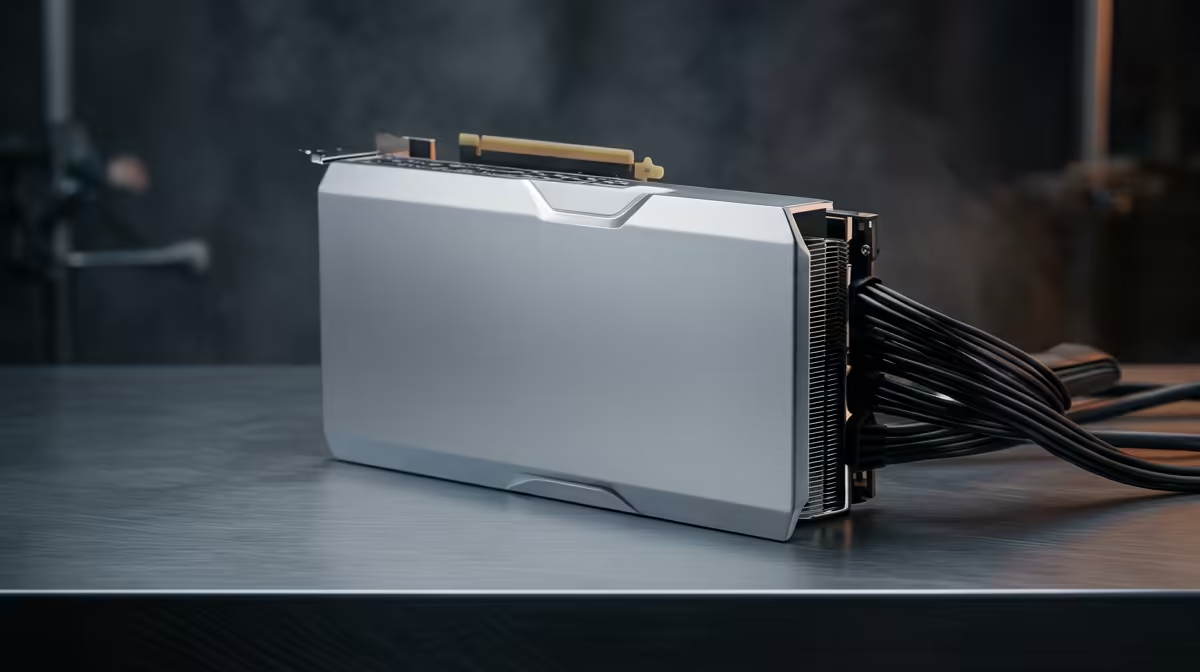
When a Blender scene or an 8K timeline runs out of VRAM, the render does not slow down gracefully, it simply fails or falls back to system memory and crawls. That single wall is why creators chasing the best workstation GPU in 2026 keep landing on the RTX PRO Blackwell line, where the flagship RTX PRO 6000 carries 96GB of GDDR7 with ECC, enough headroom to keep the largest workloads entirely on the card.
Quick Answer
The RTX PRO 6000 Blackwell is the top workstation GPU for 2026, with 96GB GDDR7 ECC and 24,064 CUDA cores for the biggest scenes and datasets. For most creators, the GeForce RTX 5090 or the RTX PRO 4500 deliver better price-to-performance, and the right pick depends entirely on your workflow and VRAM needs.
Why VRAM, not raw speed, leads the decision
For gaming, you chase frame rates. For creative work, you chase memory first. A 3D scene with high-resolution textures, a large simulation, or an AI model that does not fit in VRAM either fails outright or spills into slower system memory, tanking performance. The amount of VRAM sets the ceiling on what you can even attempt.
That is why the RTX PRO 6000's 96GB is the headline. It lets an architect render an entire city block, a VFX artist hold a massive particle simulation, and an AI developer load a large model, all without splitting the job. ECC memory adds error correction so long renders and training runs do not corrupt silently, which matters when a job runs for hours. The full professional lineup is laid out in the workstation graphics card range for direct comparison.
The Blackwell lineup, tier by tier
RTX PRO 6000 Blackwell: the no-compromise tier
This is the card for studios and professionals whose work genuinely exceeds consumer VRAM. With 96GB ECC and over 24,000 CUDA cores, it handles the heaviest 3D rendering, large-scale simulation, and AI training without VRAM ever being the bottleneck. Fifth-generation Tensor Cores deliver up to three times the AI throughput of the previous generation, and fourth-generation RT Cores bring up to twice the ray-tracing performance. It commands a significant premium and is aimed squarely at people who lose real money when a render fails, not at hobbyists.
RTX PRO 4500 and the mid-professional tier
The PRO 4500 and its siblings bring professional features, ECC memory, certified drivers, and generous VRAM, at a more approachable price. For motion designers, mid-size 3D scenes, and CAD professionals, this tier often hits the sweet spot, giving workstation reliability without paying for capacity you will never fill. The memory bandwidth and driver certification cover most studio workflows without the flagship's overhead.
Where the GeForce RTX 5090 fits
The consumer RTX 5090 is a serious creator card in its own right. It carries 32GB of GDDR7, plenty for most 3D, video, and AI workflows, and its raw rendering throughput rivals far pricier professional cards in many applications. What it lacks is ECC memory and certified pro drivers, which matter for some CAD and simulation packages but are irrelevant to a Blender or DaVinci Resolve artist.
Matching the GPU to your actual workflow
A video editor cutting 4K and 8K footage benefits hugely from fast encoders and 24 to 32GB of VRAM, which the RTX 5090 covers comfortably without stepping up to a PRO card. A 3D artist running large scenes with heavy textures leans toward more VRAM, so the PRO 4500 or PRO 6000 earns its keep depending on scene size.
AI developers training or running large models are the clearest case for the PRO 6000, because model size maps directly to VRAM and 96GB unlocks work the others cannot touch. CAD and engineering professionals often need the certified drivers and ECC reliability of the PRO line regardless of raw speed, since stability on certified software is the whole point.
How Memory Bandwidth Changes the Picture
Raw VRAM capacity is only part of the equation. The speed at which the GPU can move data between its cores and its memory determines how fast that memory is actually useful. The RTX PRO 6000 Blackwell delivers 1,792 GB/s of memory bandwidth, which means that 96GB of VRAM is fed at a pace that keeps even very large scenes moving. A card with a large but slow memory pool can still choke on bandwidth-intensive workloads like high-resolution texture streaming or large inference batches. When comparing cards in the mid-professional tier, memory bandwidth deserves as much attention as the headline VRAM figure.
Does certification justify the premium?
For many creators, honestly, no. If your tools are Blender, Resolve, Premiere, or most of the Adobe suite, the RTX 5090 gives you flagship rendering performance for far less than a top PRO card, and the missing ECC and certifications will not affect your day. The premium is justified when your software is officially certified against pro drivers, when ECC reliability protects multi-hour jobs, or when you simply need more VRAM than any consumer card offers. To see which professional and consumer cards local creators are buying most, the PC best-sellers list is a quick read on where demand is landing.
Frequently Asked Questions
Do I need 96GB of VRAM as a creator?
Only if your workloads demand it, such as very large AI models, massive simulations, or huge 3D scenes. Most video editors and 3D artists work comfortably within 24 to 32GB, so the flagship's 96GB is overkill unless you regularly hit a memory wall.
Is the RTX 5090 good enough for professional creative work?
For most creators, yes. With 32GB of GDDR7 and rendering throughput that rivals far pricier cards, it handles 3D, video, and AI well. It lacks ECC memory and certified pro drivers, which only matter for specific CAD and simulation software.
What does ECC memory actually do?
ECC, or error-correcting code, memory detects and fixes single-bit errors automatically. On a multi-hour render or AI training run, this prevents silent data corruption that could ruin the output, which is why it features on professional rather than consumer cards.
Which card suits 4K and 8K video editing?
A GPU with strong hardware encoders and 24 to 32GB of VRAM, which the RTX 5090 provides at a sensible price. Stepping up to a PRO card brings little benefit for pure video work unless you also need certified drivers.
Why are workstation GPUs so much pricier than gaming ones?
You pay for large ECC VRAM, certified and validated drivers, and reliability tuned for continuous professional workloads. For studios where a failed render costs real money, that stability and capacity justify the premium; for hobbyists, a consumer card usually makes more sense.
Building a creator workstation around the right amount of VRAM? Compare the full Blackwell PRO lineup and consumer alternatives in the workstation graphics card range at Evetech and match the card to your workload.