


RTX 4060 Ti Throttling Under Load: SA Temperature Guide
RTX 4060 Ti Throttling Under Load: Temperature. Everything you need to know with SA pricing, step-by-step instructions & expert recommendations.
Read moreUnlock professional studio sound with our guide on Blue VO!CE filters. Learn to optimize your streaming audio and crystal-clear team chat settings today! 🎙️✨
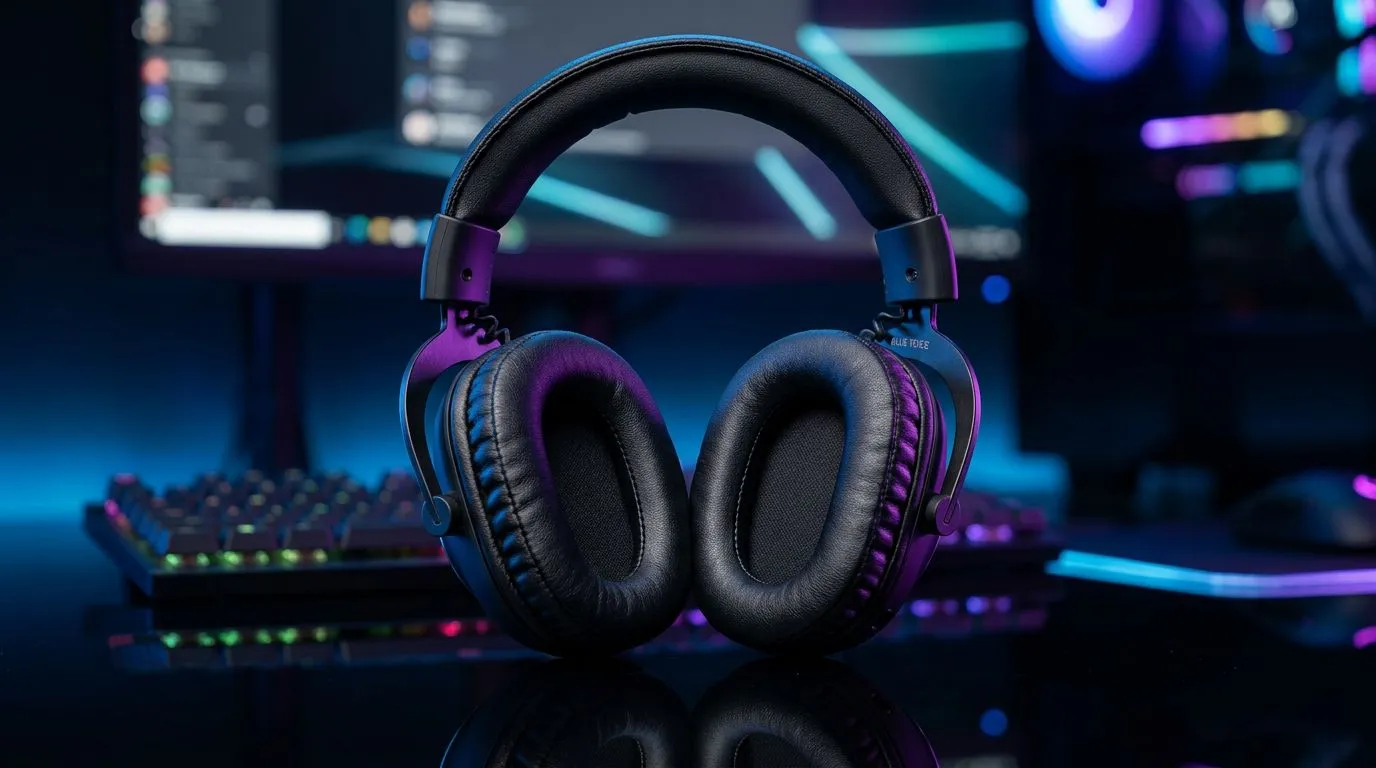
If you’ve ever listened to a top-tier local streamer and wondered why your own voice sounds like it’s coming from inside a tin can, the secret isn't always a R10,000 microphone. It’s processing. Learning how to use Blue VO!CE filters for professional streaming audio is the most effective way to turn a budget setup into a broadcast-quality experience. Whether you’re grinding ranked matches or hosting a podcast, clarity is your best friend. 🎙️
The Logitech G HUB software offers a suite of real-time voice effects that eliminate background noise and compress your audio to sit perfectly in the mix. You want your voice to cut through the game audio without clipping. Start by enabling the high-pass filter to remove low-end rumble from your desk or PC fans. If you are looking for a reliable audio foundation, checking out the latest Razer headphones and headsets is a great place to start your journey toward high-fidelity sound.
setting your compressor, aim for a ratio of 3:1. This keeps your loud laughs from peaking while lifting your quiet whispers so your audience never has to reach for their volume dial during intense moments.
South African homes are rarely perfectly silent environments. Between the hum of a fridge or the distant sound of traffic, your mic picks up everything. Use the noise gate and expander settings within the Blue VO!CE suite to ensure the mic only activates when you are actually speaking. 🔧
If you prefer a wireless setup that keeps your desk cable-free while maintaining excellent mic performance, the Razer Barracuda X Chroma Wireless Headset (Phantom White) is a fantastic option for creators who value aesthetics and utility. 🚀
Consistency is what separates hobbyists from professionals. Once you have dialled in your EQ—usually a slight boost in the 2kHz to 4kHz range for better speech intelligibility—save it as a preset. You can explore a wide variety of hardware to pair with your software processing by browsing our full catalogue of Razer gaming headsets to ensure your gear is up to the task. ✨
Ready to Find Your Perfect Match? Great audio is only half the battle when you are building a streaming powerhouse. From high-end headsets to the latest studio-grade peripherals, we have everything you need to dominate the local scene. Explore our massive range of audio and gaming gear and find the perfect equipment to elevate your content today.
For team chat, enable the High-Pass Filter and adjust the Compressor to keep your voice levels consistent, ensuring teammates hear you clearly without background noise.
Use the Noise Reduction filter in G HUB. Start with a low setting and increase it incrementally until your keyboard clicks and ambient room noise are effectively suppressed.
No, Blue VO!CE is software-based and works directly through Logitech G HUB on compatible headsets and microphones, eliminating the need for extra hardware.
The 'Broadcast' presets are generally best for streaming as they add warmth and clarity. You can customize these further by tweaking the 3-band equalizer.
Yes, once you apply your filters in Logitech G HUB, the processed audio is sent directly to your system's default input, which Discord will pick up automatically.
The De-Esser filter reduces harsh 's' and 't' sounds, making your voice sound smoother and less fatiguing to listeners during long streaming sessions.
RTX 4060 Ti Throttling Under Load: Temperature. Everything you need to know with SA pricing, step-by-step instructions & expert recommendations.
Read more
Apex Legends Max Settings on RTX 4080. Tested & verified settings for best FPS and visual quality on SA hardware budgets.
Read more
GPU Buying Guide. Everything you need to know with SA pricing, step-by-step instructions & expert recommendations.
Read more
GPU Terms Guide. Everything you need to know with SA pricing, step-by-step instructions & expert recommendations.
Read more
AMD Adrenalin Download & Setup Guide: GPU. Clear setup instructions with SA-specific considerations, troubleshooting tips & recommended components.
Read more
Back-to-School GPU Buying Guide. Everything you need to know with SA pricing, step-by-step instructions & expert recommendations.
Read more
Can RTX 4080 Super Run AI Workloads for SA Developers Detailed answer with SA data, expert analysis & practical recommendations for local buyers.

Can RTX 4090 Run AI Workloads for SA Developers Detailed answer with SA data, expert analysis & practical recommendations for local buyers.

Top Settings for Intel Arc B580 at Ultrawide 1440p picks evaluated on performance, value & SA availability with current Rand pricing from Evetech.

RX 7600 Overclocking Guide: Safe OC Settings for. Real-world benchmark data, FPS numbers & performance analysis. What SA gamers can actually expect.

RTX 4060 CS2 Low Settings at 1080p: FPS Results. Real-world benchmark data, FPS numbers & performance analysis. What SA gamers can actually expect.

Visual Artifacts: Possible GPU Issue Issue #1. Diagnosis steps, proven fixes & when to seek professional help. SA-specific support info included.

Can the RTX 4090 Handle 1440p 144Hz Gaming. Performance testing verdict with real data & practical recommendations for SA buyers.

Top ASUS GPU Under R15000 picks evaluated on performance, value & SA availability with current Rand pricing from Evetech.
RTX 4060 Ti Throttling Under Load: Temperature. Everything you need to know with SA pricing, step-by-step instructions & expert recommendations.
Apex Legends Max Settings on RTX 4080. Tested & verified settings for best FPS and visual quality on SA hardware budgets.
GPU Buying Guide. Everything you need to know with SA pricing, step-by-step instructions & expert recommendations.
GPU Terms Guide. Everything you need to know with SA pricing, step-by-step instructions & expert recommendations.