

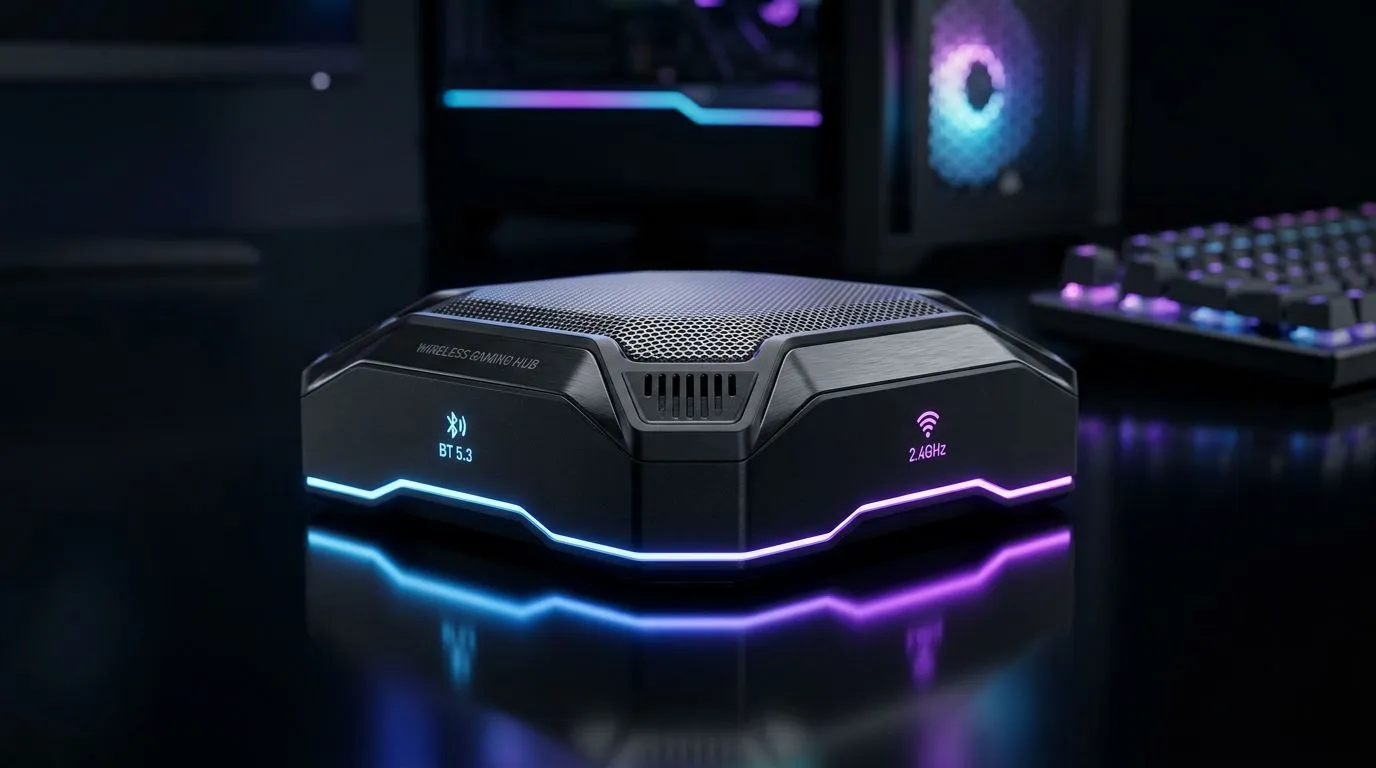
Bluetooth 5.3 vs 2.4GHz — which wireless suits gamers right now? 🔧
Bluetooth 5.3 vs 2.4GHz: Best Wireless for Gaming? If you’re in South Africa and sick of crackly chat, audio drift or that split‑second death, this short guide cuts through marketing noise. You’ll get the practical differences, where each tech shines, and which headsets to consider for smooth, low‑latency play. Read on for hands‑on tips and budget‑smart buying cues. ✨
Bluetooth 5.3 vs 2.4GHz — technical snapshot and what it means for latency
Bluetooth 5.3 modernises power management and reliability, improving coexistence in crowded RF environments (see Bluetooth SIG spec) — useful in apartments or LAN cafés where 2.4GHz is noisy (source: https://www.bluetooth.com/specifications/specs/bluetooth-5-3/). But Bluetooth is designed for universal connectivity and battery life first, gaming second.
By contrast, many gaming headsets use a dedicated 2.4GHz USB dongle that prioritises low latency and stable links under load. Product pages for specific gaming headsets show manufacturers optimising firmware for reduced input lag and consistent voice chat; for example, the Razer Barracuda X Chroma uses a wireless USB‑C dongle aimed at tight gaming audio performance (see product page: https://www.evetech.co.za/razer-barracuda-x-chroma-wireless-headset-phantom-white/best-deal/24367).
Bluetooth 5.3 vs 2.4GHz — practical testing and real‑world tradeoffs
If you play competitive FPS or need absolute minimal mic delay, 2.4GHz dongles usually feel snappier in practice. For casual gamers, open‑world RPG players, or those who value multi‑device switching and longer battery life, Bluetooth 5.3 offers convenience without constant dongle swapping (reference: Bluetooth SIG spec above).
Try this quick lab at home: connect the headset via Bluetooth, then via its 2.4GHz dongle; test VOIP and in‑game audio in your favourite title. If you notice lip‑sync issues or a delay that affects aiming, favour 2.4GHz. For broader headset ranges and options, see Evetech’s Razer headphones collection for models across both wireless types: https://www.evetech.co.za/PC-Components/razer-headphones-headsets-105.
Latency Lab Tip ⚡
When testing, disable audio enhancements in Windows sound settings and use a wired controller or keyboard to keep USB polling consistent. Compare with the same scene and map; perceptible delay usually drops your kill death more than you expect.
Bluetooth 5.3 vs 2.4GHz — buying guide for South African gamers
Budget and platform matter. If you game on multiple devices — phone, Switch, laptop — Bluetooth 5.3 keeps life simple. If you’re on PC or console and want the smallest competitive edge, look for headsets with a low‑latency 2.4GHz dongle and reliable mic performance. Evetech keeps a broad selection you can browse; shop headsets and headphones to compare prices and local stock (prices shown in ZAR on product pages): https://www.evetech.co.za/components/headphone-headsets-100.
A small micro‑story: a Cape Town streamer switched from Bluetooth to a 2.4GHz headset mid‑season and noticed cleaner shoutcast audio and fewer dropped voice frames. The result? Viewers commented on improved clarity and engagement — a reminder that tech choices affect feel, not just numbers.
Bluetooth 5.3 vs 2.4GHz — final recommendation
For most South African gamers who play casually and want cross‑device convenience, Bluetooth 5.3 is a fine choice. If you’re chasing esports performance or flawless voice comms, pick a headset with a purpose‑built 2.4GHz dongle and a trusted brand implementation. Check product specs on Evetech and match them to your platform and budget before buying.
Ready to Find Your Perfect Match? The Mac vs Windows debate is complex, but for maximum power, choice, and value in South Africa, Windows is hard to beat. Explore our massive range of laptop specials and find the perfect machine to conquer your world.











