

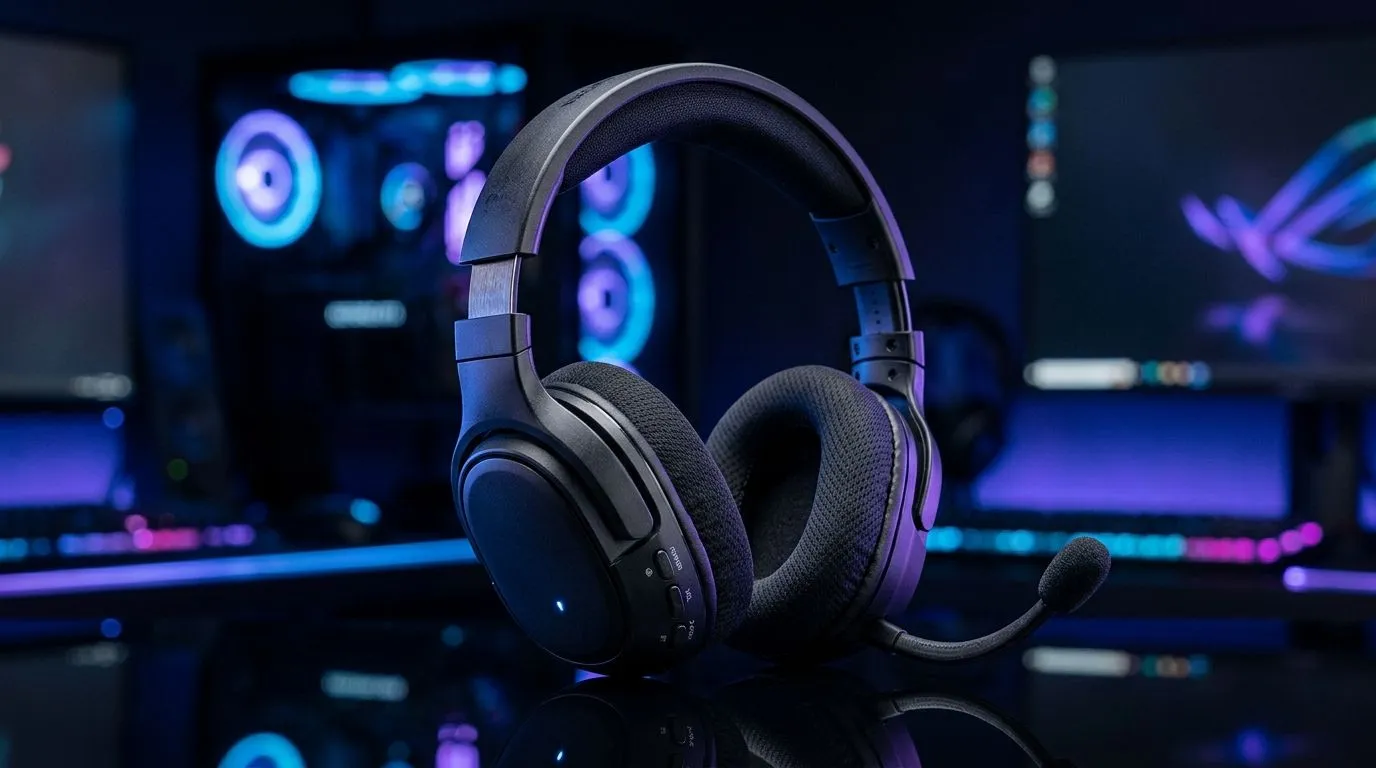
Bluetooth Gaming Headsets vs 2.4GHz Wireless for Low Latency Gaming: the real choice for SA players
Walk into any CS2, Valorant, or Fortnite match in South Africa and you’ll hear the same debate… “Is Bluetooth good enough?” “Why do my wireless inputs feel off?” The answer usually comes down to latency, stability, and how your headset handles interference. In this guide, we’ll compare Bluetooth gaming headsets vs 2.4GHz wireless for low latency gaming, with practical setup tips you can actually use tonight. 🎧⚡
Latency basics: why 2.4GHz usually wins for competitive play
Bluetooth is built to be power-efficient and flexible, not always ultra-timed for game audio. That doesn’t mean it’s terrible. It means Bluetooth often relies on codecs, buffering, and negotiation that can add delay. For fast shooters, even small delays can break immersion and make aiming feel less “snappy”.
2.4GHz wireless dongles are typically designed for low-latency audio. They usually establish a direct link between the headset and transmitter, which reduces the “variable delay” feeling you may notice on Bluetooth. In real terms, that means more consistent audio timing for footsteps and shots.
If you want a headset specifically positioned for wireless comfort and competitive use, Evetech’s range is a good place to start:
- Check out options in Razer’s wireless lineup like the Barracuda X Chroma Wireless for an SA-friendly upgrade path. 🎮✨
- Browse the broader selection at Razer headphones & headsets.
- Or explore all available headphone headsets on Evetech if you want to compare across brands and price points.
Bluetooth Gaming Headsets vs 2.4GHz Wireless: what to look for in specs (no guesswork)
When you compare Bluetooth gaming headsets vs 2.4GHz wireless for low latency gaming, focus on the features that affect consistency:
1) Wireless mode support
- Bluetooth may work across phone + PC, but you need to test the codec and settings.
- 2.4GHz generally means a dedicated USB dongle. Less “set-and-forget”, more “plug and play”.
2) Connection stability in real homes
SA homes often have multiple Wi‑Fi networks, thick walls, and other wireless devices. 2.4GHz dongles can still be affected, but they’re usually less sensitive to audio buffering than Bluetooth.
3) Mic monitoring and game chat clarity
Latency isn’t only about audio. If your voice monitoring sounds delayed or “phasey”, team comms suffer. Look for headsets that prioritise real-time monitoring.
Productivity Pro Tip ⚡
Setup Pro Tip 🔧
On Windows, switch your wireless dongle device to the same audio output every time (Sound settings > Output). Then test in-game with a short “ping” or a YouTube clap test before ranked. If you hear echoes or delay, disable any audio enhancements in Windows and set the headset as the default communication device.
A quick decision guide for South African gamers
Here’s the practical cheat-sheet:
Choose 2.4GHz wireless if…
- You play competitive FPS or rhythm games.
- You want consistent timing for footsteps and callouts.
- Your setup is mostly PC (or console with dongle support).
Choose Bluetooth if…
- You need one headset for phone calls, streaming, and occasional gaming.
- You prioritise convenience over tight timing.
- You’re playing slower games where “feel” matters less than micro-latency.
How to test latency at home (in 10 minutes)
Want proof, not promises? Try this:
- Join a private lobby (or use a training range).
- Fire a quick sound cue and then talk immediately into the mic.
- Listen for mismatch between your voice and the in-game moment.
- Repeat after switching audio mode (Bluetooth vs dongle) if you have both.
Once you do this, your choice stops being theoretical. It becomes personal… and honestly, that’s the only way that matters.
Ready to Find Your Perfect Match?
Ready to Find Your Perfect Match? The Mac vs Windows debate is complex, but for maximum power, choice, and value in South Africa, Windows is hard to beat. Explore our massive range of laptop specials and find the perfect machine to conquer your world.











