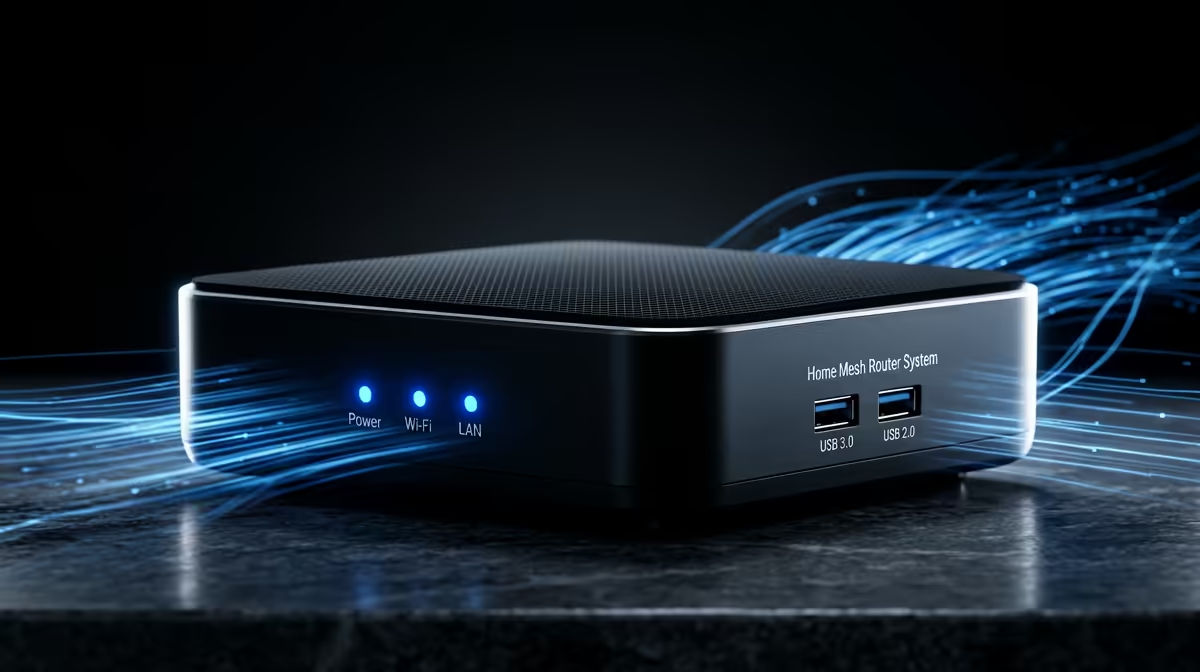
You’ve got fast fibre, but your Wi-Fi still feels sluggish. That crucial moment in a Warzone match is ruined by a lag spike, or your 4K Netflix stream starts buffering... again. Sound familiar? While mesh Wi-Fi is fantastic, the secret to unlocking its true potential often lies hidden in plain sight. It’s time to learn how to boost your home internet speed with a wired backhaul, turning your network into a stable, high-speed powerhouse. 🚀
Understanding Wired vs. Wireless Backhaul
So, what is this "backhaul" thing anyway? Think of it as the private data highway connecting the nodes in your mesh Wi-Fi system.
In a standard wireless setup, this highway is also wireless. Your nodes talk to each other using the same Wi-Fi airwaves your phone, laptop, and console are competing for. This can create congestion, especially in a busy household or a complex with lots of interfering signals.
A wired backhaul, however, changes the game completely. It uses a physical connection—a simple Ethernet cable—to link your mesh nodes. This creates a dedicated, interference-free lane for data to travel between them, ensuring maximum speed and reliability across your entire home.
Why a Wired Connection Unlocks Full Speed ⚡
Switching to a wired backhaul isn't just a minor tweak; it fundamentally improves how your network operates. When you implement a wired connection for your backhaul, you immediately free up the wireless bands. This means all the Wi-Fi capacity is dedicated solely to your devices, not to inter-node communication.
The benefits are instant and noticeable:
- Rock-Solid Stability: Say goodbye to random disconnects and lag spikes. A physical cable is immune to interference from your neighbour's Wi-Fi, microwave ovens, or thick brick walls.
- Maximum Throughput: You get the full speed of your internet connection delivered to each node. This is crucial for getting the performance you pay for, especially on 200Mbps+ fibre lines.
- Lower Latency: For gamers, every millisecond counts. A wired backhaul significantly reduces ping, giving you a competitive edge. It makes your entire mesh system perform at its absolute peak.
Check Your Connection Type
After connecting your nodes with an Ethernet cable, open your mesh system’s mobile app. Most apps have a network map or device list that will confirm if the satellite node is using an ‘Ethernet’ or ‘Wired’ connection. This is how you know it’s working correctly!
How to Set Up a Wired Backhaul Network
Ready to boost your home internet speed? The process is surprisingly straightforward, provided your mesh system supports it. Most modern systems from reputable brands do.
What You'll Need
- A mesh Wi-Fi system that supports Ethernet backhaul. Leading brands like TP-Link and even affordable options from Cudy almost always include this feature.
- Ethernet cables (Cat5e or Cat6 recommended) long enough to run between your main router/primary node and your satellite nodes.
Simple Steps 🔧
- Connect one end of an Ethernet cable to a spare LAN port on your primary mesh node (the one connected to your fibre box).
- Run the cable to the location of your satellite node. This might mean tucking it along skirting boards or using trunking for a cleaner look.
- Plug the other end of the cable into the Ethernet port on the satellite node.
- Power on the node. The system should automatically detect the wired connection and configure itself for optimal performance. That’s it! You've successfully set up a wired backhaul. ✨
While running cables can take a bit of effort, the payoff in performance and stability is immense, especially for larger homes, serious gamers, and anyone working with large files. It’s the single most effective upgrade for any mesh Wi-Fi network.
Ready for a Lag-Free Life?
Stop letting weak Wi-Fi hold you back. An optimised network with a powerful mesh system is the foundation for elite gaming and seamless streaming. Shop now at Evetech for performance that leaves lag in the dust.