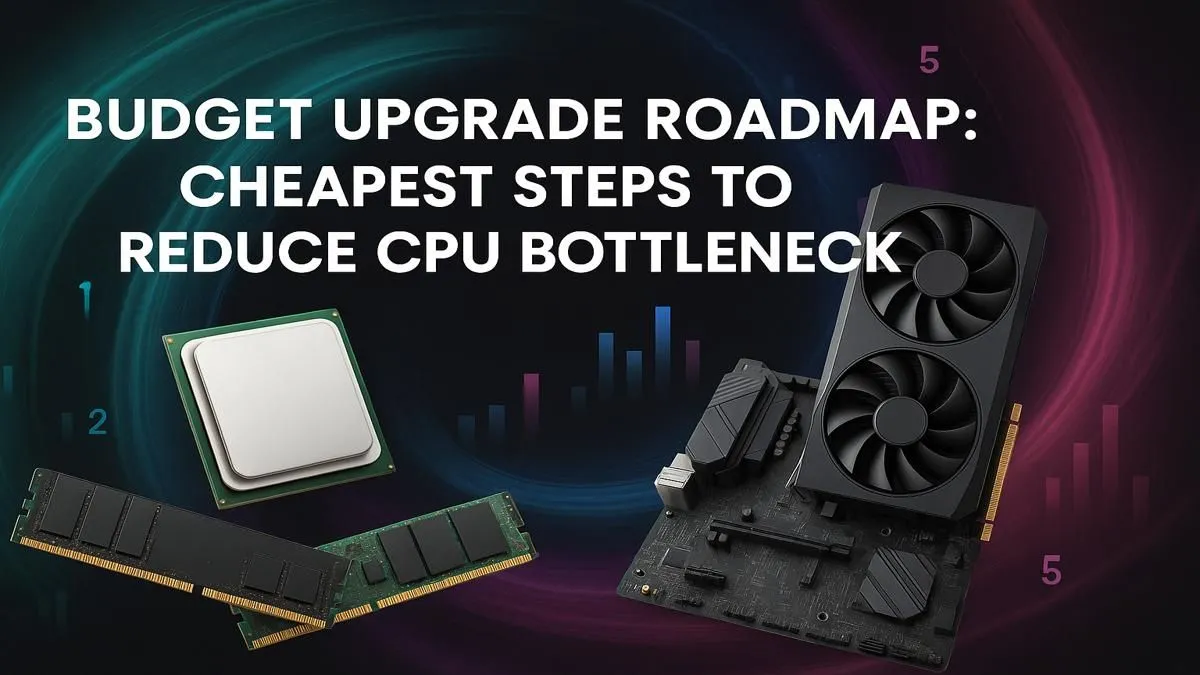
Is your gaming rig feeling a bit sluggish? You’ve got a beast of a graphics card, but your frame rates in Warzone or Apex Legends just aren’t hitting the mark. Chances are, your processor is holding you back. This budget CPU upgrade guide is your key to unlocking smooth, high-FPS gaming without emptying your wallet. We'll show you the cheapest, smartest steps to reduce bottlenecks and get the performance you paid for. 🚀
Understanding CPU Bottlenecks in Gaming
So, what exactly is a CPU bottleneck? Think of it like the N1 highway at rush hour. Your GPU (the sports car) is ready to fly, but your CPU (the traffic) is creating a jam, slowing everything down. In gaming, your CPU is responsible for physics, AI, and managing game logic. When it can't feed your powerful graphics card data fast enough, your FPS drops, and you experience stuttering… even with a top-tier GPU.
A well-balanced system is crucial. A smart, budget CPU upgrade is often the most cost-effective way to fix this imbalance and unleash your PC's true potential.
Your Smartest Budget CPU Upgrade Path
Before you start throwing money at the latest and greatest silicon, let's talk strategy. The cheapest steps often yield the biggest results.
First Step: Check Your Motherboard Socket
Your motherboard's CPU socket determines which processors are compatible. You can't just plug an AMD chip into an Intel board. Common sockets you'll find are AMD's AM4/AM5 and Intel's LGA 1200/1700. Identifying your socket is the first step in any budget CPU upgrade, as it defines your immediate options. Often, the best value lies in upgrading within your current platform.
Last-Gen Heroes: The Ultimate Value Play
This is where you find the real bargains. If you're on an older AMD AM4 platform, for example, moving from a Ryzen 3 2200G to a Ryzen 5 5600 is a monumental leap in performance without needing a new motherboard or RAM. This single component swap can eliminate major bottlenecks. Similarly, older Intel platforms have fantastic upgrade paths. Exploring the best AMD CPU options from a previous generation is a pro move for saving cash.
BIOS Update Is A Must! 🔧
Before installing a newer CPU on an older motherboard, always update your motherboard's BIOS to the latest version. Check your motherboard manufacturer's website for the correct file. This ensures compatibility and prevents a PC that won't boot!
When to Consider a New Platform
Sometimes, your current platform is just too old to offer a meaningful upgrade. If you're running a system that's 5+ years old, a full platform jump—CPU, motherboard, and DDR5 RAM—might be the only way forward. Luckily, entry-level options from both teams offer incredible performance for the price. A modern Intel Core i3 can outperform older Core i7s, making it a surprisingly powerful foundation for a new build. It's worth browsing the latest Intel CPU deals to see just how affordable modern power can be. ✨
Ready to Crush Bottlenecks?
Stop letting your old processor hold you back from the FPS you deserve. Explore our massive range of CPU processors at Evetech and find the perfect, budget-friendly heart for your gaming rig today.