

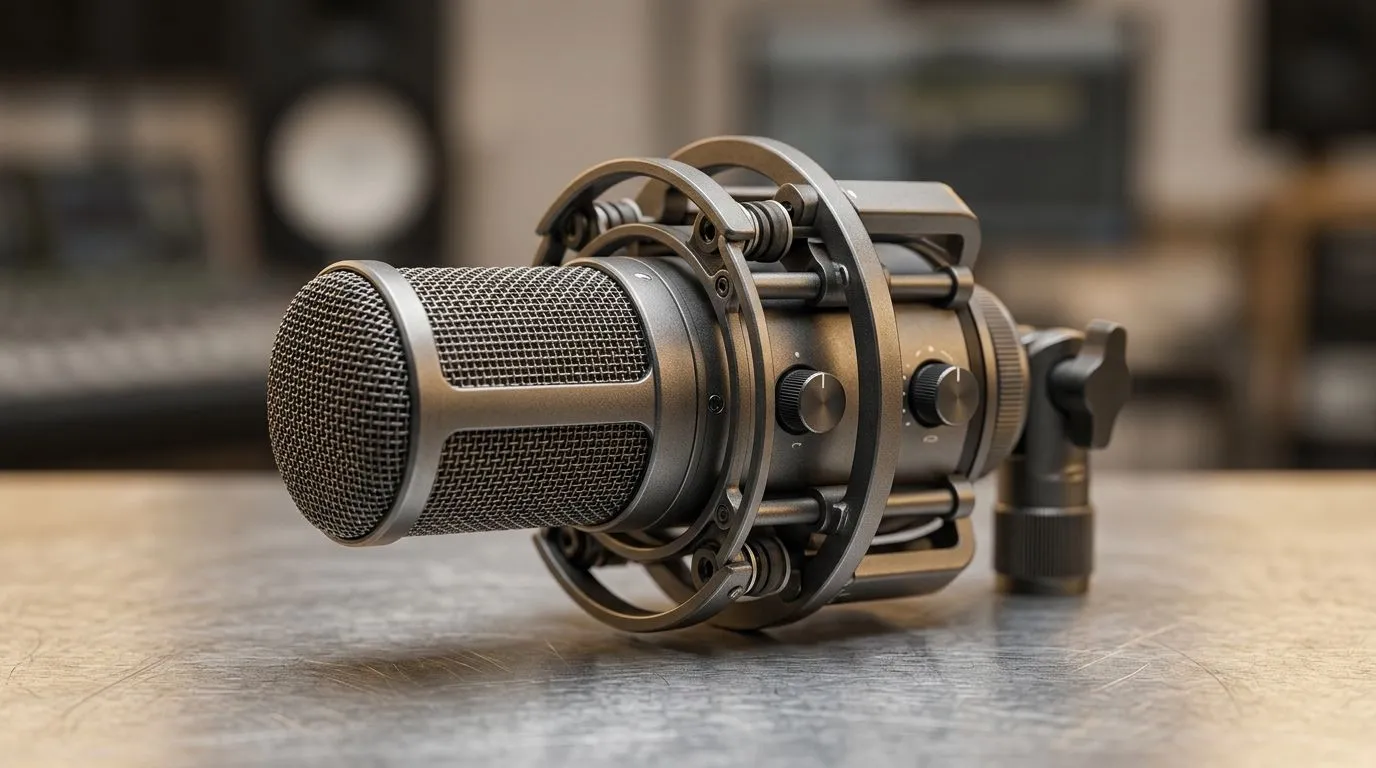
If your mic sounds wobbly every time you slam your keyboard, you are not imagining it 🔧 Desk vibration is real. In a small room, on a shared setup, or during a late-night raid, even light bumps can travel through the desk and into your microphone stand. That is why many streamers ask a simple question: can a built-in shock mount reduce desk vibration? The short answer is yes... but only if the whole setup is designed well.
How a built-in shock mount helps with desk vibration
A shock mount is meant to isolate the microphone from physical vibration. Instead of letting the mic sit rigidly against the desk or arm, it uses suspension points to absorb movement. That means fewer thumps from typing, mouse slaps, and accidental knocks reaching the capsule.
For South African gamers, that matters more than you might think. A noisy room can make a good stream feel rough fast. Even if your mic is clean on paper, desk-borne noise can make your voice sound hollow or “boomy”. A built-in mount can help cut that down, especially for compact setups where space is tight.
The catch? It is not magic. If the desk itself shakes badly, or if your mic arm is badly clamped, the vibration can still travel through the setup. A built-in shock mount works best as part of a proper chain of stability. That includes a sturdy desk, a decent boom arm, and sensible cable management.
What built-in shock mounts do well
Built-in shock mounts are handy because they are usually tuned to the microphone they come with. That means less guesswork. You do not need to hunt for a separate mount or worry whether the clips will fit.
They are especially useful if you:
- type hard while gaming or streaming
- move your mouse aggressively during FPS sessions
- share a desk with another device, like a webcam or second monitor
- want a cleaner look with fewer accessories
If you are building a streaming corner from scratch, it helps to browse proper starter gear first. Evetech’s streaming essentials selection is a good place to compare the basics before you buy. And if you want a more specific ecosystem, the CORSAIR streaming essentials range can help narrow the search.
A quick real-world example
Imagine you are in a cramped room in Joburg. Your desk is close to the wall. Your keyboard sits on a hard surface. Every time you lean forward, the mic picks up a dull tap. A built-in shock mount will not remove every sound, but it can noticeably soften those small shocks. That often makes voices sound steadier and more polished... without extra post-processing.
Streaming Setup Tip ⚡
When testing vibration, tap the desk lightly while monitoring your mic input. If the low-end thump drops after adding a shock mount, you have already improved the room’s audio before touching software settings.
When a built-in shock mount is not enough
There are times when desk vibration comes from the desk, not the mic. Hollow desks can resonate. Cheap mic arms can amplify movement. Even a strong foot tap on tiled floors can travel upward.
That is why placement matters. Keep the mic away from monitor stands, speaker cabinets, and the desk’s edge if possible. Add a boom arm if your current stand is too rigid. And if your webcam sits close to the mic, remember that vibration can also make the whole frame feel less stable.
If you are also upgrading your camera angle, Evetech’s webcams category is worth a look alongside your audio setup. A cleaner visual and cleaner audio usually go hand in hand. For desk lighting and accent pieces, the Cololight streaming essentials selection can help round out the space without making it look cluttered.
What to look for before buying
When shopping, focus on these practical points:
- compatibility with your microphone
- build quality of the suspension material
- how much space the mount adds to your desk
- whether the mic arm can support the extra weight
- whether the mount is built for vibration or only for handling noise
If you stream often, small upgrades add up. A better mount can save you time in editing and make live audio feel more professional. That matters whether you are playing ranked, hosting a community night, or recording a quick review between loadshedding breaks ⚡
Final thought on built-in shock mounts
So, can a built-in shock mount reduce desk vibration? Yes, absolutely... if the rest of the setup is sensible. It is one of the simplest ways to clean up everyday desk noise without overcomplicating your rig. For many South African gamers, that is the sweet spot: practical, affordable, and easy to live with.
If your mic is picking up too much desk thud, start there. Then build out the rest of the setup one piece at a time.
Ready to Find Your Perfect Match? The Mac vs Windows debate is complex, but for maximum power, choice, and value in South Africa, Windows is hard to beat. Explore our massive range of laptop specials and find the perfect machine to conquer your world.











