Quick Answer
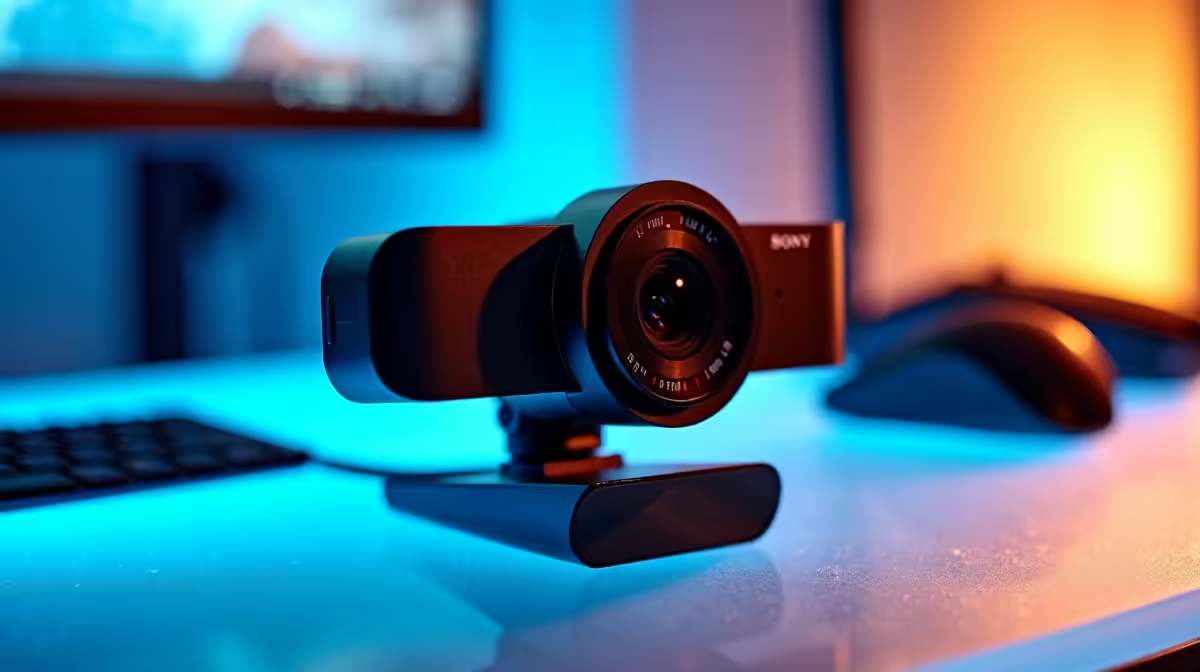
Buy now if the current setup blocks work, study or gaming every week; upgrade later if it only misses a nice-to-have feature. Use Logitech C920, Logitech Brio and Razer Kiyo-style 1080p webcams as reference points, treat R500-R2,500 as a cautious SA planning band rather than a live price, and check 1080p 30 fps as the baseline, 60 fps for motion-heavy rooms and a stable clamp before checkout. The useful target is cleaner 1080p video and fewer grainy calls than a basic laptop camera.
Start With The Real Bottleneck
For private digs and shared, start with the failure you are trying to remove: heat, noise, weak wireless coverage, missing ports, uncomfortable controls, bad voice quality or a desk that takes too long to set up. A webcam should earn its place by solving that problem in normal use, not by adding a feature that stays unused.
Specs That Change Daily Use
Check the spec sheet in plain terms: 1080p 30 fps as the baseline, 60 fps for motion-heavy rooms and a stable clamp. Those numbers matter more than vague labels because they tell you whether the product can handle the screen, desk, room or workload you already have. Use cleaner 1080p video and fewer grainy calls than a basic laptop camera as the practical target before paying for a higher tier.
SA Buying Checks
Before checkout, compare the R500-R2,500 planning band with the cost of adapters, mounts, cables or replacements needed to make a cheaper option usable. For South African buyers in commuting students, shared flats and late-night gaming rooms, local warranty handling, return practicality and delivery timing often matter more than one extra headline feature.
FAQ
What is a sensible SA budget for this buy?
Use R500-R2,500 as a broad planning band, then narrow it by the feature that fixes your actual setup. Do not treat the band as a live price; stock and promotions can move, so confirm the current Evetech listing before buying.
Which spec should I check first?
Check 1080p 30 fps as the baseline, 60 fps for motion-heavy rooms and a stable clamp first. After that, confirm the product physically fits your desk, room, laptop, console or PC, because an impressive spec is wasted if the connection or mounting point is wrong.
When should I skip the premium option?
Skip premium when a balanced option already delivers cleaner 1080p video and fewer grainy calls than a basic laptop camera. Spend the saved budget on the part that still limits the setup, such as a better cable, stand, monitor, storage drive, cooling path or network placement.
list your device model, room constraint and must-have spec, then reject any webcam that needs extra adapters to do its main job.