

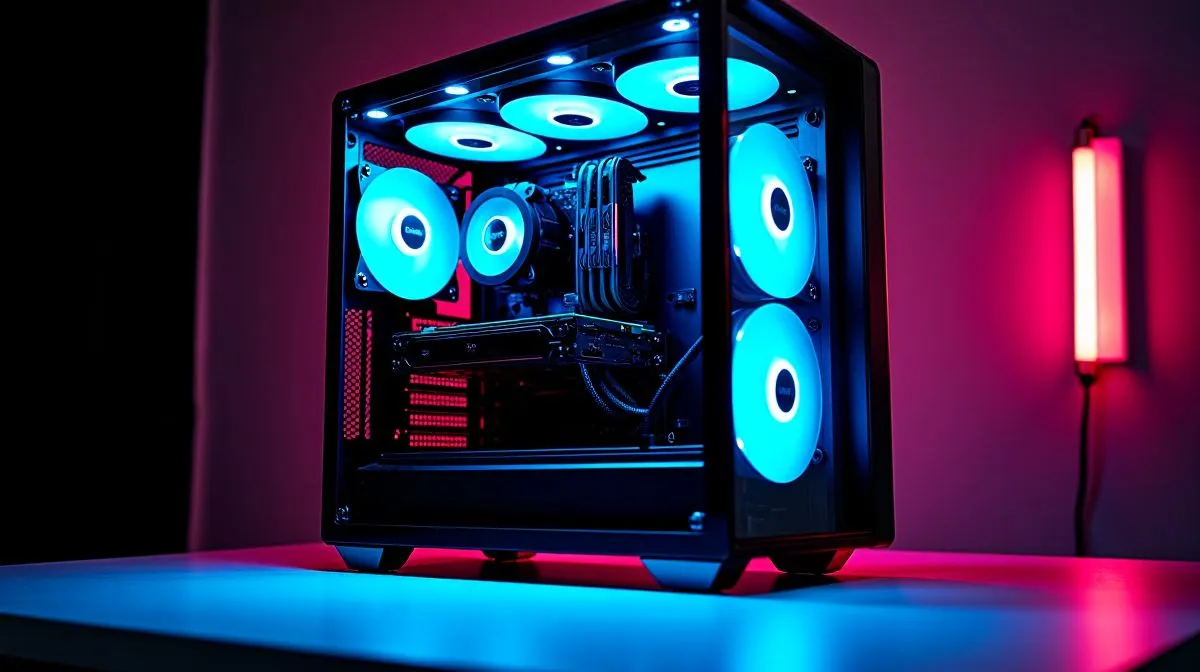
Cable clutter in glass cases: fixes that work
A clean glass PC case looks brilliant... until the cables show up like a mess behind the curtain. South African gamers know the feeling. You spend good money on RGB, a neat build, and airflow, then one loose cable ruins the whole look. The good news? Cable clutter in glass cases is fixable, even if you are building on a budget or upgrading a tower you already own. 🔧
Cable clutter in glass cases and why it happens
Glass cases make everything visible, which is part of the appeal. They also expose every shortcut. If the PSU shroud is cramped, the motherboard tray has limited tie points, or your power cables are too stiff, the inside of the case starts to look busy fast. That does not just affect looks. It can block airflow, make dusting harder, and turn future upgrades into a headache.
A cleaner build starts with the case itself. If you are shopping, browse Evetech’s computer cases range to compare layouts, side-panel styles, and cable-routing options before you buy. The right case can save you hours later.
Cable management tips for a tidier PC build
Start with the cables you use most. Route the 24-pin motherboard cable, CPU power, and GPU power first. These are usually the thickest and least flexible. Then tuck fan and RGB headers behind the tray. Keep visible runs short and straight. A few extra minutes with velcro ties goes a long way.
Keep the front view simple
If a cable must cross the main chamber, make it deliberate. Follow the edge of the frame. Use black ties where possible so the hardware, not the wiring, gets attention. If your case has a PSU shroud, hide excess cable length there rather than stuffing it into open space.
Quick Cable Clean-Up Tip ⚡
Use reusable velcro ties instead of cutting zip ties too early. They are easier to adjust when you upgrade a fan, swap a GPU, or reroute a cable that is pulling too tight.
Cable clutter in glass cases with the right case choice
Sometimes the fastest fix is a better chassis. Some cases are simply designed with more room behind the motherboard tray, cleaner routing channels, and better cable cover placement. If you prefer a more refined look, have a look at Fractal Design PC cases at Evetech. Fractal is well known for restrained styling and practical interiors, which suits a neat glass build nicely.
If you want something bold for a gaming room or streaming setup, Gamdias gaming cases are worth a look too. Some models lean into showpiece aesthetics, which can work well if your cable management is already tidy. When the budget is tighter, browse Gamdias gaming cases under R1,500 and focus on the layout first, not just the lighting.
Simple habits that keep the build clean
Do not wait until the end to manage cables. Route as you install each part. Check the rear chamber before closing the side panel. Leave a little slack at moving points like fan hubs and front-panel headers. If you upgrade later, label spare cables so you are not untangling last year’s build on a Sunday night.
A final test helps too. Stand the case upright, switch on the lights, and look through the glass from desk height. If the cables pull your eye away from the GPU or cooler, tidy again. That last pass is usually where a good build becomes a great one.
Ready to Find Your Perfect Match? The Mac vs Windows debate is complex, but for maximum power, choice, and value in South Africa, Windows is hard to beat. Explore our massive range of laptop specials and find the perfect machine to conquer your world.











