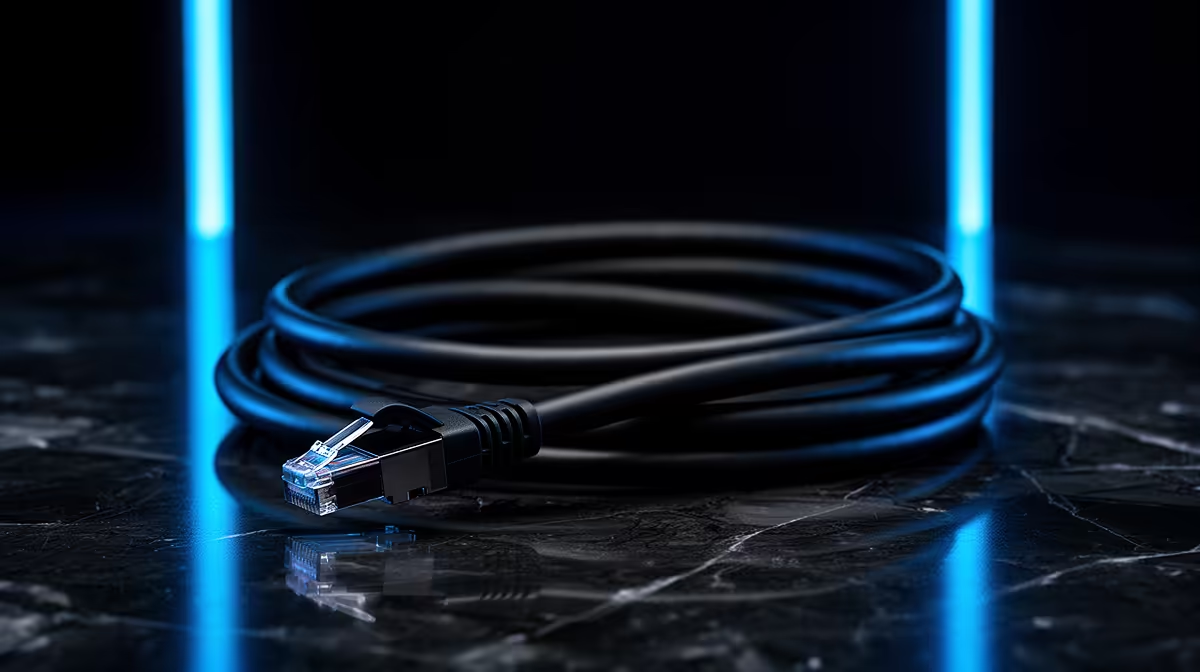
You’re in the final circle in Apex, the ping is stable, and victory is a few clicks away. Then, bam! A lag spike hits you harder than a Kraber shot. We’ve all been there. Could the ridiculously long Ethernet cable you snaked across the living room be the culprit? It’s a question every serious South African gamer asks. Let's untangle the facts about the cable length impact on network speed and find out if a shorter cable is your ticket to glory.
Does Ethernet Cable Length Affect Network Speed?
Here's the short answer: yes, but probably not in the way you think. For the vast majority of home and office setups, the impact of Ethernet cable length is negligible. The official standard for Ethernet cables like Cat5e and Cat6 specifies a maximum length of 100 metres. Below this threshold, you should get the full speed your network supports, whether you're using a 2-metre or a 20-metre cable.
The science behind this limit is a principle called "attenuation," which is just a fancy word for signal degradation over distance. As the electrical signal travels down the copper wire, it naturally loses strength. After 100 metres, that signal can become too weak for the receiving device to interpret reliably, leading to dropped packets and a slower connection. But for connecting your PC to your router in the next room? You're well within the safe zone.
Understanding the 100-Metre Rule and Its Exceptions
While the 100-metre rule is a solid guideline, the real performance killer isn't always distance... it's quality. A cheap, poorly constructed 10-metre cable can perform worse than a high-quality 30-metre one. This is where factors like shielding, wire thickness, and connector quality come into play. A well-made cable from a reputable brand like GIZZU is built to resist interference and maintain signal integrity over its entire length. ⚡
Think of it like this: driving a luxury car on a perfect road for 50 km is a better experience than driving a jalopy on a potholed mess for 10 km. The quality of the journey matters more than the distance. The same logic applies to your data's journey through a cable.
Cat5e vs. Cat6: A Quick Guide
For most home fibre connections up to 1Gbps, a Cat5e cable is perfectly fine. However, for future-proofing your setup or if you're running a 10Gbps home network (lucky you!), Cat6 is the smarter choice. It has stricter specifications for crosstalk and system noise, making it more robust.
Why Cable Quality is Often More Important Than Length
The biggest threat to your network speed isn't an extra five metres of cable; it's electromagnetic interference (EMI). This "noise" comes from power cables, fluorescent lights, microwaves, and other electronic devices. Poorly shielded cables are highly susceptible to EMI, which can corrupt data packets and force re-transmissions, causing lag and instability.
High-quality cables, like those from HP, often feature better internal shielding and tightly twisted pairs of wires to naturally cancel out this interference. When you're choosing a cable, investing a few extra Rands in a well-constructed one is one of the cheapest and most effective network upgrades you can make. It's the foundation of a stable connection.
Optimising Your Setup for Peak Performance 🚀
So, what are the practical takeaways? The cable length impact on network speed is minimal for most gamers, but optimising your physical connection is still crucial.
- Measure Twice, Buy Once: Use a measuring tape to figure out the exact length you need, then add a metre or two for slack. Don't buy a 30-metre cable for a 5-metre run.
- Avoid Tight Coils: While it's tempting to neatly coil up excess cable, tight loops can increase "crosstalk" or interference between the wires inside. A loose, gentle loop is much better.
- Check Your Connectors: A loose or damaged RJ45 connector (the plastic bit at the end) can be a major point of failure. Ensure it clicks securely into place. Brands like Promate often feature durable, snag-free connector designs.
- Route Smartly: If possible, don't run your Ethernet cable parallel to power cords for long distances.
Ultimately, a stable, wired connection is non-negotiable for competitive gaming. By choosing a quality cable of the appropriate length, you're eliminating a major variable and giving yourself the best possible shot at a lag-free experience.
Upgrade Your Connection Foundation
Stop letting a dodgy cable be your weakest link. Explore our wide range of high-quality, reliable networking cables and ensure your signal is as strong as your skill. Shop all comprehensive cable solutions at Evetech for performance that leaves lag in the dust.