

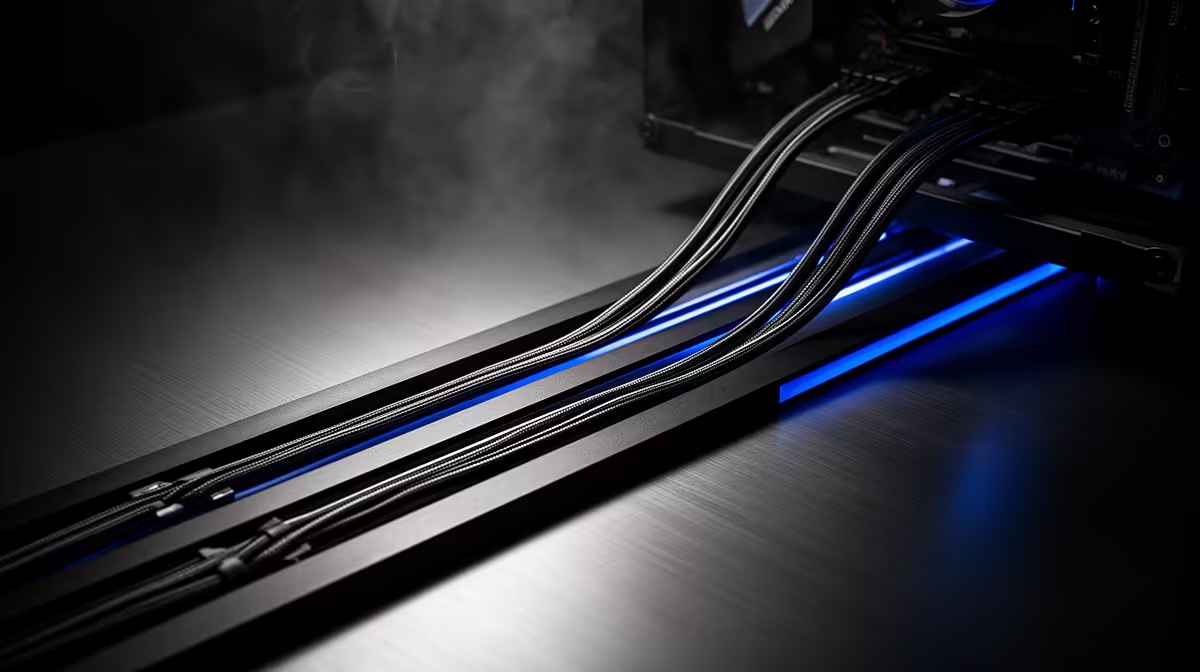
Is your battle station looking more like a spaghetti monster's nest? We've all been there. That chaotic tangle of cables behind your desk not only looks messy but can choke your PC's airflow and make upgrades a nightmare. Let's fix that. Mastering the art of cable management is one of the most satisfying upgrades you can make, transforming your space into a clean, efficient, and truly pro-level tech setup right here in South Africa.
Why Pro Cable Management Matters
A clean tech setup is about more than just looks… although it definitely helps your rig look incredible. Proper cable management has tangible performance benefits.
Firstly, airflow. ⚡ Unrestricted airflow allows your case fans to cool components like your CPU and GPU more efficiently. When cables block the path, hot air gets trapped, potentially leading to thermal throttling and lower frame rates. Secondly, maintenance becomes a breeze. Need to swap out a RAM stick or upgrade your SSD? A tidy setup means you can get to your components without wrestling a kraken of wires.
Finally, it reduces dust build-up. Fewer cable nests mean fewer places for dust to hide, making your whole rig easier to clean and maintain for the long haul.
Your Toolkit for a Tidy Tech Setup
You don't need a massive budget to start managing your cables like a pro. A few essential items will make all the difference. The basics include cable ties (zip ties) and velcro straps. Velcro is fantastic for bundles of cables you might need to change later, while zip ties are great for a permanent, tight fit.
For a truly clean look, consider cable sleeves to group multiple wires into one neat tube. Planning your cable routes before you start is crucial. Think about the most direct path from the component to the power supply or motherboard header, using the routing channels and cutouts in your PC case. Evetech stocks a wide range of streaming and setup essentials to get you started.
The 90-Degree Rule 🔧
When routing cables, try to create clean 90-degree bends instead of diagonal runs. This simple technique instantly makes the internals of your PC look more organised and professional. It follows the natural lines of the case and motherboard for a structured, clean result.
Next-Level Cable Management Tips
Ready to take your clean tech setup to the next level? The single biggest trick is to route as many cables as possible behind the motherboard tray. Modern PC cases are designed with space back there specifically for this purpose. Route your 8-pin CPU power, 24-pin motherboard power, and SATA cables through the back for an instantly cleaner look from the front.
For the ultimate aesthetic, custom-sleeved cable extensions are the way to go. They replace the standard, often stiff, cables from your power supply with flexible, colourful alternatives. Brands like CORSAIR offer premium sleeved cable kits that not only look amazing but are easier to bend and route. This is one of the most effective pro cable management tips for a show-stopping build.
Finishing Touches for a Flawless Setup ✨
Once your internal PC cables are managed, don't forget the outside! Use adhesive cable clips or a raceway under your desk to hide monitor, keyboard, and mouse cables. A tidy desk completes the entire experience.
With all the clutter gone, your setup becomes the perfect canvas for lighting. A clean build allows your RGB components to shine without messy cables creating ugly shadows. You can even extend the aesthetic to your wall. Smart lighting panels from brands like Cololight can transform your space from a simple desk into an immersive gaming environment.
Ready to Tidy Up Your Rig? A clean setup is just a few clicks away. Check out our affordable range of cable management and setup accessories to get started. Shop essentials under R6000 now at Evetech and build the rig you've always wanted.











