

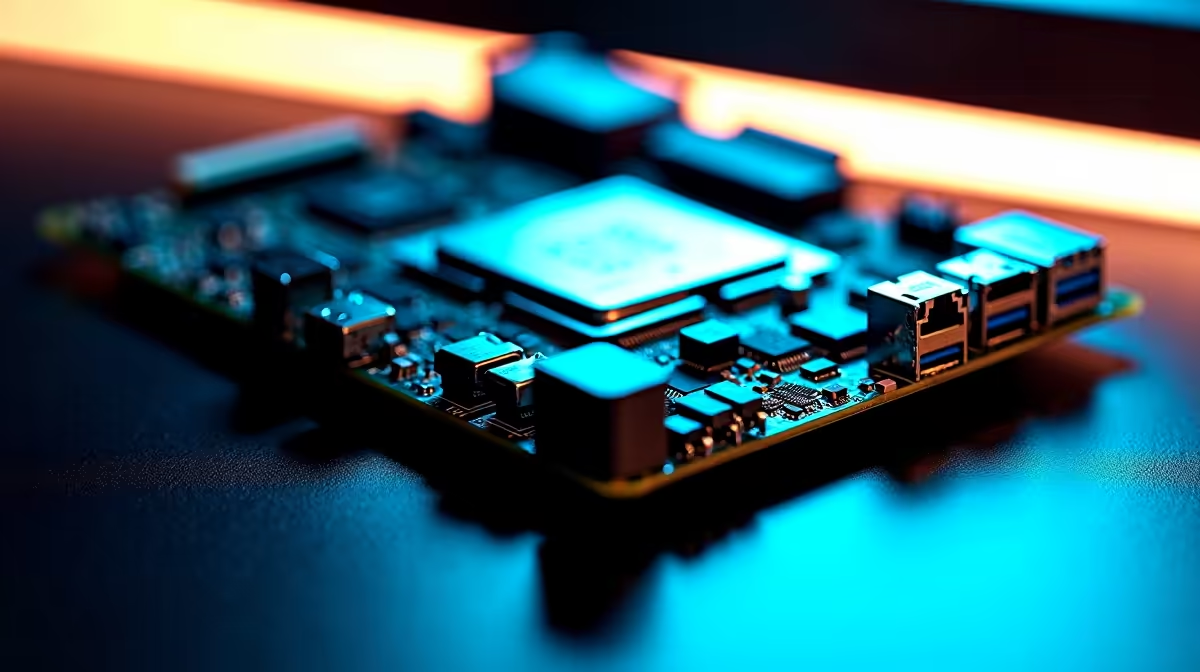
Building a smaller PC used to mean sacrificing performance. Today, South African gamers want clean setups that save desk space without dropping frames. But a critical question remains. Can a compact motherboard still handle a high-core-count CPU and long gaming sessions? If you are spending thousands of ZAR on a flagship processor, you need absolute certainty. You need to know your rig will survive a marathon weekend of competitive gaming... without melting down.
The Secret to Powering High-Core-Count CPUs ⚡
The short answer is an absolute yes. A modern compact motherboard can easily run a high-core-count CPU. The secret lies in the VRM... or Voltage Regulator Module. This vital component controls the power flowing directly to your processor. Premium smaller boards now pack incredibly robust VRM setups to handle massive power draws. You simply do not need a massive ATX board to get top-tier power delivery anymore. To see the incredible variety available, you can explore our wide range of motherboards designed for every form factor.
Choosing the Right Board for Long Gaming Sessions ✨
Whether you prefer Team Blue or Team Red, stability is crucial for those long gaming sessions. If you run a high-end Intel chip, you need a board with thick heatsinks to dissipate heat quickly. You can find excellent compact options when you browse ASUS Intel motherboards for your next build.
AMD builders have equally powerful choices. Modern Ryzen CPUs are incredibly efficient... making them absolutely perfect for smaller PC cases. A high-quality Micro-ATX or Mini-ITX board will keep those cores boosting high all night. Check out the latest ASUS AMD motherboards to find the ideal foundation for your high-core-count CPU.
SFF Cooling Pro Tip 🔧
When building with a compact motherboard, always undervolt your high-core-count CPU slightly. It reduces temperatures dramatically without losing any gaming performance. This simple trick keeps your system perfectly stable during long gaming sessions while keeping fan noise down.
Memory and Airflow Matter 🚀
A compact motherboard naturally puts components closer together. This means ambient heat builds up much faster inside the chassis. Good case airflow is completely non-negotiable for stability. You also need highly reliable RAM that will not overheat when packed tightly next to a bulky processor cooler. Fast memory ensures your high-core-count CPU never waits for essential data. Make sure to upgrade with premium memory kits to keep your entire system responsive under heavy loads.
Small Footprint, Massive Performance
You no longer have to choose between a compact PC and extreme gaming performance. If you carefully optimise your airflow, a smaller system will easily conquer the most demanding modern titles. It looks fantastic on your desk and is much easier to transport to local LAN events. If you want a pre-built powerhouse that perfectly balances size and raw speed, you should check out our best gaming PC deals available in South Africa right now.
Ready to Build Your Compact Powerhouse? Finding the perfect balance of size and performance is easier than ever. Shop our full range of PC components to build a space-saving rig that dominates every game.











