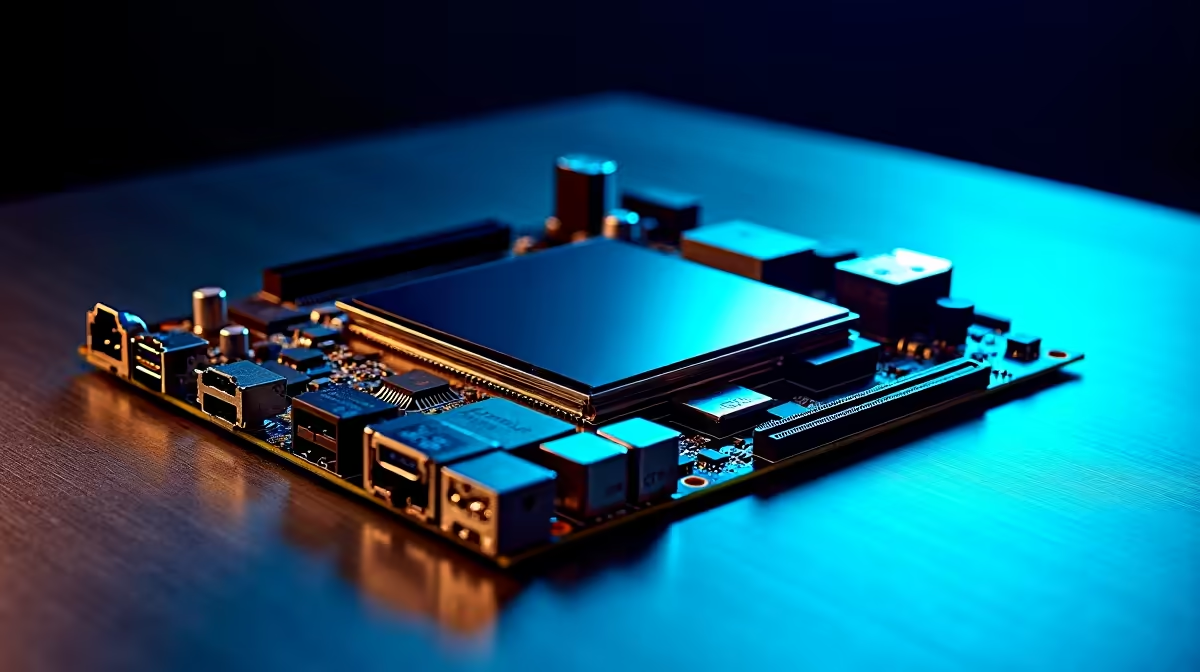
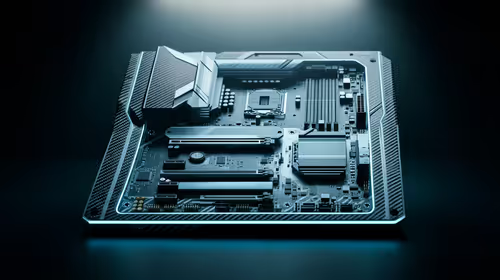
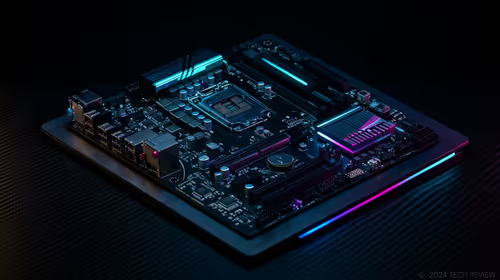
Building a custom PC in South Africa is an art form. We obsess over tight cable management and perfect RGB colour coordination. We also fight to keep temperatures low during brutal summer heatwaves. But when tracking crucial thermals, do you really need a bulky secondary display? Let us explore if a motherboard LCD can replace separate monitoring screens in a custom PC build.
The Evolution of Built-in Motherboard Screens 🚀
Years ago, checking your CPU temperature meant staring at a boring BIOS screen or using clunky software. Today, premium hardware has completely evolved. Many of the latest motherboards now feature customisable OLED or LCD panels. These sit right on the VRM heatsink or chipset cover. These tiny, vibrant displays offer real-time stats directly inside your chassis. This means significantly less desk clutter. It also means fewer annoying cables to route behind your desk. Ultimately, it saves you thousands of ZAR by eliminating the need for an extra monitor.
Intel and AMD Options for Setup Aesthetics
Whether you are team blue or team red, major brands have you covered. High-end ASUS Intel motherboards often include the brilliant LiveDash OLED feature. This technology lets you display custom animated GIFs, clan logos, or live system voltages. Not to be outdone, top-tier ASUS AMD motherboards bring the exact same premium aesthetic to Ryzen builders. You get vital system information at a quick glance... right through your tempered glass side panel. It creates a futuristic look that external screens simply cannot match.
Performance Tracking Without the Clutter ⚡
A dedicated external screen requires extra HDMI and USB power cables. That adds unwanted mess to a clean, minimalist desk setup. A built-in motherboard LCD integrates flawlessly into your existing hardware ecosystem. You can easily monitor your CPU load while grinding in competitive lobbies. You can check the exact frequency of your high-speed memory kits without alt-tabbing out of your match. Every single frame matters when playing online. It keeps your eyes focused on the action and your mind completely at ease.
Monitoring Pro Tip 🔧
If your current board lacks a built-in LCD, you do not always need a separate monitor. Many modern AIO liquid coolers now feature LCD pump blocks. They offer the exact same hardware monitoring functionality and aesthetic appeal without taking up extra desk space.
The Final Verdict on Motherboard Displays ✨
So, can a motherboard LCD replace separate monitoring screens in a custom PC build? Absolutely. If your primary goal is a clean setup with maximum internal flair, it is the perfect solution. External sensor panels still offer more screen real estate for highly complex layouts. However, for most South African gamers, an integrated display provides all the necessary data. You never have to compromise on performance or style. It is a premium touch that elevates custom gaming PCs from standard builds to showcase masterpieces.
Ready to Upgrade Your Rig's Aesthetics?
Ditching the external screen for a sleek, integrated motherboard display is the ultimate hardware flex. Explore our massive range of premium motherboards and find the perfect foundation to build your dream PC today.