Building a powerhouse PC in South Africa used to mean stuffing your motherboard with bulky hardware. Every capture card and network adapter demanded a dedicated PCIe slot. But modern I/O is evolving fast. Today, local creators are asking a vital question. Can Thunderbolt 4 and USB 20Gbps replace multiple expansion cards in a workstation? Let us find out if going external is worth your hard-earned ZAR.
Understanding Thunderbolt 4 and USB 20Gbps Capabilities ⚡
We must look at bandwidth to see if these ports can replace internal hardware. Thunderbolt 4 delivers a massive 40Gbps of bidirectional data transfer. It effectively routes PCIe lanes straight out of your machine. This means external devices perform almost identically to internal ones.
Thunderbolt 4 also allows you to daisy-chain up to six devices. You can connect a primary monitor, a secondary display, an external SSD, and a capture device in one sequence. USB 20Gbps is no slouch either. It provides enough speed for blazing-fast external NVMe SSDs to load large project files instantly. You will find these high-speed ports on most modern motherboards. They are also standard on many premium laptops in South Africa. This allows portable rigs to rival heavy desktop power without sacrificing connectivity.
Swapping Internal Cards for External Hubs 🚀
Think about a traditional video editing or streaming setup. You usually need a 10 Gigabit Ethernet card for fast NAS access. You might also want an internal capture card for streaming high-resolution gameplay. Previously, this meant buying massive motherboards with multiple slots.
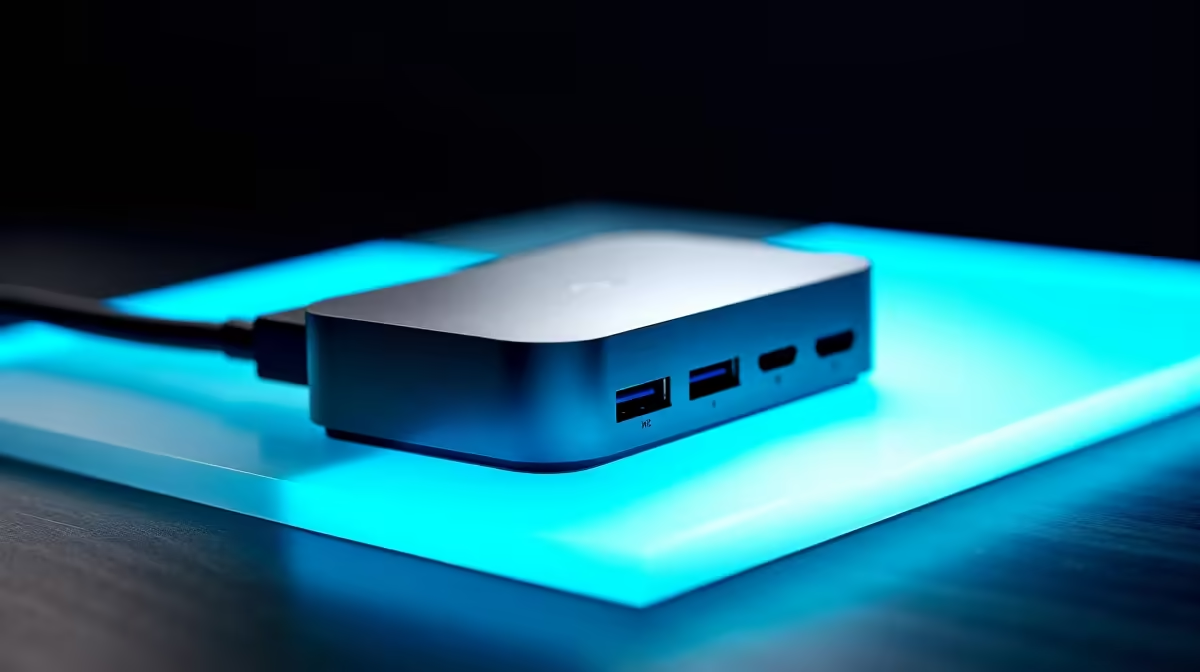
Now, a single Thunderbolt 4 dock changes everything. It can handle a 10GbE adapter, dual 4K monitors, and high-speed storage simultaneously. You can route everything through one single cable. This clears up internal space for much better airflow. Better airflow means lower temperatures during those hot South African summers. It also makes building custom gaming PCs much easier. You no longer need to worry about PCIe lane sharing conflicts.
Audio producers also benefit greatly from this shift. Modern external DACs and audio interfaces run flawlessly over USB Type-C connections. This eliminates the need for internal sound cards completely. Internal audio cards often pick up electrical noise from other PC components, ruining perfect recordings.
Connectivity Pro Tip 🔧
Always check your motherboard specifications before buying external gear. Some front-panel Type-C ports only support 10Gbps. You must plug into the rear motherboard I O to get true Thunderbolt 4 or USB 20Gbps speeds for your high-bandwidth devices.
Where PCIe Expansion Cards Still Win ✨
So, can Thunderbolt 4 and USB 20Gbps replace multiple expansion cards in a workstation completely? The answer is almost... but not quite.
External GPUs work over Thunderbolt. However, they suffer a performance drop compared to a direct PCIe x16 slot. Do you render heavy 3D scenes or train complex AI models? If so, you still want your primary graphics card seated internally. The same applies to massive multi-drive RAID controller cards that demand maximum bandwidth.
However, for most creators, external hubs offer incredible daily flexibility. You can even move your entire workflow between machines instantly. Unplug one cable from your desktop and plug it into your laptop. Do you want to upgrade your setup without breaking the bank? Keep an eye on the latest tech specials. You will easily find motherboards with top-tier connectivity options to future-proof your rig.
Ready to Build Your Dream Workstation?
Whether you want a motherboard loaded with Thunderbolt 4 or a chassis big enough for multiple PCIe cards, Evetech has you covered. Explore our massive range of workstation PCs and find the perfect machine to conquer your creative workflows.