

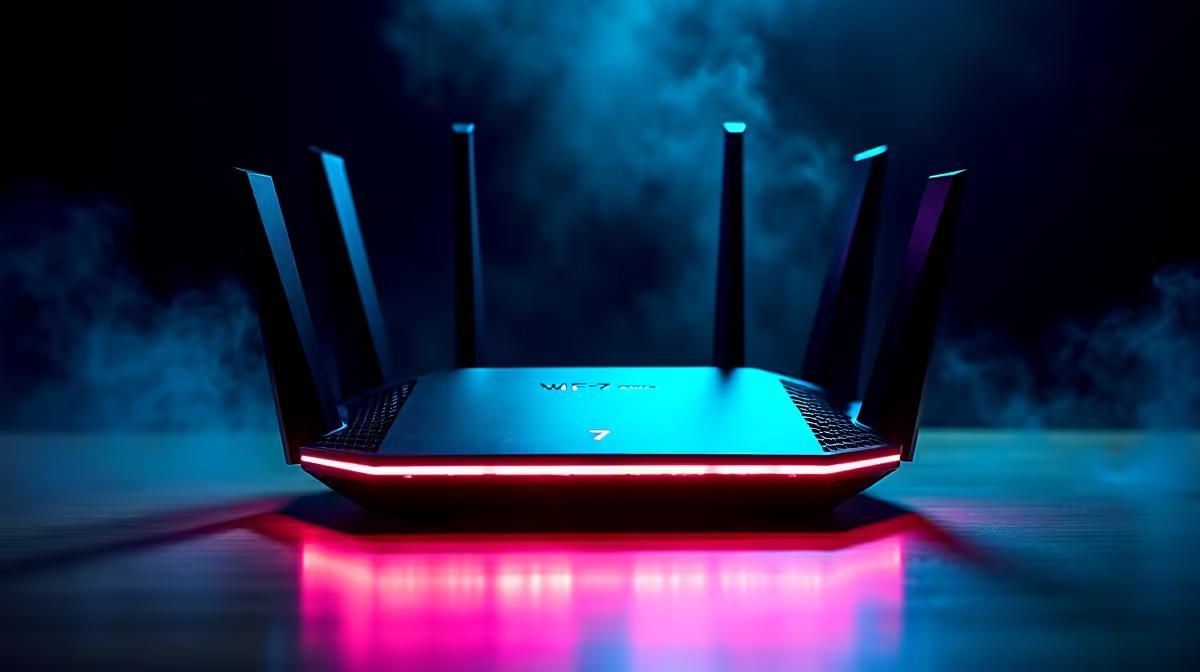
Picture this... the power just came back on. You boot up for a ranked match. Suddenly, your ping spikes to 300ms. Someone is streaming 4K Netflix in the lounge. Meanwhile, a massive patch is downloading. Lag ruins everything. If you are asking: can WiFi 7 improve online gaming, streaming, and downloads in a busy home network? The answer is a resounding yes. Let us explore exactly why.
Understanding the Power of Multi-Link Operation ⚡
Older wireless standards force your devices to choose a single band. You either connect to the 2.4GHz or the 5GHz network. The latest generation introduces a brilliant feature called Multi-Link Operation. This lets your PC or console connect to multiple bands simultaneously.
Think of it like opening extra lanes on a busy highway. If one lane gets congested, your data simply moves to the empty lane without dropping a single packet. This is exactly why looking into premium routers in South Africa is becoming essential for smart homes. You get rock-solid stability even when ten different devices are fighting for bandwidth.
Crushing Latency for Competitive Gamers 🎮
Every millisecond counts when you are holding an angle in Valorant or Counter-Strike. High ping is the ultimate enemy of competitive players. The newest wireless standard tackles this frustrating issue by drastically reducing network latency. It uses advanced 4K QAM modulation to pack significantly more data into every single transmission.
This means your critical inputs register much faster on the game server. No more phantom bullets or rubber-banding... just crisp and incredibly responsive gameplay. If your current wireless setup struggles with random jitter, it might be the ideal time to optimise your setup and upgrade your WiFi router. A modern network ensures your gaming PC always gets priority traffic over background tasks.
Network Setup Pro Tip 🔧
Keep your router elevated and away from thick walls or large metal appliances. Even the best wireless tech suffers if it is hidden behind a TV cabinet. For the ultimate connection, try to maintain a clear line of sight to your main gaming area.
Faster Downloads and Buffer-Free Streaming 🚀
Modern gaming titles are absolutely massive. Downloading a 150GB game update can take hours on an older, congested network. This new technology solves this by supporting ultra-wide 320MHz channels. This effectively doubles your maximum data transmission rate compared to previous wireless generations.
You can now download massive files in a fraction of the time. While your PC downloads that huge update, another family member can seamlessly stream high-definition movies. They will not see a single buffering wheel. Upgrading your entire home network does not have to break the bank either. You can often find incredible value by keeping an eye on the latest tech specials online.
Investing a few thousand ZAR into a proper networking setup saves you from daily frustration. It ensures you actually experience the true gigabit speeds you pay your local fibre provider for. So... does upgrading to the latest standard actually fix a congested home setup? The raw technology definitely speaks for itself. It brings total order to wireless chaos.
Ready to Eliminate Lag for Good? A congested home network does not have to ruin your gaming sessions or movie nights. For maximum speed, stability, and coverage in South Africa, upgrading your networking gear is the smartest move. Explore our range of premium routers and build a connection you can trust.











