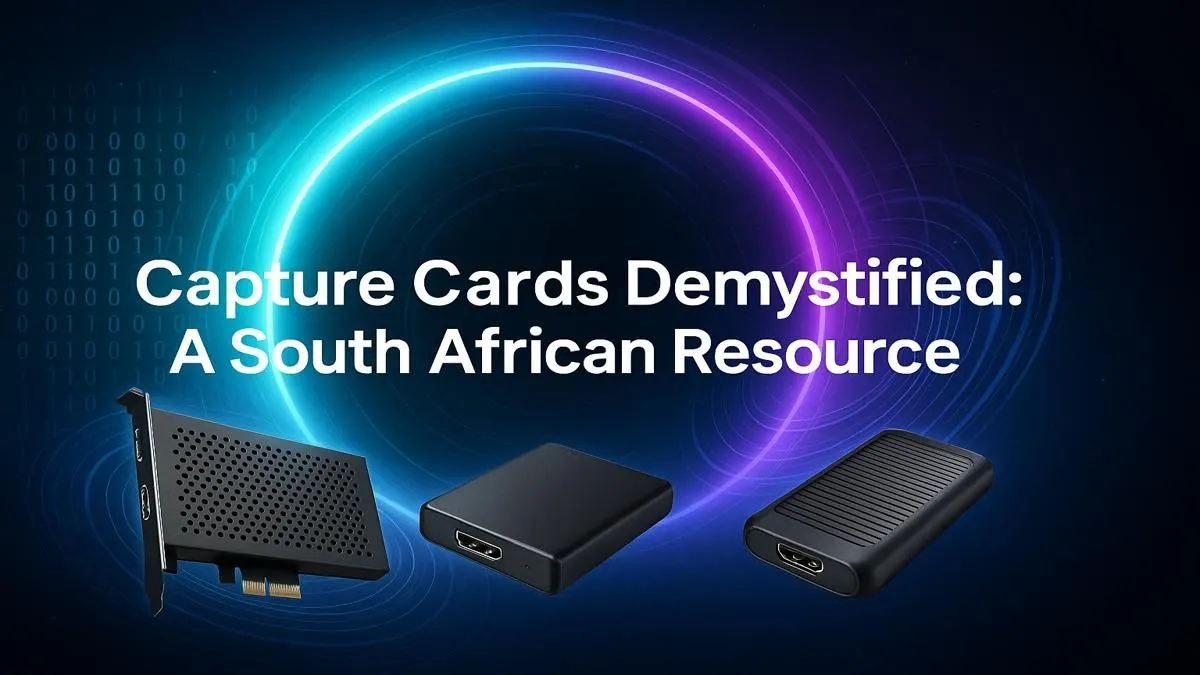
Dreaming of hitting 'Go Live' and sharing your epic Apex Legends clutches with the world? You're not alone. But turning that dream into a crisp, lag-free stream requires one crucial piece of kit: a capture card. It’s the secret weapon behind every pro streamer's setup, ensuring your gameplay is as smooth for your viewers as it is for you. This guide will help you navigate the world of the capture card in South Africa and get you streaming like a pro.
What Exactly Does a Capture Card Do?
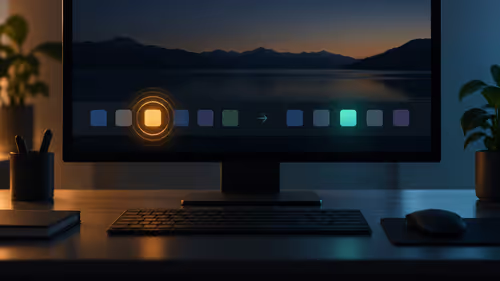
Think of a capture card as a dedicated bridge. It takes the high-quality video and audio feed from your gaming source—whether it's your gaming PC, a PlayStation 5, or an Xbox Series X—and sends it directly to your streaming computer or recording software.
Its main job is to offload the heavy lifting of encoding (compressing your gameplay into a streamable format) from your gaming machine. This means your gaming PC can focus 100% of its power on running your game at max settings, eliminating frustrating frame drops and input lag. The result? A buttery-smooth experience for you and a professional-quality broadcast for your audience. ✨
Do You Really Need a Capture Card for Streaming?
This is the big question, and the answer depends on your setup.
- For Single-PC Streaming: It's possible to stream and game from one machine, especially with modern graphics cards that have dedicated encoders (like NVIDIA's NVENC). However, this still puts a significant strain on your system, and you might have to lower your in-game settings. A powerful machine is a must for this route, and many of our latest Intel PC deals are built to handle this multitasking demand.
- For Dual-PC Streaming: This is the gold standard for serious streamers. One PC is dedicated entirely to gaming, while the second (the "streaming PC") handles all the encoding, overlays, and broadcasting. In this professional setup, a capture card isn't just recommended… it's essential.
- For Console Gaming (PS5, Xbox, Switch): If you want to stream your console gameplay with custom overlays, alerts, and webcam feeds through software like OBS Studio, you absolutely need a capture card. It's the only way to get your console's video output onto your PC for proper production.
Key Features to Look For in a Capture Card in South Africa
When you start shopping for a capture card South Africa, you'll see a lot of technical terms. Here’s what actually matters.
Resolution and Frame Rate
This determines the quality of your stream. 1080p at 60fps (frames per second) is the sweet spot for most streamers on platforms like Twitch and YouTube. It provides a sharp, fluid image without demanding insane internet bandwidth. While 4K capture cards exist, 1080p60 is the perfect target for building a South African audience.
Passthrough
This is a critical feature. A capture card with "4K60 Passthrough" lets you play your game on your 4K monitor in its full glory, while the card simultaneously captures and sends a 1080p60 signal to your stream. Zero-latency passthrough ensures there's no delay between your actions and what you see on your screen.
Audio Pro Tip 🎙️
Getting game audio and your mic audio to play nicely is a classic streaming headache. Use a virtual audio mixer like Voicemeeter Banana. It lets you route your game audio, Discord chat, and microphone into separate channels, giving you complete control in OBS Studio without the need for expensive hardware.
Internal (PCIe) vs. External (USB)
- Internal Cards: These slot directly into your desktop PC's motherboard. They offer the highest possible performance and a cleaner desk setup, but they aren't portable. A strong multi-core CPU is key to managing the data, making systems from our range of AMD Ryzen PC deals an excellent choice for a streaming rig.
- External Cards: These are plug-and-play boxes that connect via USB. They're incredibly easy to set up and can be used with laptops or moved between different computers. They are the go-to choice for console streamers. 🚀
Building Your Streaming Rig Around the Card
A capture card is a powerful tool, but your streaming PC still needs enough muscle to mix your final broadcast. You don't need a monster machine, but a decent modern CPU and at least 16GB of RAM are recommended to handle OBS, your webcam feed, and browser tabs without choking.
For those who want a hassle-free, optimised setup right out of the box, exploring pre-built PC deals can save you a ton of time and effort. You don't have to break the bank either; many excellent starter PCs under R20k have more than enough power to get your streaming career off the ground.
Ready to Build Your Streaming Empire?
Choosing the right capture card is the first step. The next is pairing it with a PC that won't bottleneck your creativity. For a hassle-free, optimised setup right out of the box, explore our powerful range of pre-built PC deals and start your streaming journey today.