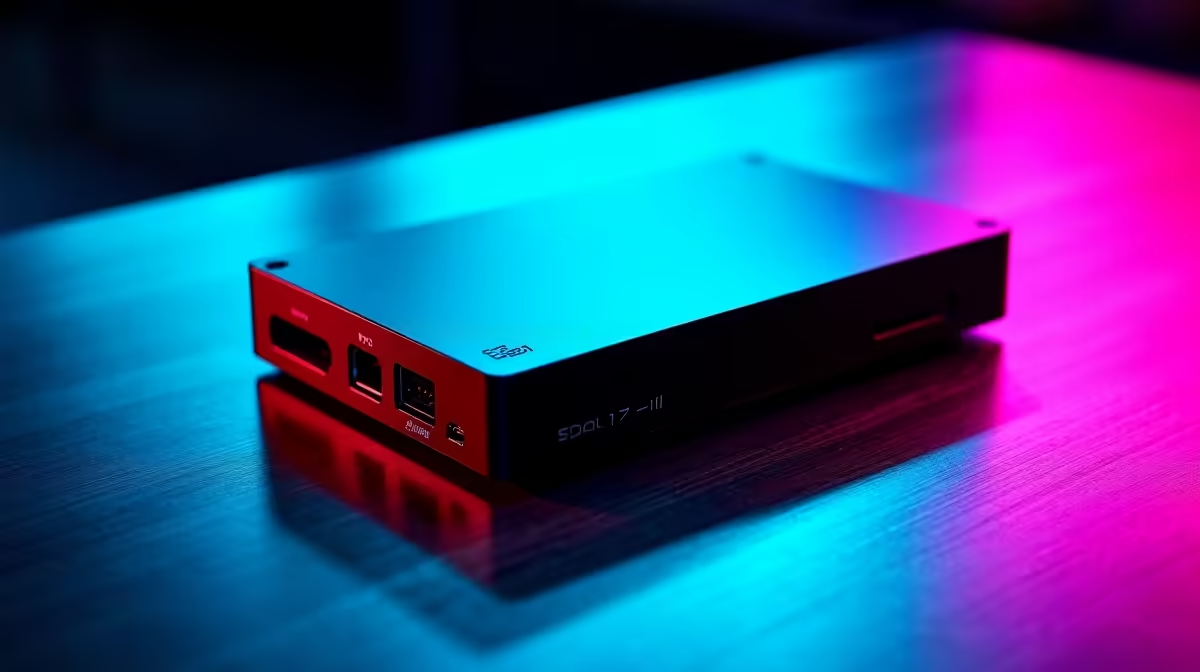
So, you're ready to show South Africa your skills. You've got the lighting sorted, the mic sounds crisp, and your gameplay is on point. But when you hit 'Go Live', your stream stutters, or your console gameplay looks blurry. The missing piece of the puzzle? A dedicated capture card for streaming. This guide will help you navigate the options and find the perfect device to broadcast your gameplay from PC, PlayStation, or Xbox like a pro.
Why You Need a Capture Card for Streaming
Think of a capture card as a specialist translator. Your gaming console or PC is speaking a high-speed language called "gameplay," and your streaming PC needs to translate that into a broadcast-ready format for Twitch or YouTube.
A capture card for streaming takes the high-quality video and audio output directly from your gaming source (like your PS5's HDMI port) and feeds it into your computer. This frees up your gaming machine to focus on one thing: running your game smoothly. Your streaming PC then handles the encoding and broadcasting, resulting in a buttery-smooth experience for your viewers. ✨
Choosing Your Weapon: Key Capture Card Specs
Not all capture cards are created equal. Getting lost in the tech specs is easy, but focusing on these three core features will ensure you make the right choice for your setup.
Resolution: 1080p vs 4K
For most streamers starting out in South Africa, 1080p (Full HD) is the sweet spot. It provides a crisp, clear image that looks fantastic on most devices and doesn't require a monster internet connection to broadcast. If you're playing on a 4K monitor and want to capture every glorious pixel for high-production YouTube videos, then a 4K capture card is the way to go, but be prepared for much larger file sizes.
Frame Rate: 60fps is Non-Negotiable
This is simple: you want to capture and stream at 60 frames per second (fps). This matches the smooth motion of modern games and is the standard for professional-looking streams. A 30fps stream can look choppy, especially in fast-paced games like Call of Duty or Apex Legends. Ensure the capture card for streaming you choose explicitly supports 1080p at 60fps (1080p60).
What is HDMI Passthrough?
Passthrough lets you play your game on your monitor or TV without any delay (latency) while the card captures the footage separately. A capture card with "4K60 Passthrough" means you can play in 4K at 60fps on your screen, even if the card is only capturing at 1080p60. It’s a crucial feature for any serious console gamer.
Internal vs. External Capture Cards
You've got two main form factors to choose from, each with its own pros and cons.
- External Cards: These are plug-and-play boxes that connect via USB. They are incredibly easy to set up and are perfect for laptop users or moving between different computers. They are the most popular choice for a reason.
- Internal Cards: These cards slot directly into a PCIe slot on your desktop PC's motherboard. They offer the potential for the absolute lowest latency and a cleaner desk setup with fewer cables. This option is only for desktop users, so if you're looking for a powerful machine with room for upgrades, check out these great pre-built PC deals.
Check Your Ports! 🔌
Most modern external capture cards require a USB 3.0 (or higher) port to handle all that video data. Plugging a high-performance card into an older USB 2.0 port is a common mistake that leads to stuttering and signal drops. Look for the blue plastic inside the port or the 'SS' (SuperSpeed) logo to be sure!
Your PC: The Unsung Hero of Your Stream
A capture card does the heavy lifting of capturing, but your PC still needs to handle the encoding and streaming. A weak CPU will struggle to keep up, resulting in dropped frames for your viewers, no matter how good your capture device is. 🚀
You don't need a supercomputer, but a modern multi-core processor is essential.
- For a solid streaming foundation, the latest Intel PC deals offer excellent single-core performance, which is great for gaming and streaming simultaneously.
- Alternatively, the fantastic multi-core performance found in our AMD Ryzen PC deals makes them a popular choice for content creators who need to juggle multiple tasks.
Even a dedicated streaming PC doesn't have to cost a fortune. You can find some incredible value in our range of powerful PCs under R20,000 that are more than capable of running OBS and broadcasting a high-quality stream.
Ready to Build Your Streaming Empire?
A great capture card is just one piece of the puzzle. The real power behind a smooth, professional stream comes from a capable PC. Explore our massive range of streaming solutions and find the perfect hardware to bring your A-game to the world.