


MacBook Pro 16-Inch M5 Max: Complete Specs, Features and SA Pricing Guide
MacBook Pro 16-Inch M5 Max: Complete Specs,. Everything you need to know with SA pricing, step-by-step instructions & expert recommendations.
Read moreStruggling with case fan noise, lifespan, or cooling power in South Africa? Here’s what to look for before you buy, so your PC runs cooler, quieter, and longer. 🇿🇦🔧
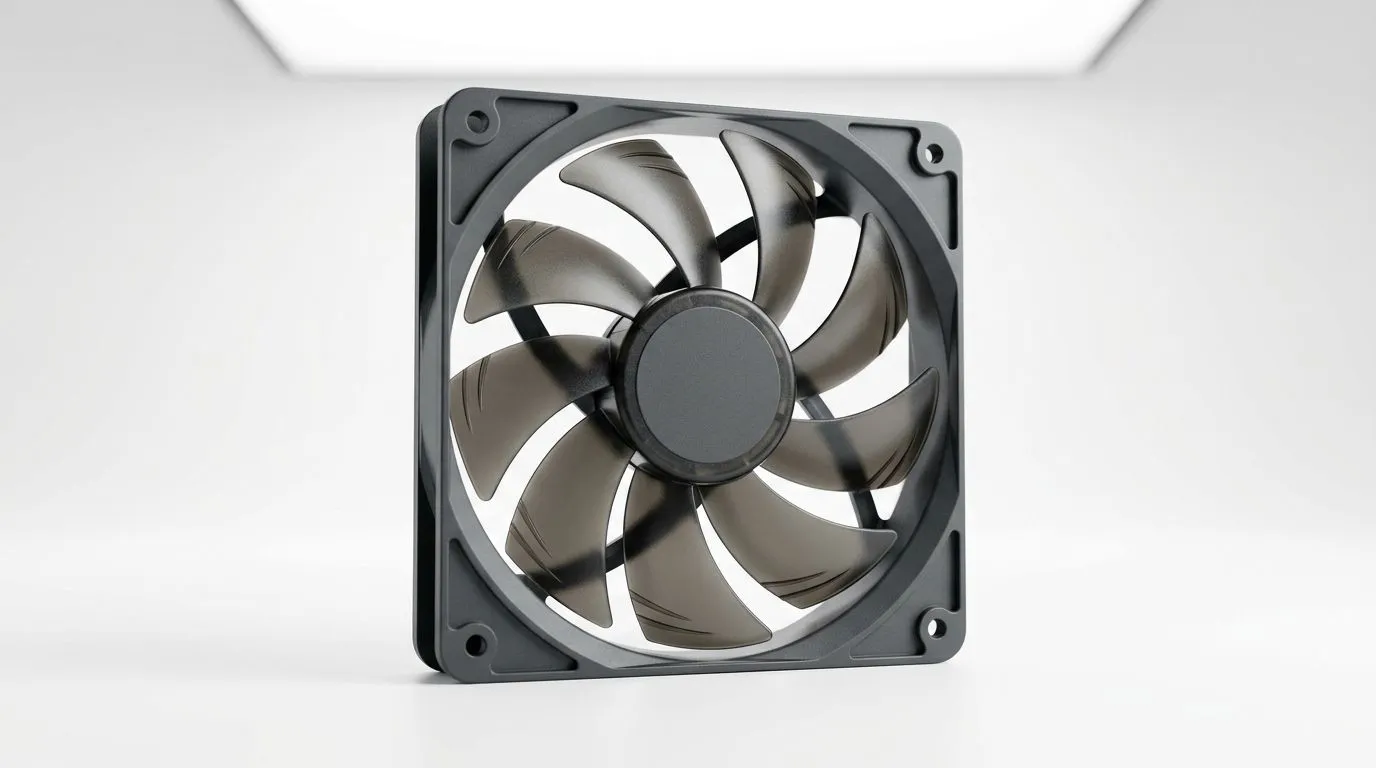
If your PC sounds like a small vacuum shop at 2am, you’re not alone… especially in South Africa’s hot rooms and poorly ventilated desks. But the “loud fan” question is really three questions: how noisy it is, how long it lasts, and how much it cools your CPU/GPU. 🔧
In this Deep Dive, we’ll break down case fan noise vs lifespan vs cooling power in SA in plain terms, so you can buy with confidence (and avoid wasting money). We’ll also show you what to look for when browsing Evetech’s fan range.
Most case fans are rated in RPM and airflow (CFM) and often measured with decibels (dBA). In general, higher RPM can mean better airflow, but also more noise. Noise isn’t only volume though; fans can sound “grindy” or “whistly” depending on bearing type and blade shape.
A practical SA buyer tip: if you’re sensitive to noise during gaming sessions, prioritise smoother airflow over max RPM. Your ears will thank you when you’re in an FPS match and your headset sits slightly lower.
Fan lifespan usually comes down to bearing quality and how much dust builds up. Dust increases friction, slows the fan slightly, and can make noise creep in over months. Mounting matters too: a slightly loose fan can create vibration that feels like “more noise” even when RPM hasn’t changed.
For steady performance in a dusty SA environment, clean fans regularly and keep filters in place. A $0 filter mistake can cost you hours of debugging later. ✨
Cooling is about moving air through the case. The best setup is not always “maximum fan count”. It’s balanced intake and exhaust, with air paths that don’t fight each other.
A common failure mode: adding extra fans without checking direction. If your intake air is immediately blocked by cables or a blocked front panel, those extra fans don’t gain much cooling.
Clean schedule beats random cleaning. Once a month, shut down and blow out dust from intake filters and fan blades. This keeps airflow consistent and reduces bearing stress, so noise doesn’t creep up after a few gaming sessions."
Bigger fans often spin slower for similar airflow. That tends to reduce noise and can help long-term wear… but only if your case supports the size and your airflow plan fits.
If you want consistent performance across builds, it helps to stick to brands known for tuned fan curves and build quality. For example, you can explore CORSAIR case fans and compare them against other lines like Deepcool case fans.
RGB is fun, but cooling needs first place. If you’re building a clean aesthetic, you can filter RGB styles via RGB case fans. If you prefer performance-focused builds without extra distractions, filter for non-RGB fans.
When you’re ready to compare across everything available, start here: Evetech’s case fan collection. 🚀
Here’s a simple plan that fits most SA gaming rigs:
If you hear a fan getting louder after a few months, don’t ignore it. It’s often dust, a loose mount, or a bearing starting to struggle.
Want your next build to stay cool in SA heat without turning your room into a wind tunnel? Start by matching fan size to your case, choosing a calm fan curve, and keeping dust under control. That’s the boring stuff that gives you quiet gaming… and fewer replacements later.
Ready to Find Your Perfect Match? The Mac vs Windows debate is complex, but for maximum power, choice, and value in South Africa, Windows is hard to beat. Explore our massive range of laptop specials and find the perfect machine to conquer your world.
Aim for lower case fan noise in dBA. Pair PWM vs DC control with good airflow so you get cooling power without constant high RPM.
Bearings and operating conditions matter most. Higher heat and dust reduce lifespan, so choose quality bearings and a reliable fan with solid temps.
If you’re cooling through dense filters or radiators, static pressure often wins. For open airflow spaces, airflow (CFM) matters more.
140mm fans typically move more air at lower RPM, improving cooling power while reducing case fan noise. 120mm works well in tighter spaces.
PWM case fans let your motherboard control RPM more precisely, helping manage case fan noise. DC can be simpler, but PWM is often better.
Prioritise enough airflow, proper static pressure for your setup, and stable control (PWM). Also improve dust management to protect lifespan.
Not always. The right cooling power comes from airflow, static pressure, and fan curve. Avoid unnecessary RPM that increases noise.
Check dBA noise, airflow (CFM), static pressure (mmH2O), RPM range, bearing type, and PWM support for the best balance of noise and lifespan.
MacBook Pro 16-Inch M5 Max: Complete Specs,. Everything you need to know with SA pricing, step-by-step instructions & expert recommendations.
Read more
Travelling With a MacBook: Travellers. Everything you need to know with SA pricing, step-by-step instructions & expert recommendations.
Read more
Back-to-School Parent Guide: Laptops. Everything you need to know with SA pricing, step-by-step instructions & expert recommendations.
Read more
MacBook Air 13-Inch M5: Complete Specs, Features. Everything you need to know with SA pricing, step-by-step instructions & expert recommendations.
Read more
MacBook Neo Unboxing and First Setup Guide for. Clear setup instructions with SA-specific considerations, troubleshooting tips & recommended components.
Read more
MacBook Pro 16-Inch M5 Pro: Complete Specs,. Everything you need to know with SA pricing, step-by-step instructions & expert recommendations.
Read more
Snapdragon X2 NPU Explained: How 80 TOPS Changes. Plain-English explanation of what it means, why it matters & how it affects your buying decisions in SA.

HBM? High Bandwidth Memory Used in GPUs and AI. Plain-English explanation of what it means, why it matters & how it affects your buying decisions in SA.

How much should you spend on sim racing accessories in South Africa for a realistic setup? We break down budgets by quality tiers, so you buy smart gear and avoid overspending 🎮💸

G-Sync and FreeSync? Variable Refresh Rate. Plain-English explanation of what it means, why it matters & how it affects your buying decisions in SA.

AMD Laptop: Value. SA-focused analysis with local pricing data, real-world insights & actionable buying advice.

How MacBook Neo Handles 30+ Chrome Tabs with Only. SA-focused analysis with local pricing data, real-world insights & actionable buying advice.

Why Apple Put 8GB RAM in MacBook Neo: The A18 Pro. SA-focused analysis with local pricing data, real-world insights & actionable buying advice.

Upgrade your work laptop with a New Motherboard. Step-by-step instructions with SA-specific tips, common pitfalls to avoid & expert recommendations.
MacBook Pro 16-Inch M5 Max: Complete Specs,. Everything you need to know with SA pricing, step-by-step instructions & expert recommendations.
Travelling With a MacBook: Travellers. Everything you need to know with SA pricing, step-by-step instructions & expert recommendations.
Back-to-School Parent Guide: Laptops. Everything you need to know with SA pricing, step-by-step instructions & expert recommendations.
MacBook Air 13-Inch M5: Complete Specs, Features. Everything you need to know with SA pricing, step-by-step instructions & expert recommendations.