


GPU Setup Guide for SA Gamers
GPU Setup Guide Gamers. Clear setup instructions with SA-specific considerations, troubleshooting tips & recommended components.
Read moreCase fan vibration usually comes from mounting pressure and resonance. Learn why it happens and how rubber pads improve case fan stability. ✅🔧
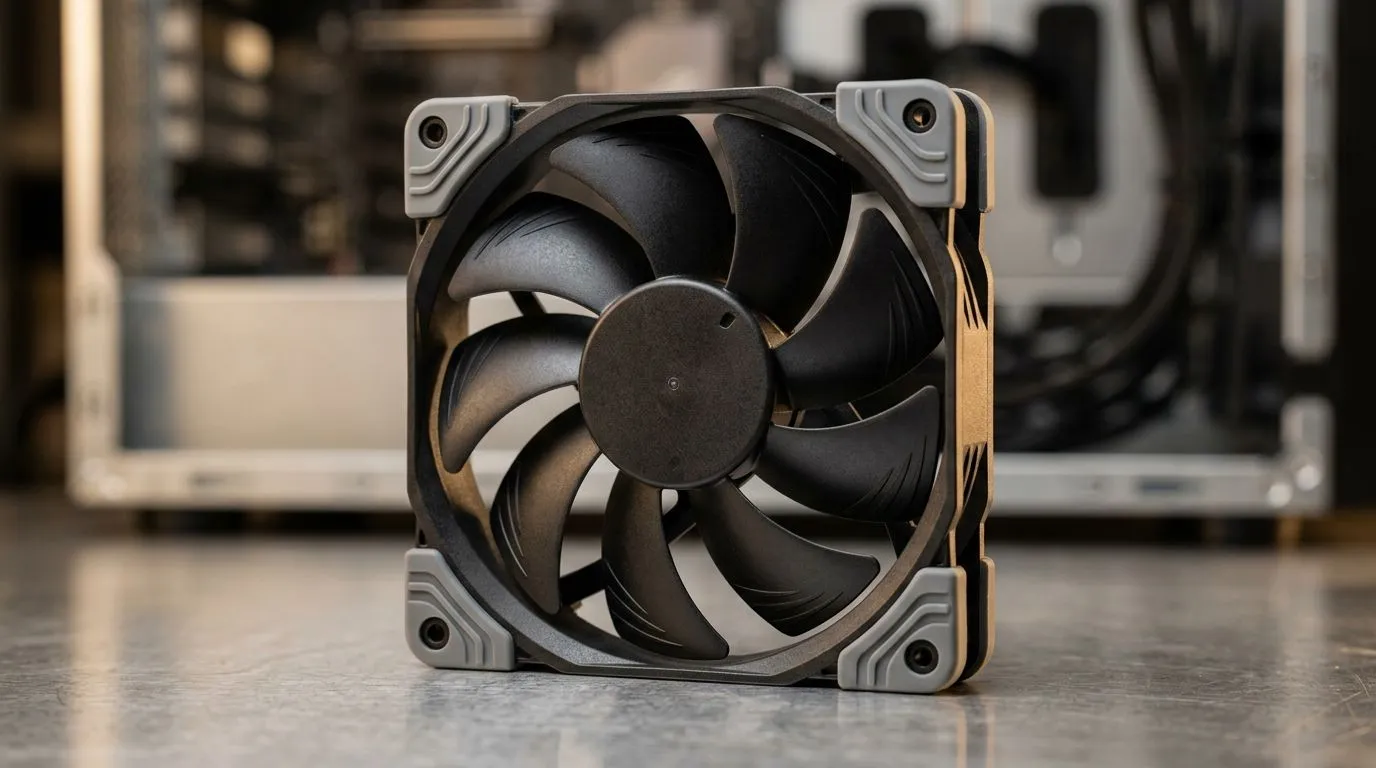
If your PC fans sound like a tiny engine idling under your desk… you’re not alone. In South Africa, heat and dust are year‑round problems, and a slightly loose case can turn normal vibration into an annoying buzz. Worse, that vibration can add stress to the fan mounts over time. 🔧
This is where Case Fan Vibration: Fix It with Rubber Pads for Stability comes in. A simple rubber pad setup can decouple the fan’s vibration from the case metal, cutting the rattle while keeping airflow stable.
Before you buy anything, confirm the source:
Once you’re confident it’s the fan mount:
Why rubber? It reduces vibration transfer. Fans create small oscillations, and metal couples that energy into the whole chassis. Rubber acts like a buffer.
On Windows, use the PowerToys FancyZones utility to create custom snap layouts for your desktop apps. If you’re debugging a noisy rig, having your monitoring tools (temps, fan curves) neatly arranged helps you test changes faster and stay organised while you game or work.
A vibration problem can be solved with rubber pads, but a mismatched fan model can make it worse. Look for proper mounting compatibility (120mm or 140mm) and choose from reputable brands with consistent build quality.
If you’re shopping for replacements or upgrades, start with a dedicated case fan range:
And if you’re trying to keep the setup clean:
Size matters too. If your case supports multiple mount sizes, you can reduce noise by optimising fan diameter:
Here’s a fast routine gamers in SA can use after a LAN weekend or dusty season:
If you’ve already fitted pads but the noise persists, the next most common cause is a mechanical imbalance (bent blades) or a warped fan mount. At that point, replacing the fan is usually faster than chasing it.
The fix is easy… but only if your parts and airflow setup make sense. Get the stability you want, and keep your rig quiet enough for Discord, ranked matches, and long sessions.
Ready to Find Your Perfect Match? The Mac vs Windows debate is complex, but for maximum power, choice, and value in South Africa, Windows is hard to beat. Explore our massive range of laptop specials and find the perfect machine to conquer your world.
Case fan vibration often comes from uneven mounting pressure, misalignment, or resonance. Rubber pads can help isolate vibration and improve stability.
Yes. Higher RPM can amplify vibration and resonance. If the mount is loose or uneven, you may hear more buzzing as fan speed increases.
Rubber pads add grip and compliance between the fan and the case, damping vibration and reducing wobble caused by hard metal-to-metal contact.
Place pads at the contact points between the fan frame and case, then tighten screws evenly. Avoid overtightening to prevent new vibration.
Rubber pads can reduce both by damping vibration energy and limiting resonance buildup, leading to quieter operation and steadier airflow.
Rubber grommets typically isolate screw contact points, while pads help stabilize the full fan-to-case interface. Choose based on your mounting style.
Replace the fan if you feel grinding, damaged blades, or severe bearing wobble. Pads help mounting problems, not worn bearings.
GPU Setup Guide Gamers. Clear setup instructions with SA-specific considerations, troubleshooting tips & recommended components.
Read more
When Will the RTX 6090 Launch in South Africa Detailed answer with SA data, expert analysis & practical recommendations for local buyers.

Top Valorant Settings for RTX 5070: FPS Optimisation picks evaluated on performance, value & SA availability with current Rand pricing from Evetech.

RDNA 3.5 Graphics in Ryzen AI 400? Can You Game. Plain-English explanation of what it means, why it matters & how it affects your buying decisions in SA.

GPU Price Index : December Report. Current stock data & price tracking for SA buyers. See what is available and where prices are heading.

Core i5-14600K + B760 + RTX 5060 Build Under. Full parts list, Rand pricing & expected performance. Build confidently with SA-available components.

RX 7600 Apex Legends at 4K: FPS Benchmark. Real-world benchmark data, FPS numbers & performance analysis. What SA gamers can actually expect.

RX 7900 XTX GTA 6 at 4K: FPS Benchmark & Optimal. Real-world benchmark data, FPS numbers & performance analysis. What SA gamers can actually expect.

Head-to-head comparison of RTX 5070 vs RX 9070 XT: Gaming Performance for SA gamers. Performance benchmarks, Rand pricing & which delivers better value.
GPU Setup Guide Gamers. Clear setup instructions with SA-specific considerations, troubleshooting tips & recommended components.

Top RTX 5090 Under R12000 picks evaluated on performance, value & SA availability with current Rand pricing from Evetech.

Call of Duty Warzone 2 Settings on RX 7600. Real-world benchmark data, FPS numbers & performance analysis. What SA gamers can actually expect.

GTA 6 Settings on RTX 5070 Ti: Performance. Real-world benchmark data, FPS numbers & performance analysis. What SA gamers can actually expect.