

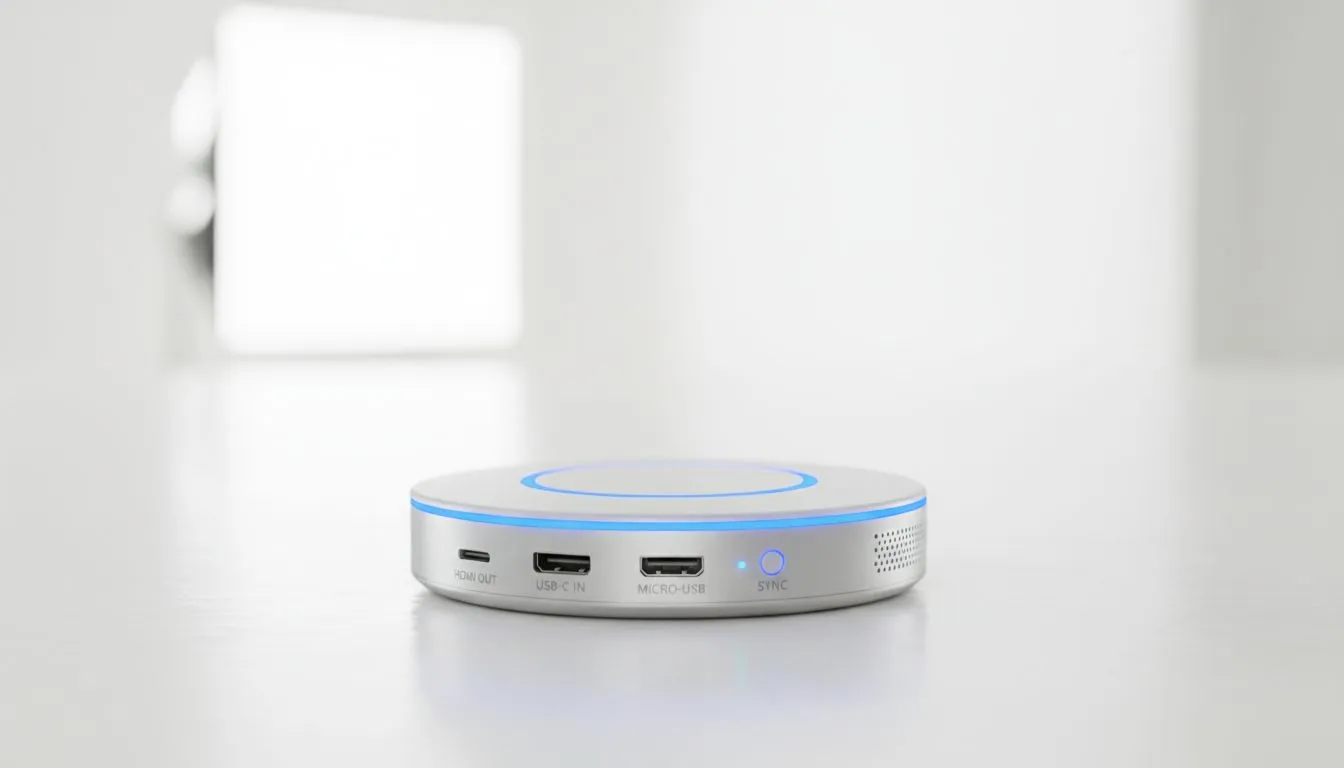
Casting compatibility: the quick hook for South African gamers 🔧
Struggling to cast a highlight clip from your phone to the TV during a braai? You’re not alone. Whether it’s lag, no audio, or the device simply won’t appear, Casting Compatibility Issues: Fix Cross-Device Casting is about diagnosing what’s broken fast — and getting you back to gameplay or streaming without swapping the whole setup. Read on for practical, local-tested fixes. ⚡
Casting compatibility: common culprits in local homes
Start simple: different devices speak different casting languages. A phone, a smart TV and a Windows PC might all support “casting” but use different protocols or app versions. In many cases, the router or Wi‑Fi band causes discovery problems... especially in dense Johannesburg flats or Cape Town apartments. For accessories like dongles, adapters and USB hubs that help bridge old devices, see Evetech’s gaming accessories selection for compatible options. (source: https://www.evetech.co.za/PC-Components/buy-gaming-accessories-160.aspx)
A quick micro-story: I helped a friend in Pretoria who couldn’t cast from his laptop. The Chromecast was on guest mode and his laptop on 5 GHz — they couldn’t see each other. A router setting tweak fixed it in five minutes.
Fix cross-device casting with these simple steps
- Check same network and band: ensure both sender and receiver are on the same SSID and frequency (2.4 or 5 GHz).
- Restart apps and devices: app updates or firmware often resolve protocol mismatches.
- Update firmware: smart TVs and dongles regularly receive fixes from manufacturers.
- Try a wired fallback: if Wi‑Fi discovery keeps failing, use an HDMI cable or a USB‑C to HDMI adapter from Evetech to bypass wireless headaches (see accessories deals for options). (source: https://www.evetech.co.za/gaming-accessories-deals/x/229.aspx) 🚀
If your setup uses a PC as the casting receiver, ensure the casting app has network permissions. Windows firewall can block discovery; allow the app through.
Casting Pro Tip ✨
a simple test: create a mobile hotspot and connect both casting devices to it. If they pair, your home network is the issue. This isolates router, band or firewall problems quickly, saving hours of trial and error.
Preventing future casting compatibility issues
- Standardise on a protocol where possible: pick Chromecast, AirPlay or Miracast and keep devices updated.
- Invest in reliable accessories: quality HDMI cables and trusted dongles reduce handshake failures; browse the gaming accessories category for tested options. (source: https://www.evetech.co.za/PC-Components/buy-gaming-accessories-160.aspx?category=Gaming+Accessories)
- Label devices and SSIDs so family members connect correctly. Small habits cut support calls.
If you want one-on-one help choosing a dongle, adapter or a router that plays nicely with mixed devices, our accessories pages list compatible gear and current ZAR deals.
Ready to Find Your Perfect Match? The Mac vs Windows debate is complex, but for maximum power, choice, and value in South Africa, Windows is hard to beat. Explore our massive range of laptop specials and find the perfect machine to conquer your world.











