

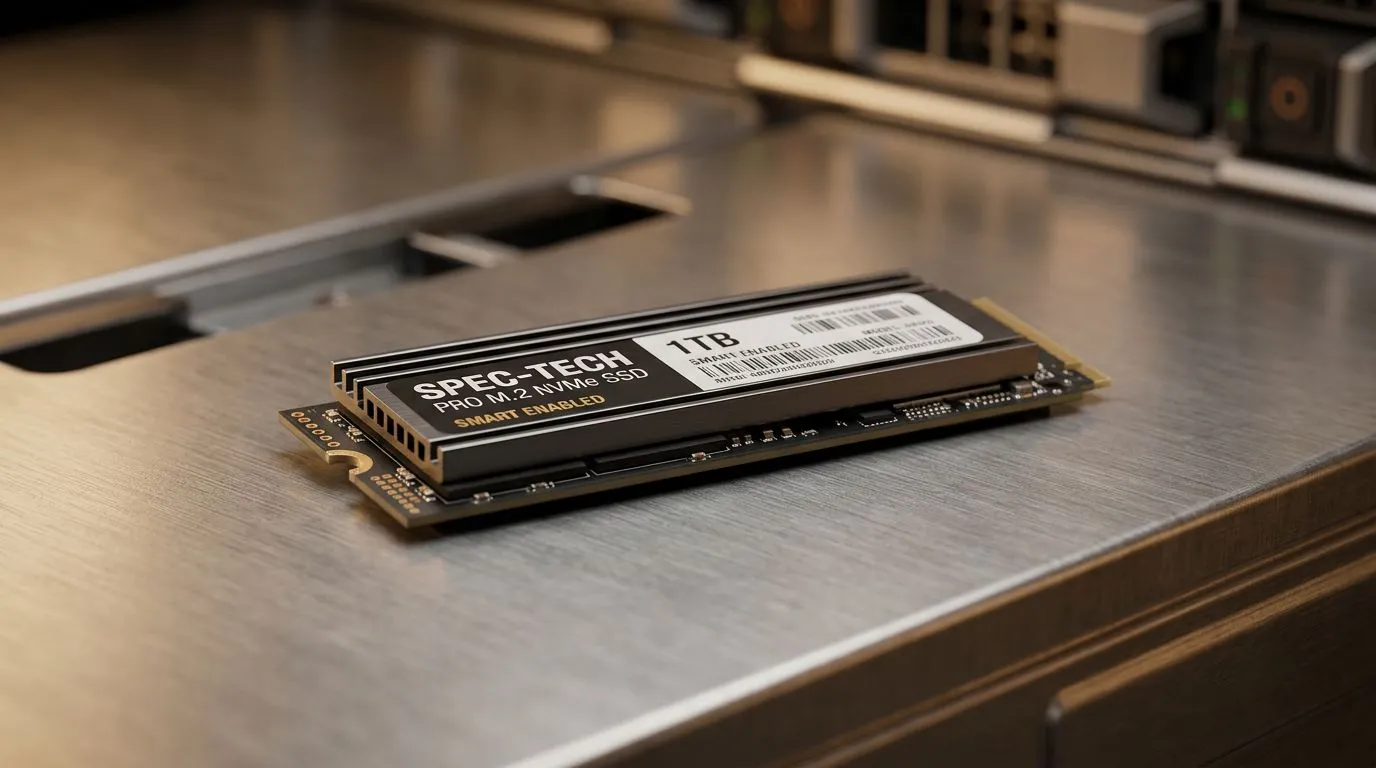
Why Your Drive’s Longevity Matters
We have all been there... you are mid-match in a high-stakes competitive lobby, or halfway through a 4K render, and your PC starts stuttering. Often, the culprit isn't your GPU or CPU, but a failing storage drive. Learning how to check SSD health using SMART monitoring tools is the single best way to avoid losing your saved games, projects, or personal data. Think of it as a routine service for your PC; it keeps your system running as smooth as a fresh Windows install. 🔧
Understanding SMART Data
Self-Monitoring, Analysis, and Reporting Technology—or SMART—is the built-in system your drive uses to track its own health. When you use tools like CrystalDiskInfo or manufacturer-specific software, you are pulling raw data from the drive’s controller. If you notice your drive's health status dropping below "Good," it is time to look at our solid state drives to prevent a total data catastrophe.
Tools of the Trade
For most South African PC builders, third-party utilities provide the most readable interface. If you are running an ADATA drive, their proprietary toolbox is excellent for firmware updates. Similarly, users rocking Western Digital hardware should grab the WD Dashboard. If you have recently upgraded to the lightning-fast speeds of a Gen 5 (NVME) drive, keeping an eye on temperatures is just as vital as checking wear levels. ⚡
Proactive Maintenance ⚡
keep a secondary backup for your most important files. Even if your SMART tools report 100% health, hardware can fail unexpectedly. If you need portable storage for those backups, consider browsing our [external SSD](https: www.evetech.co.za PC-Components buy-external-ssd-199) options or a dedicated [external SSD](https: www.evetech.co.za PC-Components buy-external-ssd-199?attributes-formfactor=External) for on-the-go editing.
When to Replace Your Drive
Don't wait for the blue screen of death to start shopping. If your SMART tool shows "Caution" or "Bad," back up your data immediately. Whether you are building a new rig or just refreshing your storage, keeping your system healthy is key to a frustration-free experience. 🚀
Ready to Upgrade Your Storage? Don't let a failing drive hold your performance back. We stock the latest, fastest storage solutions in South Africa to keep your gaming and workflow seamless. Explore our full range of SSDs and storage upgrades here and find the perfect match for your rig.











