

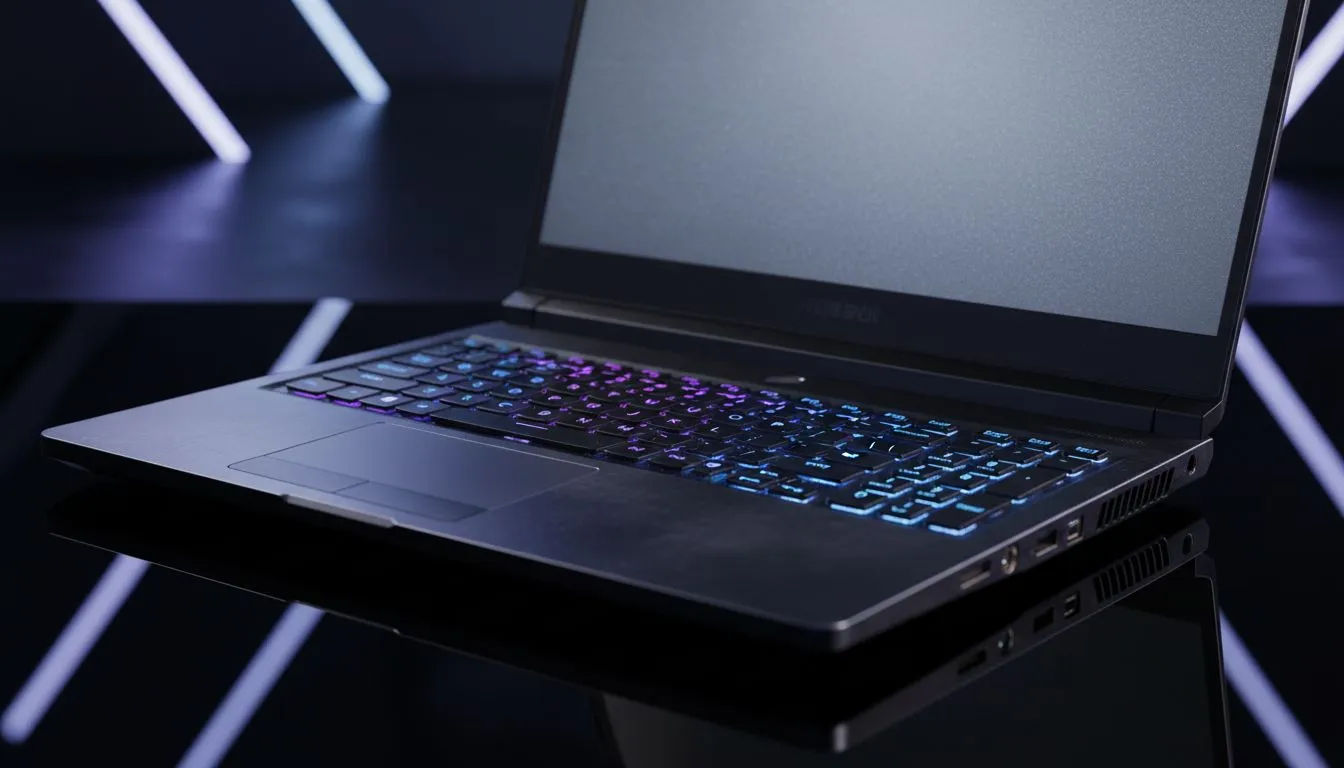
Master the Pre-Buy Checklist for Used Tech
Scouring the second-hand market for a bargain? It's tempting to snag a high-end machine for half the price. But without a solid plan, you might end up with a R15,000 paperweight. Learning how to check a used laptop is the only way to protect your hard-earned Rands. Let’s dive into the essential pre-buy checklist every South African tech enthusiast needs before shaking hands on a deal. 🔧
Physical Inspection and Port Integrity
Start with the exterior. Check the chassis for cracks or deep dents. These often signal internal damage from a hard drop. Open and close the lid several times to test the hinges. They should be firm but smooth. If you find the asking price is too high for the condition, you might prefer browsing gaming laptops under R20k for a brand-new unit with a full warranty.
Test every single USB port with a flash drive. Check the HDMI port and the charging jack too. A loose charging port is a common reason people sell their old gear... and it is a costly repair. ⚡
Testing the Display and Keyboard
Boot the machine and look for dead pixels or weird discolouration on the screen. Use a "Dead Pixel Tester" website to cycle through solid colours. Type on every single key in a notepad file. A sticky "W" key is a nightmare for gamers. If the screen flickers when you move the lid, walk away immediately. Sometimes, it is easier to just look at Intel laptops on special to ensure you get a crisp, flawless panel from day one.
Battery Health and Internal Hardware
Batteries degrade over time. Ask the seller to show you the battery wear level using a tool like HWMonitor. A laptop that only lasts 20 minutes off the charger is not truly portable. If the CPU seems sluggish or the fans are screaming at idle, remember that modern Ryzen laptop deals offer incredible efficiency and longevity that older, used chips simply cannot match.
Battery Health Secret ⚡
Open Command Prompt as Administrator and type 'powercfg batteryreport'. This generates a detailed HTML file showing the original capacity versus the current full charge capacity. It is the most honest way to see if the battery is nearing the end of its life cycle.
Stress Testing the GPU and Thermal Performance
For gamers, the graphics card is the heart of the machine. Run a quick benchmark like Heaven or FurMark for five minutes. If the laptop shuts down or shows "artifacts" (weird dots or lines on screen), the GPU is dying. If you want reliable frames without the risk of a failing component, checking out GeForce RTX gaming laptops on special is a much safer bet for your gaming future. 🚀
The Final Verdict on Used Gear
Buying used requires patience and technical knowledge. You must verify the specs in the BIOS to ensure the seller is not exaggerating the RAM or SSD size. While you can find gems, the lack of a warranty is a massive risk in the South African climate. Often, the best gaming laptop deals provide better long-term value because they include local support and modern features like DLSS or high refresh rate screens. ✨
Ready to Find Your Perfect Match? The used market is risky, but for maximum power, choice, and guaranteed value in South Africa, a new machine is hard to beat. Explore our massive range of laptop specials and find the perfect machine to conquer your world.











