

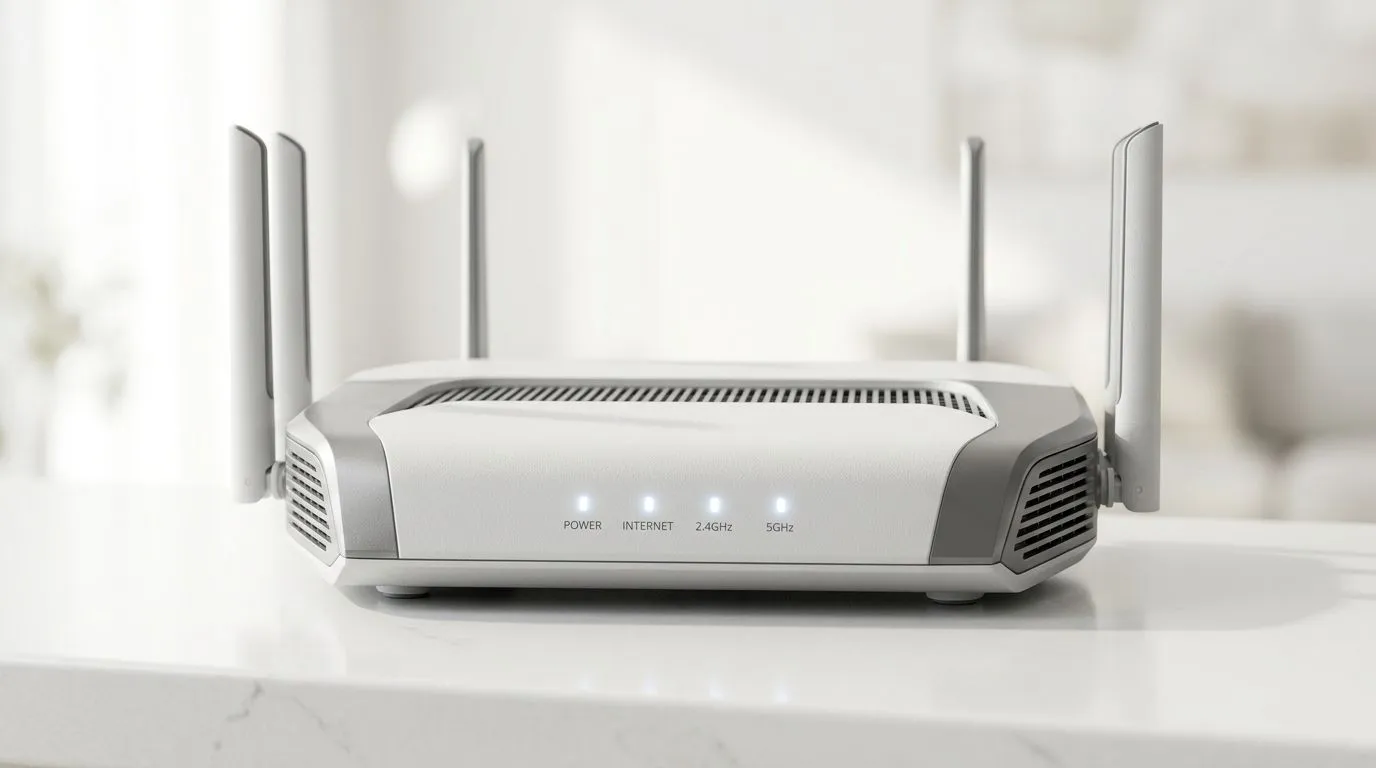
How to Choose the Best WiFi 6 Router for Your Home (for SA Gamers)
Lag spikes are brutal… especially when your squad is pushing ranked. You’re already doing the right things on your PC, but if your WiFi is struggling, the whole setup suffers. In South Africa, where network conditions can vary by neighbourhood and load-shedding schedules, choosing the right router matters.
This guide will walk you through how to choose the best WiFi 6 router for your home, with practical checks you can do today… plus what to buy at Evetech if you’re ready to upgrade. 🔧
WiFi 6 basics you actually need before you buy
WiFi 6 (802.11ax) helps with efficiency. In real homes, that means better performance when multiple devices are connected, and often lower latency compared to older WiFi standards. It’s not magic. Your speeds still depend on your ISP, your line quality, and your home layout.
When gamers ask “Is WiFi 6 worth it?” the honest answer is… yes, if you have many devices or you’re seeing inconsistent wireless performance. If you’re in a small space and you only have one device connected, older gear might be “good enough” for casual use.
The specs that affect gameplay most
Here are the WiFi features worth caring about:
- Dual-band (2.4 GHz + 5 GHz): 5 GHz usually gives faster performance and lower congestion.
- WiFi 6 (802.11ax) support: better efficiency with modern devices.
- Number of antennas and MU‑MIMO: helps the router serve multiple devices more smoothly.
- Coverage and beamforming: useful if you have thick walls or longer distances.
For a general overview of wireless networking options, start here: Evetech wireless networking components
How to Choose the Best WiFi 6 Router for Your Home: pick the right model for your space
Choosing a router is like choosing headphones… you match them to your environment. If your home is larger, or you have walls that eat signal, you’ll want stronger coverage planning.
Step 1: Measure your home’s “WiFi distance problem”
Ask yourself:
- Is your router in the lounge, but you game in a bedroom or study?
- Do you have one or two thick walls between you and the router?
- Are there other networks nearby (apartment blocks)?
If the answer is “yes”, you’re going to care about coverage and placement even more than raw numbers.
Step 2: Prioritise your gaming device connection
Most gaming PCs and consoles benefit from a wired connection if it’s feasible. But if WiFi is your only option, make sure your device supports WiFi 6 too.
If your laptop or desktop only has older WiFi, upgrading the router alone can disappoint. In that case, shop for a compatible WiFi adapter first: Buy wireless adapters
Step 3: Don’t overspend on a router your devices can’t use
WiFi 6 routers are only as good as the clients they serve. If you’re mostly on older WiFi devices, you’ll still get some improvements, but you won’t unlock full benefits.
How to Choose the Best WiFi 6 Router for Your Home: placement beats settings (most of the time)
You can buy the best router in the shop, then accidentally place it in the worst spot… inside a cabinet or behind a TV stand packed with equipment.
Try this:
- Put the router high and open (on a shelf, not on the floor).
- Keep it away from microwaves, baby monitors, and large metal objects.
- Face the router’s “front” toward your main devices.
Productivity Pro Tip ⚡
On your network, test placement by moving the router 1 to 2 rooms away or placing it on a higher shelf for 10 minutes. Use a WiFi speed test while sitting in your gaming chair, not beside the router. Small repositioning can noticeably reduce packet loss and latency.
What about channels and interference?
If you live in a dense area, there may be many WiFi networks competing. Many routers can automatically manage channels, but manual channel selection can help if your environment is chaotic. Only tweak channels if the router supports it clearly and you’re seeing instability.
How to Choose the Best WiFi 6 Router for Your Home: when to use extenders (and when not to)
Sometimes you need to extend coverage. But extenders can also reduce performance because they may “re-broadcast” over a weaker connection.
If you’re dealing with a longer layout or you’ve tried placement changes, consider carefully matched solutions:
- Mesh systems (often better overall)
- Range extenders (budget-friendly, but test performance)
If your home layout needs it, explore: Buy wireless range extenders
How to Choose the Best WiFi 6 Router for Your Home: fibre users and router compatibility
If you’re on fibre, you might have a separate fibre router, ONT, or modem depending on your ISP setup. Some homes use:
- a fibre router directly
- a dedicated WiFi router behind the fibre equipment
Compatibility matters. Before buying, confirm your current setup and whether you need a true router or a WiFi access point. If you’re ready to review router options for fibre environments, browse: Explore fibre routers
Quick fibre checklist
- Do you need VoIP support or extra LAN ports?
- Are you running a single router, or do you have “modem + router” separation?
- Do you want WiFi 6 specifically, or is your main pain latency and range?
If you’re comparing router types, the simplest start is to look at dedicated WiFi routers first: Buy wireless routers
How to Choose the Best WiFi 6 Router for Your Home: a gamer’s decision checklist
Before you hit “add to cart”, confirm these:
- Your clients support WiFi 6 (or you’ll upgrade adapters too)
- Coverage matches your home (placement first)
- You have a plan for signal issues (extender if needed)
- You’re buying from a retailer with solid product support (Evetech keeps this practical with clear categories and options)
And here’s the honest part… many “WiFi problems” are actually interference, poor placement, or mismatched hardware. Fix those first, then upgrade.
Ready to Find Your Perfect Match?
Ready to Find Your Perfect Match? Upgrading your network should feel like levelling up, not guessing. For maximum performance, smoother connections, and great value in South Africa, start by matching your router and devices correctly. Browse Evetech’s wireless and fibre options and get your home network sorted for gaming and everything else. Explore our massive range of router deals and find the perfect setup today.











