Quick Answer
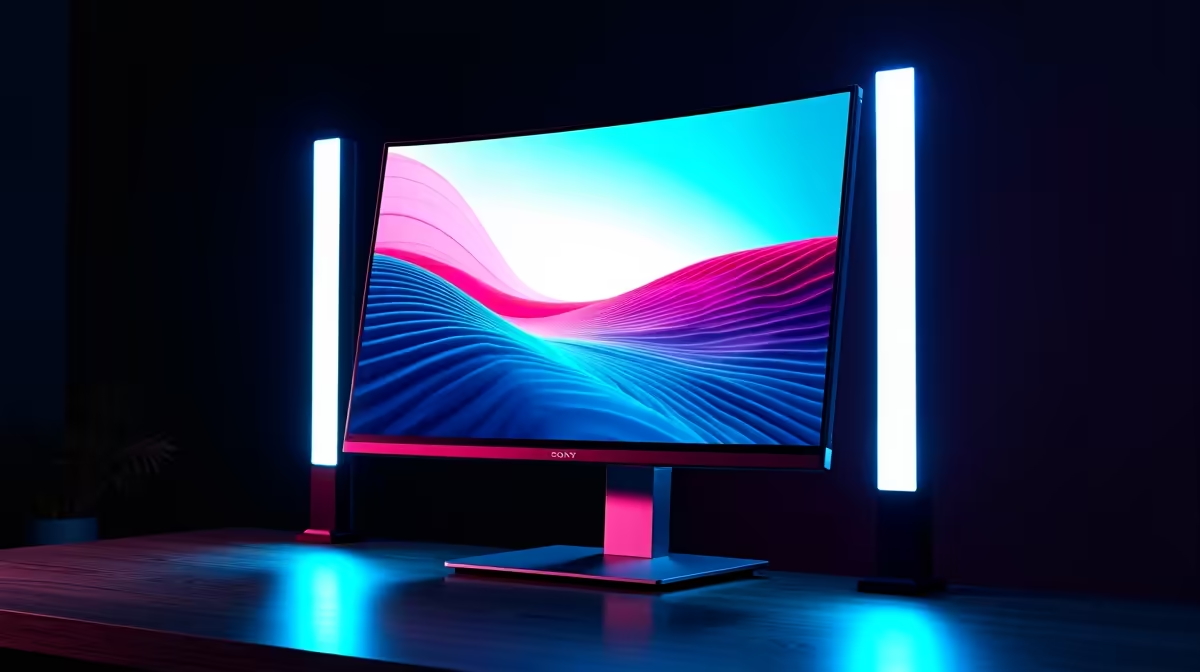
For photo editing and retouching, a 27-inch 1440p or 4K IPS with factory calibration and wide gamut (near 100% sRGB, 95%+ DCI-P3 or Adobe RGB) is the right pick — colour accuracy outweighs refresh rate entirely. Budget R7,000–R16,000 at Evetech. Pair with any modern GPU; photo work leans on the CPU and RAM more than graphics power.
Colour Accuracy Is the Whole Brief
Photo retouching demands trustworthy colour, so the headline specs are gamut and calibration: near 100% sRGB for web, plus high DCI-P3 or Adobe RGB if you print. A factory-calibrated IPS panel (with a report) or one supporting hardware calibration ensures edits look right elsewhere. Refresh rate is irrelevant for stills, so don't pay for 144Hz — put that money into a better, more accurate panel.
Resolution and Panel Choice
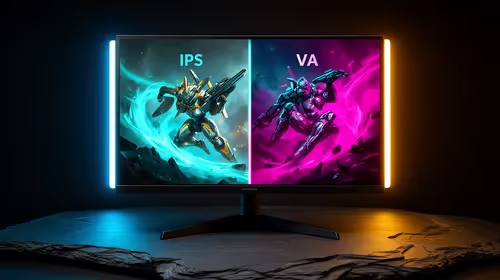
27-inch 1440p is the value sweet spot for clear detail and a roomy workspace; 4K adds pixel-level sharpness for fine retouching at native zoom, useful for high-resolution files. A matte anti-glare coating suits a bright SA editing room and prevents reflections from skewing your read of an image. A height-adjustable stand keeps posture neutral over long retouching sessions.
The Workstation Behind the Screen
Photo editing in Lightroom and Photoshop leans on CPU and RAM — 16GB is a floor, 32GB comfortable for large layered files — and a fast NVMe SSD speeds catalogue and file loading. Any modern GPU accelerates filters and exports adequately, so don't overspend on graphics for stills. A calibration device is a worthwhile add-on to keep the panel accurate over time.
FAQ
What's the most important spec for a photo-editing monitor?
Colour accuracy — near 100% sRGB plus high DCI-P3 or Adobe RGB if you print, ideally factory-calibrated. This matters far more than refresh rate for stills.
Is 4K worth it over 1440p for photo editing?
4K adds pixel-level sharpness for fine retouching at native zoom and suits high-resolution files; 1440p is the value sweet spot with ample detail. Choose by budget and file sizes.
Do I need a powerful GPU for photo editing?
No — Lightroom and Photoshop lean on CPU and RAM. Any modern GPU handles filters and exports; spend the budget on an accurate panel and 32GB RAM instead.
Pro Tip
For photo work, buy gamut and calibration over refresh rate — a factory-calibrated wide-gamut IPS keeps your edits true everywhere, which a high refresh rate can never do.