

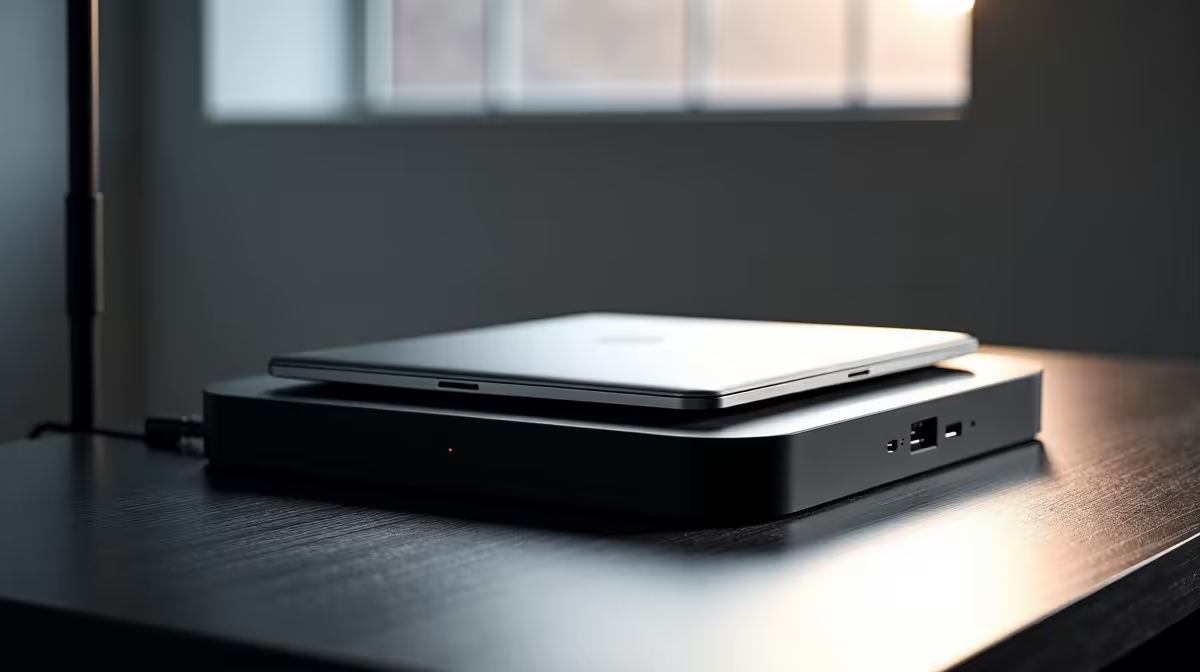
Is your desk buried under a tangled mess of cables? One for the monitor, another for the keyboard, one for the mouse, and don't forget the charger... It’s a familiar scene for many South African gamers and remote workers. What if you could connect everything—your displays, peripherals, and even power—with a single, clean cable? That dream setup is easier to achieve than you think with the right clean docking solutions for tidy desks. ✨
From Cable Chaos to Clean Control
A docking station is the ultimate command centre for your workspace. It acts as a central hub that connects all your peripherals—monitor, keyboard, mouse, external drives, headset, and ethernet cable—to your laptop through one USB-C or Thunderbolt cable. This single connection can also charge your laptop, eliminating the need for its original power brick.
Imagine coming home, plugging in one cable, and having your entire gaming battlestation or work setup instantly come to life. No more fumbling with multiple plugs. This is the core benefit of embracing one of these powerful devices from our comprehensive range of docking stations. It’s a simple change that massively improves your daily routine.
Choosing the Right Docking Solution for Your Setup 🔧
Not all docks are created equal, and the best one for you depends entirely on your needs. Before you buy, consider these key factors:
- Ports: How many devices do you need to connect? Count your USB-A peripherals, check if you need an SD card reader, and see if you require a wired internet connection (RJ45 Ethernet port).
- Display Outputs: Do you run a single 1080p monitor or dual 4K displays? Check the dock's specs for HDMI and DisplayPort outputs and the maximum resolution and refresh rate it supports.
- Power Delivery (PD): A key feature for laptop users. Ensure the dock's wattage is sufficient to charge your specific laptop model while it's in use.
For a reliable setup, it's worth looking at options from brands like Promate, which offer a great balance of features and build quality.
Pro Tip: Check Your Port!
Not all USB-C ports are the same. For multi-monitor support, your laptop's USB-C port must support "DisplayPort Alternate Mode" or be a Thunderbolt 3 4 port. Check your laptop's manual or the manufacturer's website to confirm its capabilities before you buy a dock!
Finding Your Perfect Match Without Breaking the Bank
Creating a clutter-free desk doesn't have to cost a fortune. The goal is to find a docking solution that matches your workflow and budget.
Are you a student or professional who just needs to connect a single external monitor, a keyboard, and a mouse? You don't need to overspend. There are plenty of fantastic docks for under R1000 that will tidy up your space beautifully.
However, if you're a power user—a content creator, programmer, or serious gamer—running multiple high-resolution displays and a host of power-hungry peripherals, it's worth investing a bit more. For more ports, faster data transfer, and higher power delivery, you can easily find a premium solution for under R2000 that will handle anything you throw at it. 🚀
Ready to Reclaim Your Desk? Stop letting cable clutter kill your productivity and aesthetic. Explore our full range of docking stations and find the perfect hub to create a clean, efficient, and powerful setup today. Shop now at Evetech for a tidier desk tomorrow.











