

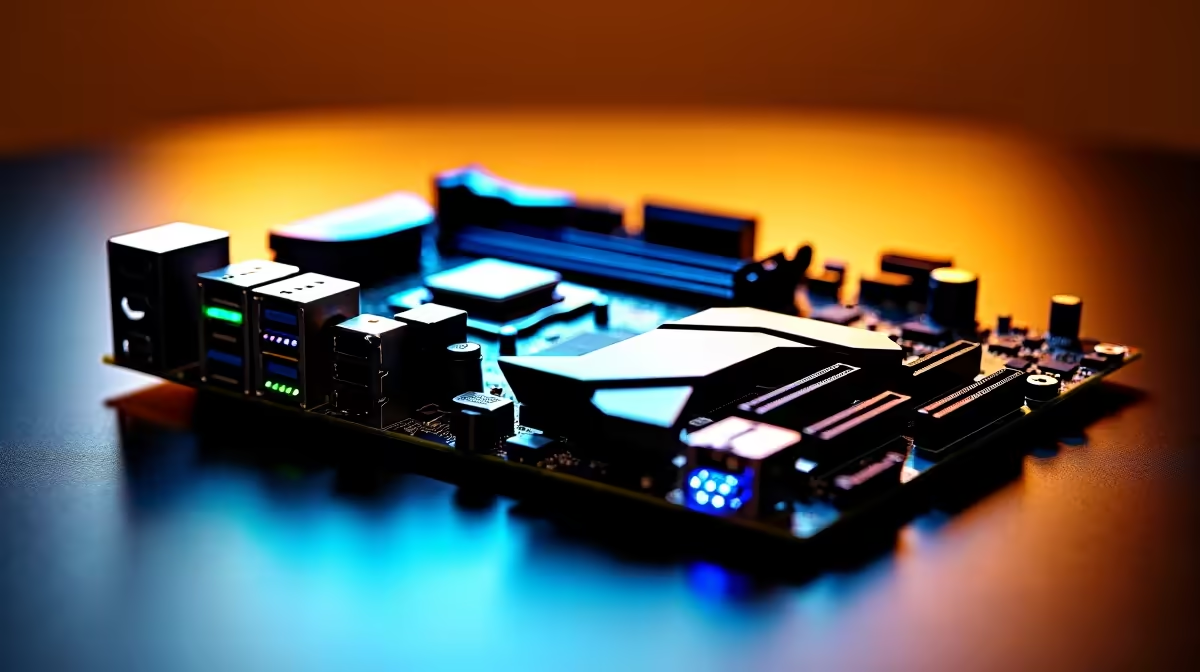
Building a new rig in South Africa right now means making tough choices. If you are eyeing AMD's latest Ryzen processors, you already know that upgrading your platform is non-negotiable. But with specs flying around, picking the right foundation is tricky. Our complete AM5 motherboard feature guide for gamers choosing between USB4, PCIe 5.0 and DDR5 will help you stretch every single Rand.
Why DDR5 is the New Standard 🚀
Unlike older platforms, AM5 draws a hard line in the sand. You cannot use your old DDR4 RAM here. The jump to DDR5 brings massive bandwidth improvements that directly impact your frame rates in CPU-heavy titles. Modern games demand faster asset streaming, making this memory upgrade a vital step for any serious gamer. When budgeting for your new build, factor in the cost of high-speed DDR5 memory kits to get the most out of your Ryzen chip. Sweet spot speeds are currently around 6000MT/s for optimal stability and performance.
Decoding PCIe 5.0 for Storage and Graphics
PCIe 5.0 doubles the bandwidth of PCIe 4.0. Right now, graphics cards do not fully saturate Gen 4 speeds... but next-gen GPUs absolutely will. More importantly, Gen 5 NVMe SSDs offer blistering load times for massive open-world games. If you are browsing our huge range of desktop motherboards, look at the B650E or X670E chipsets. The E stands for Extreme and guarantees PCIe 5.0 support on the primary GPU slot. Even if you are cross-shopping against high-end ASUS Intel motherboards, the AM5 platform promises incredible longevity through to at least 2027.
USB4 and the Ultimate Connectivity ⚡
USB4 is slowly becoming a must-have for content creators and hardcore gamers alike. Offering up to 40Gbps speeds, it allows you to connect high-res displays, massive external storage drives, or even external GPUs. High-tier options like ASUS AMD motherboards often include USB4 ports natively on the rear I/O panel. This means fewer cables cluttering your desk and significantly faster data transfers when backing up your massive game libraries.
AM5 Upgrading Pro Tip 🔧
When installing your new AM5 processor, remember that the pins are now on the motherboard socket, not the CPU itself. Handle the motherboard socket cover with extreme care to avoid bending any of those fragile contact points!
Balancing Your Budget and Needs
Not every gamer needs dual PCIe 5.0 slots or dual USB4 ports. If your budget is tight because you are spending ZAR 15,000 on a graphics card alone, a standard B650 board with DDR5 and PCIe 4.0 is still incredibly powerful. However, if you want a system that lasts five years without a motherboard swap, investing in the extreme tier chipsets pays off immensely. Not keen on building it yourself? You can always skip the hassle entirely and browse our epic gaming PC deals where the motherboard selection is already thoroughly optimised for peak performance.
Ready to Build Your Dream AM5 Rig? Upgrading to the latest AMD platform unlocks incredible gaming performance, future-proof connectivity, and unmatched value in South Africa. Explore our massive range of AM5 motherboards and start your next-gen journey today.











