

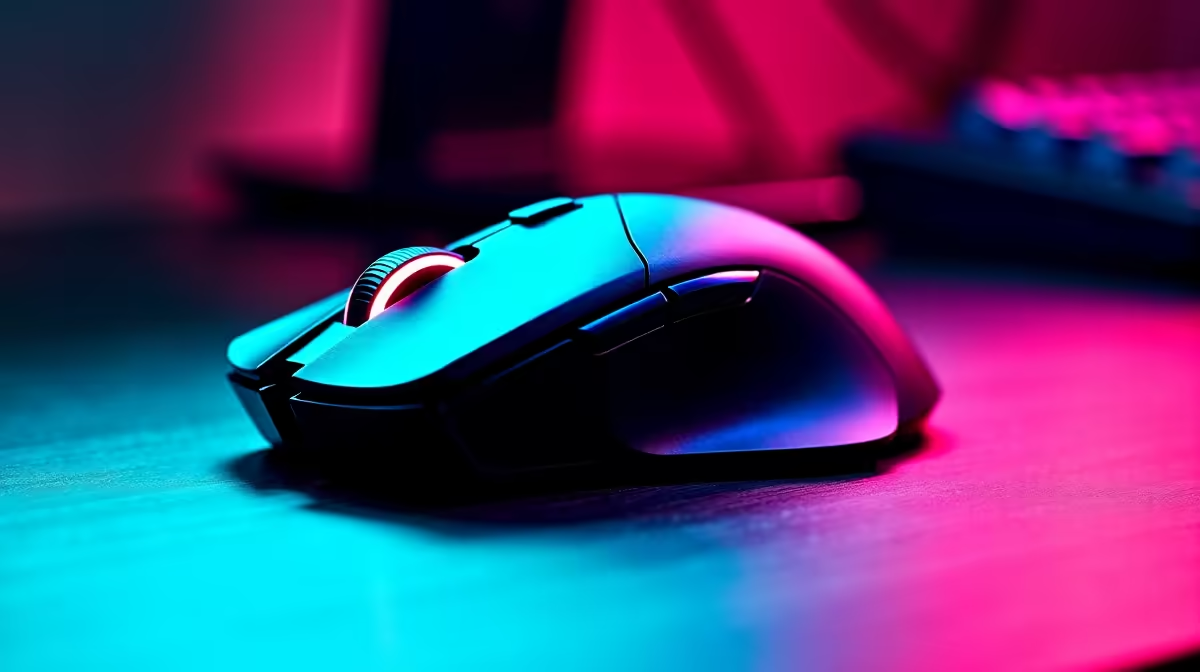
Why Setting Up Gaming 12K DPI Matters to South African Gamers
If you’re serious about precision in shooters or fast reactions in MOBAs, setting up gaming 12K DPI on your mouse can feel like unlocking a new level. Many gamers in South Africa hesitate, thinking ultrahigh DPI means losing control, but with the right tweaks, you gain lightning-fast accuracy and smoother tracking. This guide will steer you through optimising your 12K DPI for competitive gameplay without sacrificing comfort or consistency 🔧.
Understanding DPI: What 12K DPI Really Means
DPI, or dots per inch, measures mouse sensitivity. At 12,000 DPI, your cursor moves 12,000 pixels for every inch you move the mouse. While it sounds extreme, pro players calibrate this to suit their playstyle. High DPI can cut down hand travel distance, reducing fatigue during long sessions. However, balancing it with your in-game sensitivity and screen resolution is key to avoid erratic cursor jumps.
Balancing DPI With In-Game Settings and Screen Setup
It’s common to pair 12K DPI with lower in-game sensitivity to maintain precision. For example, if your monitor is a 144Hz 1080p display, your effective sensitivity will differ from a 4K setup. South African gamers using high-refresh-rate rigs from sites like Evetech’s best gaming PC deals can lean into fine-tuning both hardware and software for optimal tracking ⚡.
Hardware to Match Your 12K DPI Needs
To fully harness 12K DPI, you need a mouse sensor capable of consistent accuracy and a rig that keeps up. High-end gaming mouses from Evetech come pre-calibrated to support DPI up to and beyond 12,000. Combine this with a power-packed system, like one of the pre-built PC deals, ensuring you won’t bottleneck with lag or input delays.
Monitor, Mousepad, and Surface
A quality mousepad that supports slick, low-friction movement enhances the benefits of high DPI. Also, a monitor with low input lag and quick response times complements fast cursor movement. Considering a notebook for gaming on the move? Check out the best gaming notebooks for sale in South Africa that support high-performance peripherals.
Tip for Pro-Level Mouse Precision
Consistency beats raw speed every time. If 12K DPI feels jittery, lower it slightly until your muscle memory catches up. Use Windows mouse settings to disable acceleration ensuring true-to-mouse movement.
Software and Driver Essentials for Smooth DPI Usage
Setting up gaming 12K DPI requires adjusting software settings: DPI profiles, polling rates, and optional acceleration must be tailored. For best results, use your mouse’s official driver software to create profiles aligned with different games or tasks. Evetech’s PC components section for graphics cards can complement your responsiveness upgrade with GPU horsepower.
Using In-Game Settings to Complement DPI
Some games have built-in mouse smoothing or acceleration toggles. Turn these off if you want raw accuracy from your 12K DPI setting. Adjust sensitivity sliders slowly – tiny changes often yield big results at super-high DPI levels.
Finding the Best Deals for Your Gaming Setup in South Africa
Upgrading your gaming mouse is just one part of a pro setup. Visit Evetech’s specials page for deals on peripherals and hardware that match your DPI tuning ambitions. South African gamers can save big on top-tier gear perfect for dominating at any sensitivity level 🚀.
Elevate Your Gaming Precision Ready to maximise your control with high-DPI gaming gear? Shop now at Evetech for performance that leaves lag in the dust.











