

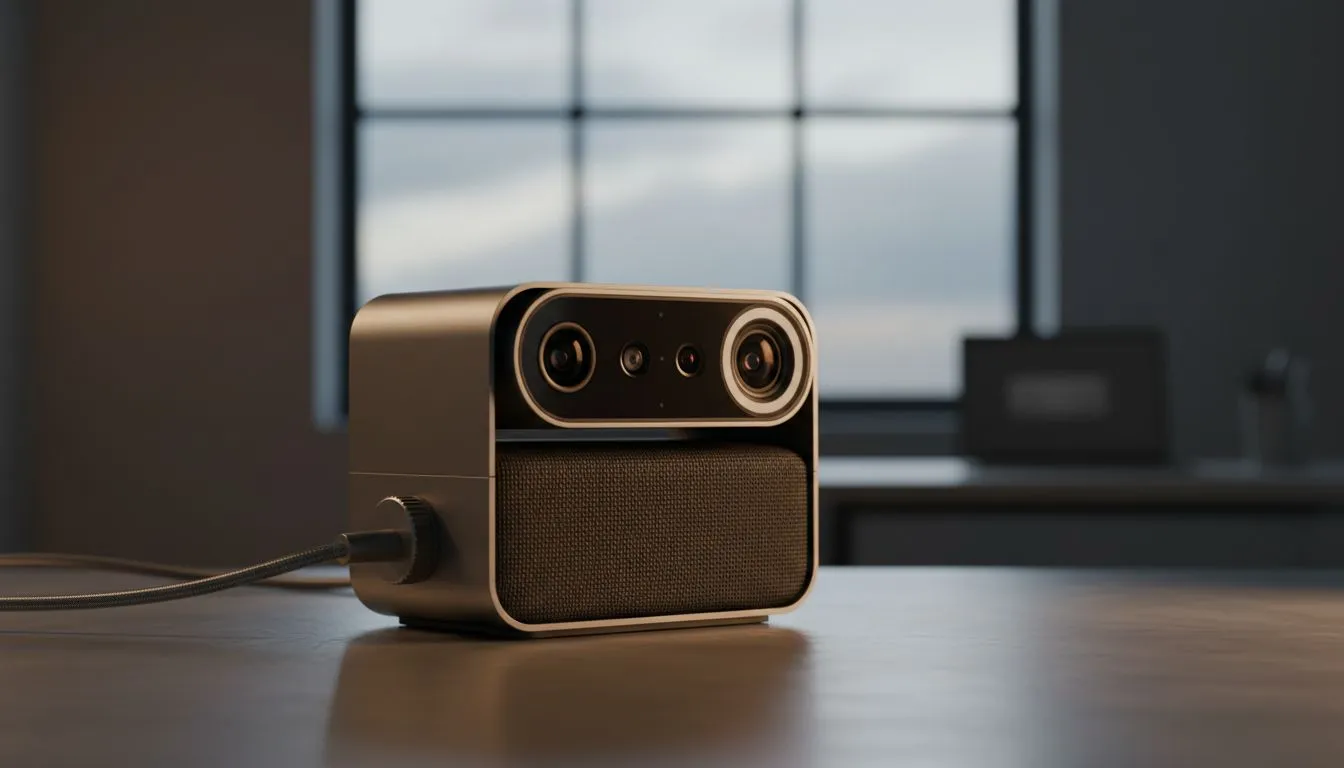
We’ve all been there. You join an important Microsoft Teams call on a gloomy Highveld afternoon only to realise you look like a grainy shadow. Poor conference camera lighting ruins professional impressions. Whether it is a rainy day in Cape Town or a grey morning in Joburg... you need a fix. Looking professional shouldn't depend on the weather outside your window. 🔧
The Science of Better Lighting on Cloudy Days
Natural light is usually a creator's best friend, but South African weather can be unpredictable. When the clouds roll in, the "colour temperature" of your room shifts toward a cold, blue hue. Your webcam tries to compensate by increasing its gain. This results in that "noisy" or "grainy" look we all hate. To combat this, you need to introduce a dedicated light source that mimics the sun’s warmth.
If you are tired of looking like a silhouette, you might consider browsing the full range of webcams available at Evetech. Many modern units feature improved sensors specifically designed to handle these tricky lighting shifts.
Simple Fixes for Low-Light Video Quality
You don't always need a Hollywood studio to see a difference. Start by positioning your desk so you face a window... even on a cloudy day, that diffused light is softer and more flattering than a harsh overhead bulb. If that isn't enough, a simple desk lamp with a "warm white" bulb can fill in the shadows. ⚡
For those starting their home office journey, there are plenty of entry-level webcams under R1,000 that offer auto-light correction. This feature digitally adjusts your exposure when the room gets dark, ensuring you stay visible even when the sun goes down.
Productivity Pro Tip ⚡
On Windows, use the PowerToys FancyZones utility to create custom snap layouts for your windows. It's a lifesaver for managing multiple apps on an ultrawide monitor, letting you organise your timeline, preview window, and asset folders perfectly for video editing.
Budget-Friendly Hardware for Better Visuals
If software tweaks aren't cutting it, it might be time for a hardware upgrade. Mid-range cameras often include larger apertures, which allow more light to hit the sensor. This is the most effective way to maintain "Conference Camera Lighting: Better Video on Cloudy & Low-Light Days" without needing a massive ring light.
You can find several high-quality options under R2,000 that balance price and performance. These models often support 1080p resolution, providing much sharper detail than the standard 720p units built into older laptops. ✨
Premium Solutions for the Home Professional
For the ultimate setup, look for cameras with dedicated low-light modes or HDR (High Dynamic Range) support. HDR is essential because it balances the bright spots of your screen with the darker areas of your face. This prevents you from looking "washed out" while your background stays clear.
Investing in premium webcams under R3,000 ensures you have the best sensor technology available. These units often feature glass lenses rather than plastic, which significantly improves light transmission and overall clarity during those late-night sessions or rainy morning meetings. 🚀
Ready to Find Your Perfect Match? The Mac vs Windows debate is complex, but for maximum power, choice, and value in South Africa, Windows is hard to beat. Explore our massive range of laptop specials and find the perfect machine to conquer your world.











