

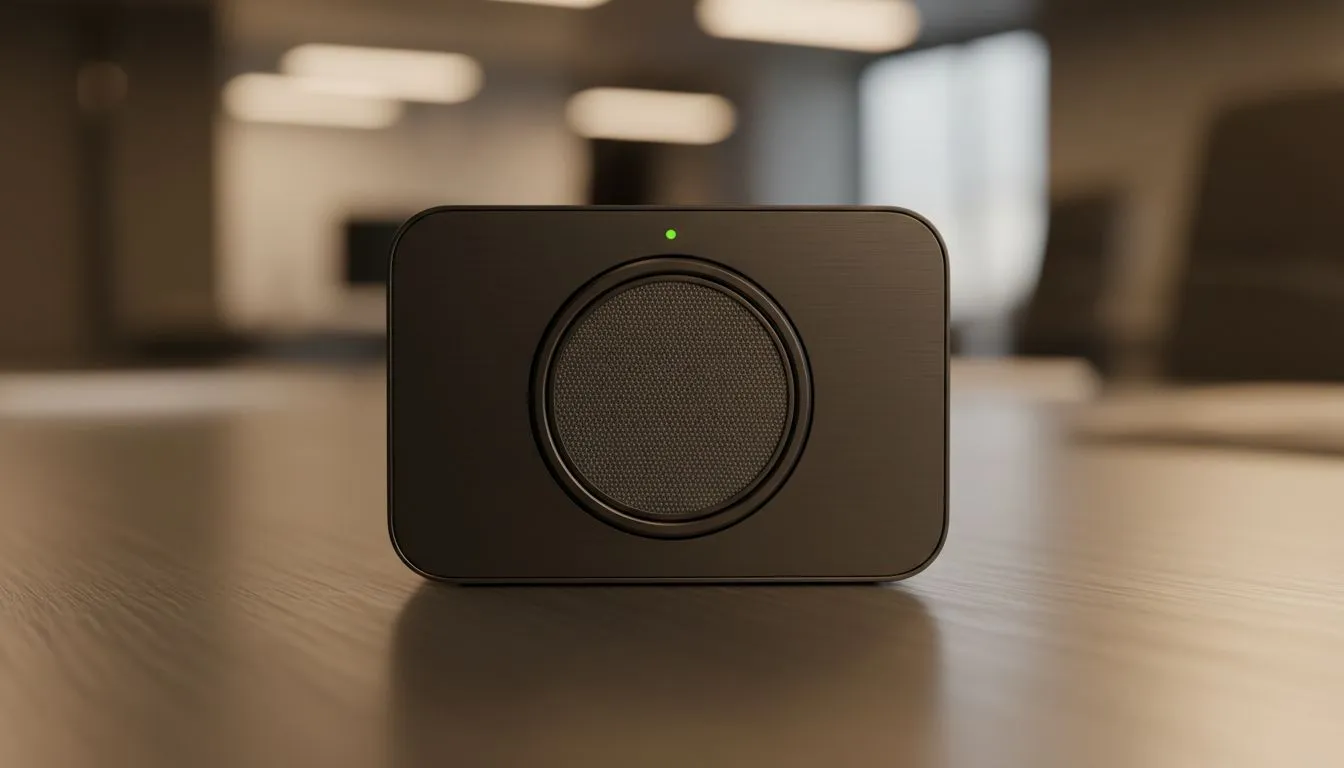
Imagine finishing a high-stakes meeting in Sandton, only to realise the lens is still staring at you. With hybrid work becoming the South African standard, conference room camera privacy is no longer just a "tech thing." It is about peace of mind. Whether you are in a corporate boardroom or a home office, managing your privacy is essential to avoid unwanted eyes... even when the meeting ends. 🚀
The Importance of Conference Room Camera Privacy
In an era of instant connectivity, the "always-on" culture has introduced a unique set of security risks. We often assume that closing a laptop lid or clicking "Leave Meeting" is enough. However, dedicated hardware in professional spaces often stays active. Establishing best practices for always-on cameras ensures that your private office conversations remain just that... private.
For those setting up a basic home office or a small huddle space, security does not have to be expensive. You can easily find reliable webcams under R1000 that include physical privacy shutters. These sliding covers provide a mechanical "kill switch" that no hacker can bypass via software.
Physical vs. Digital Privacy Solutions
While software indicators like a glowing green light are helpful, they are not foolproof. Malicious software can sometimes trigger a camera without activating the notification LED. This is why physical barriers are the gold standard for conference room camera privacy.
If you are looking for a balance between high-definition video and robust security features, there are many mid-range webcams under R2000 that offer advanced firmware encryption. These devices ensure that the data stream is protected from the moment it leaves the lens. 🔧
Privacy Pro Tip ⚡
Always check the 'LED Indicator' settings in your camera software. Some modern webcams allow you to disable the light... but for maximum security, you want that light to be hardwired to the sensor so it cannot be bypassed by software hacks. Always leave the indicator active to stay informed.
Managing Always-On Cameras in Professional Hubs
In larger corporate environments, cameras are often integrated into the room's ecosystem. These always-on cameras are designed for convenience, allowing meetings to start the moment you walk in. To keep these secure, your IT team should regularly update the device firmware to patch potential vulnerabilities.
For premium boardrooms where image quality and security are non-negotiable, investing in high-end webcams under R3000 is a smart move. Many of these professional units feature motorised "tilt-to-hide" functions. When the meeting ends, the camera physically rotates into the housing, making it impossible to capture any footage.
Best Practices for a Secure Meeting Culture
Security is as much about habits as it is about hardware. Encourage your team to unplug USB cameras when not in use or use a dedicated USB hub with individual power switches. This adds an extra layer of physical disconnection that software cannot override.
When you decide to buy webcams for your team, look for models that support Windows Hello or similar biometric logins. This ensures that the camera is not just a passive observer but a tool that actively secures your workstation. ✨
Always-on cameras offer incredible convenience for the modern South African workforce, but they require a proactive approach. By combining physical shutters, updated firmware, and a bit of common sense, you can enjoy the benefits of hybrid work without the privacy anxiety.
Ready to Secure Your Workspace? Protecting your privacy should not be a hassle. Whether you need a simple shutter or a high-end AI camera for the boardroom, we have you covered. Browse our full range of webcams and privacy-focused gear to find your perfect fit today.











