

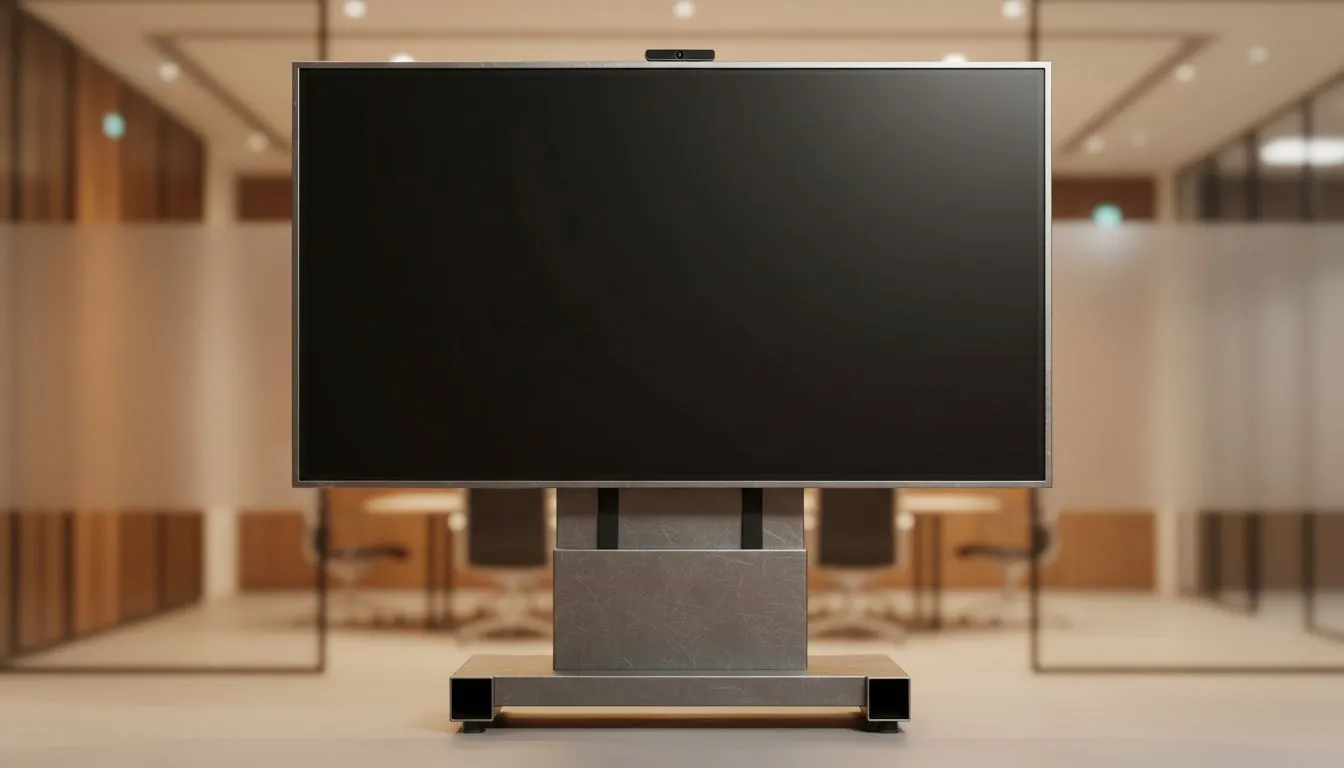
Conference room display size: quick hook for SA teams 🔧
Choosing the right display can make or break a meeting. Whether you're a Cape Town startup pitching to investors or a Johannesburg school upgrading a lecture theatre, understanding conference room display size helps you avoid squinting, lost details, and wasted budget. This guide on conference room display size gives clear, local-first advice so you pick the right screen for your space and workflow.
Conference room display size: match screen to room and seats
Start by mapping the room. Walk the space, measure the longest viewing distance, then pick a screen that keeps text and charts legible for the back row. If your meetings include detailed spreadsheets or CAD views, favour higher-resolution displays. For a broad look at panel types and sizes, browse our full monitor range for options that suit small huddle rooms to large boardrooms (https://www.evetech.co.za/PC-Components/pc-monitors-89).
Pro tip: open a slide with your typical font size and view it from the furthest seat before you buy. If attendees lean in, you need a bigger display.
Conference room display size: resolution and panel choices
For clarity from every seat choose a resolution that matches screen size and content. 4K looks great on large displays for detailed imagery; 1080p can still be fine for simple slides and video calls. If colour accuracy matters, consider IPS panels for wider viewing angles and consistent colour across the room—see our selection of IPS panels for business setups (https://www.evetech.co.za/PC-Components/pc-monitors-89?attributes-paneltype\=IPS) ✨.
If you want smoother video playback or content mirroring, look at monitors with adaptive technologies. We stock FreeSync models for AMD systems (https://www.evetech.co.za/PC-Components/pc-monitors-89?attributes-adaptivesync\=FreeSync+%28AMD%29), Adaptive Sync options for broader compatibility (https://www.evetech.co.za/PC-Components/pc-monitors-89?attributes-adaptivesync\=Adaptive+Sync), and G-Sync for NVIDIA setups (https://www.evetech.co.za/PC-Components/pc-monitors-89?attributes-adaptivesync\=G-Sync+%28NVIDIA%29).
Conference room display size: flat vs curved considerations
Curved displays can pull viewers into content in long, narrow rooms; flat screens still dominate in classic boardrooms and wall-mounted installs. Match curvature to seating layout—flat for wide tables, curved for auditoriums. Compare flat and curved options in our catalogue to see how they fit your layout (flat screens) (https://www.evetech.co.za/PC-Components/pc-monitors-89?attributes-curved%2Fflatscreen\=Flat) and (curved displays) (https://www.evetech.co.za/PC-Components/pc-monitors-89?attributes-curved%2Fflatscreen\=Curved).
Conference room display size: budgeting and deployment tips
Think beyond the panel. Budget for quality mounts, cable runs, and an HDMI/USB-C source that supports your resolution. Small teams often underestimate installation costs. If you want a simple starting kit, pick a reliable size and panel type, then add professional mounting.
Installation Tip ⚡
For long-term reliability, choose a monitor with VESA mount support and plan cable pathways before ordering. This avoids last-minute extensions and keeps your meeting room tidy.
Micro-story: A Stellenbosch design firm upgraded from a 42-inch consumer TV to a 65-inch 4K IPS display and suddenly client reviews of presentations changed. No extra training—just clearer visuals and fewer follow-up emails.
Conference room display size: final checklist before you buy
- Measure max viewing distance and room width.
- Decide if content needs 4K or 1080p.
- Choose panel type (IPS for colour/angles).
- Consider sync tech if you mirror varied sources.
- Add mount and cable budget.
For a quick route to the right hardware, compare models and panels on Evetech: check curved options for panoramic setups (https://www.evetech.co.za/PC-Components/pc-monitors-89?attributes-curved%2Fflatscreen\=Curved) and flat options for classic installs (https://www.evetech.co.za/PC-Components/pc-monitors-89?attributes-curved%2Fflatscreen\=Flat). Explore adaptive sync variants for smooth reproduction across devices: FreeSync (https://www.evetech.co.za/PC-Components/pc-monitors-89?attributes-adaptivesync\=FreeSync+%28AMD%29), Adaptive Sync (https://www.evetech.co.za/PC-Components/pc-monitors-89?attributes-adaptivesync\=Adaptive+Sync), and G-Sync (https://www.evetech.co.za/PC-Components/pc-monitors-89?attributes-adaptivesync\=G-Sync+%28NVIDIA%29). Need colour accuracy? View IPS panel choices (https://www.evetech.co.za/PC-Components/pc-monitors-89?attributes-paneltype\=IPS). Or just explore our full monitor range to compare specs and sizes (https://www.evetech.co.za/PC-Components/pc-monitors-89).
Ready to Find Your Perfect Match? The Mac vs Windows debate is complex, but for maximum power, choice, and value in South Africa, Windows is hard to beat. Explore our massive range of laptop specials and find the perfect machine to conquer your world.











