

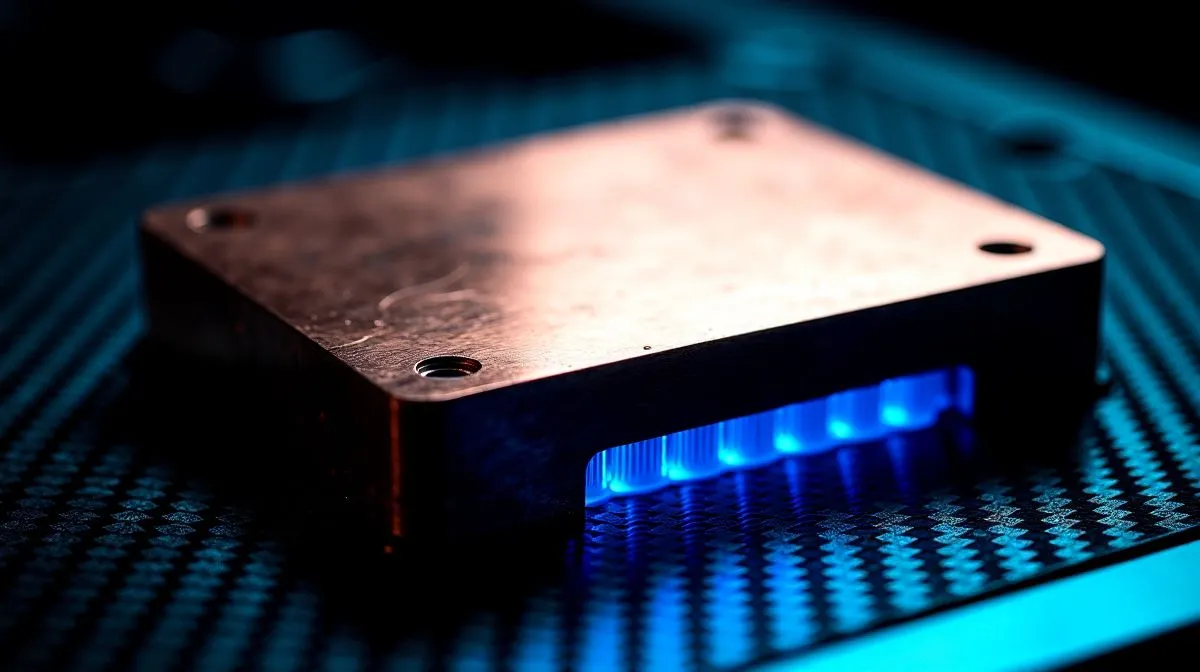
Copper baseplate thermal transfer for liquid cooling explained 🔧
If your CPU runs hot during long gaming sessions, rendering, or heavy multitasking, the cooling loop matters more than most buyers think. AIO liquid coolers often look similar on the shelf, yet small design details can change real-world thermals. One of the most important is the copper baseplate. It is the part that touches the CPU, and it plays a direct role in how quickly heat moves away from the chip. That means less heat soak, steadier boost clocks, and quieter fans for South African setups.
Copper baseplate thermal transfer for liquid cooling and why it matters
Copper has long been used in coolers because it transfers heat efficiently. In simple terms, the baseplate collects heat from the CPU and hands it to the liquid inside the cooler. The faster that hand-off happens, the easier it is for the radiator to do its job. This is why many high-quality air coolers and AIOs still rely on copper contact surfaces. For buyers comparing options, Evetech’s CPU cooler range is a useful place to start.
Why the contact point matters most
The copper baseplate does not cool on its own. It works as the first bridge in the chain. Poor contact, weak mounting pressure, or uneven thermal paste can all reduce performance. That is why two coolers with similar fan specs can behave differently in practice.
Cooling Fit Tip ⚡
If you are choosing an AIO for a hot CPU or a compact case, check radiator size first. A 360mm unit usually gives more cooling headroom, while a 240mm model can be easier to fit in smaller builds. Always match the cooler to your case layout before you buy.
Copper baseplate thermal transfer for liquid cooling in real builds
In a typical gaming rig, the difference shows up during long loads. Think of a weekend FIFA session, a Warzone grind, or a streaming setup running OBS plus Discord and a browser. The CPU heats up, the liquid carries that heat to the radiator, and the fans push it out. A well-made AIO with a copper baseplate helps the transfer stage stay efficient.
If you want a broader AIO selection, Evetech’s liquid cooler collection keeps the search focused. For buyers who prefer brand-first browsing, see Corsair liquid coolers and Deepcool liquid coolers. These pages help you compare designs without jumping between tabs all day.
Copper baseplate thermal transfer for liquid cooling: practical buying tips
Look beyond the headline RGB
RGB looks nice, but thermal design pays the bills. Check the radiator size, fan pressure, mounting support, and case clearance. A 360mm radiator can suit larger towers with hotter CPUs, while a 240mm radiator AIO is often the safer choice for mainstream builds.
Keep installation tidy
Use a small, even amount of thermal paste. Tighten the pump mount evenly. Make sure the pump and tubes are not strained by the case layout. These small steps improve the contact that copper baseplates depend on.
Match the cooler to your use case
If you overclock, edit video, or keep your PC under sustained load, more thermal headroom helps. For high-end systems, a 360mm radiator AIO is worth a closer look. If you mainly game at 1080p or 1440p, a solid mid-range unit may be enough. Prices and stock change often, so check current ZAR listings before deciding.
Copper baseplate thermal transfer for liquid cooling is one of those details that quietly shapes the whole experience. It affects noise, thermals, and how confidently your PC handles pressure. If you are building in South Africa, that makes the choice even more important.
Ready to Find Your Perfect Match?
The Mac vs Windows debate is complex, but for maximum power, choice, and value in South Africa, Windows is hard to beat. Explore our massive range of laptop specials and find the perfect machine to conquer your world. }}











