Quick Answer
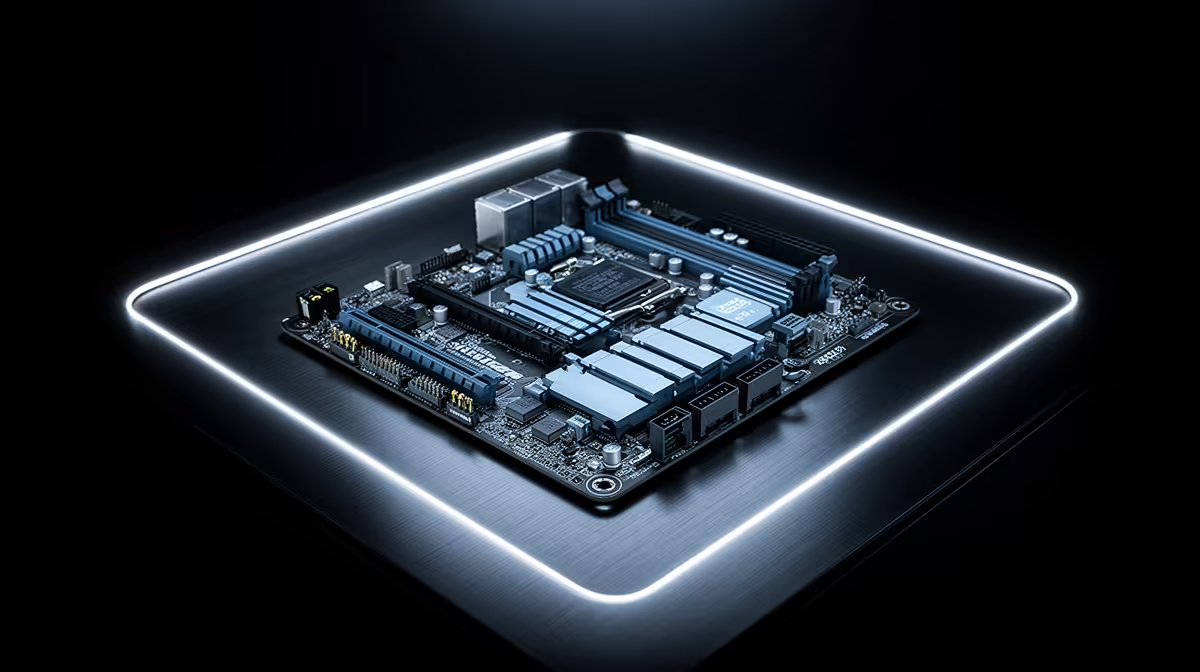
The best mATX motherboard for the Core i9-13900K is the ASUS ROG STRIX Z790-G GAMING WIFI (~R5,500 at Evetech) — an 18-phase VRM rated at 90 A per phase handles the i9-13900K's 253 W Turbo power draw, Wi-Fi 6E and 2.5GbE are included, and three M.2 PCIe 4.0 slots cover multi-drive NVMe setups. The 244×244 mm form factor fits mATX mid-tower cases while delivering near-ATX-level VRM performance for one of Intel's most demanding CPUs.
Why the i9-13900K Needs a High-End mATX Z790 Board
The Core i9-13900K (24-core: 8P+16E, 125 W base, 253 W Turbo, unlocked, LGA 1700) is one of the most power-hungry LGA 1700 CPUs. In mATX format, thermal management is more constrained than ATX — this makes VRM quality non-negotiable:
- A 12-phase VRM board throttles the i9-13900K under sustained AVX loads (Blender, HandBrake) within minutes
- A 16-phase board (MSI Z790M Mortar) handles stock and conservative OC (5.5 GHz) with adequate airflow
- An 18-phase board (ASUS ROG STRIX Z790-G) handles 5.7 GHz OC on a 360 mm AIO even in mATX
mATX Z790 Board Options for the i9-13900K
MSI MAG Z790M MORTAR WIFI DDR4 (~R3,800): 14-phase VRM, Wi-Fi 6E, 2.5GbE, two M.2 PCIe 4.0. Handles stock i9-13900K with PL1 = 125 W set. OC ceiling: ~5.4 GHz.
ASUS ROG STRIX Z790-G GAMING WIFI DDR4 (~R5,500): 18-phase 90 A DrMOS VRM, Wi-Fi 6E, Intel I226-V 2.5GbE, three M.2 PCIe 4.0. The definitive mATX choice for the i9-13900K at stock and OC.
Memory QVL and BIOS Notes
For DDR4 Z790 builds with the i9-13900K, confirm your RAM kit appears on the board manufacturer's QVL (Qualified Vendor List). The i9-13900K's 24-core memory controller is more demanding than budget CPUs — off-QVL kits may not POST at XMP speeds on some boards. DDR4-3600 CL16 from Samsung B-die sticks (Corsair Vengeance Pro, G.Skill Trident Z Neo) have the highest compatibility across Z790 mATX boards.
FAQ
Can the i9-13900K run in a mATX case without overheating?
Yes — with a 360 mm AIO (top-mounted in an mATX case that supports it, like the Cooler Master NR400 or Lancool 215) and an 18-phase VRM, the i9-13900K at stock (PL1 = 125 W, PL2 = 253 W) stays under 80°C during gaming and under 90°C during sustained AVX renders. Set PL1 to 125 W in BIOS to prevent the 253 W burst mode from running continuously, which causes sustained high temperatures and VRM stress.
What's the memory configuration for the i9-13900K on a mATX Z790 board?
Two 16 GB DDR4-3600 CL16 sticks (32 GB total, dual channel) is the recommended starting point. The i9-13900K benefits from faster memory more than budget CPUs — DDR4-3800 CL16 provides an additional 5–8% improvement in latency-sensitive games. Use a kit from the board's QVL to ensure XMP stability. Four RAM slots are available on mATX Z790 boards, supporting up to 128 GB DDR4.
How does the i9-13900K perform in CS2 at 1440p in a mATX build?
At 1440p with an RTX 4090 (~R32,000) and DDR4-3600 on an ASUS Z790-G mATX board: CS2 delivers 280–380 fps, Valorant exceeds 400 fps, and Apex Legends runs at 200–280 fps. The mATX form factor doesn't limit these figures — gaming FPS is identical to the same CPU in an ATX build. The compact case does require careful airflow planning to keep temperatures within the ranges above.
ASUS ROG STRIX Z790-G with the i9-13900K, use the Extreme Tweaker section in BIOS to set CPU Core i Performance Level to 4 and E Performance Level to 2 — this gives the P-cores prioritised boosting for gaming workloads while the E-cores handle background tasks efficiently, improving 1% low FPS in competitive games.