Article (MDX)
Ever been deep in a clutch Warzone moment, your stream is popping, and then… bam. Frame drops. Your viewers see a slideshow, and your K/D ratio tanks. Chances are, you're not lagging; you're bottlenecking. The CPU bottleneck impact on streaming performance is a silent killer for many South African creators, turning epic plays into pixelated messes. But don't stress, we're here to help you diagnose and fix it. ✨
What is a CPU Bottleneck and Why Does it Wreck Your Stream?
Think of your PC components as a team. When one player (your CPU) can't keep up with another (your powerful GPU), the whole team slows down. That's a bottleneck. For regular gaming, this might mean a few lost frames. But for streaming? It's a disaster.
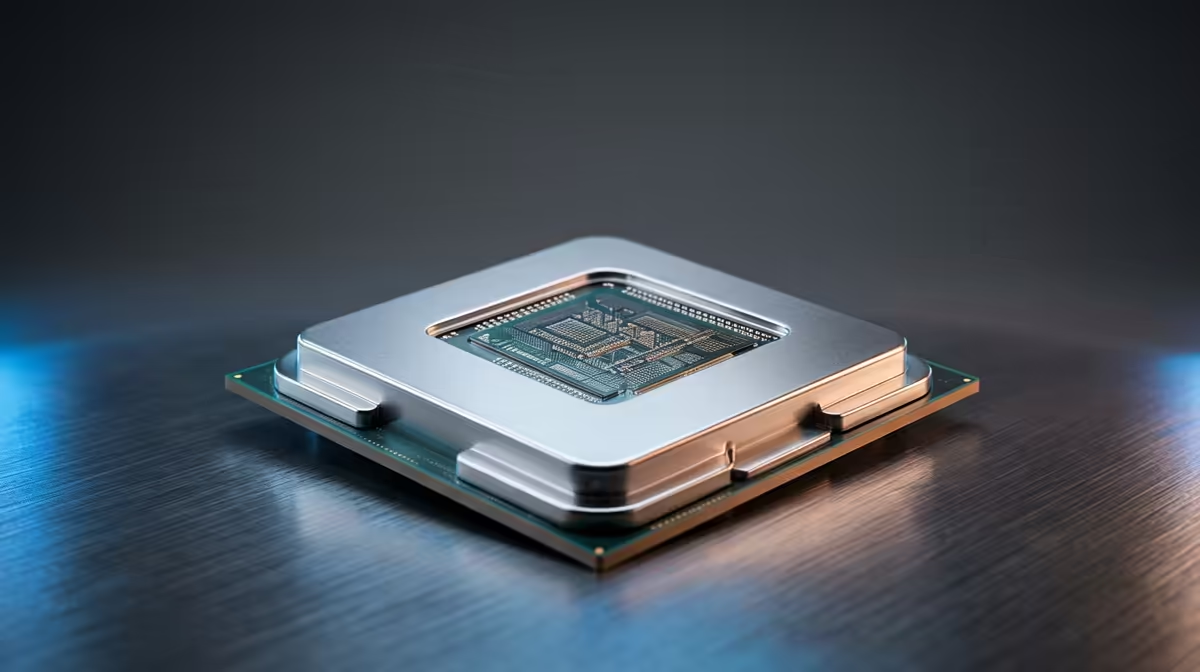
Streaming adds a massive second job for your processor: encoding. Your CPU now has to run the game at high FPS and simultaneously compress that gameplay into a video feed for your viewers on Twitch or YouTube. This double duty is where the CPU bottleneck impact on streaming performance becomes painfully obvious. The result is stuttering gameplay, a laggy stream, or both… a real vibe killer. To build a balanced team, you need the right captain; explore our wide range of CPU processors to find your perfect match.
How to Spot a CPU Bottleneck While Streaming 🔧
Not sure if your CPU is the culprit? It’s easier to check than you think. You don't need fancy software, just the built-in Windows Task Manager.
- Start your game and your stream as you normally would.
- Press
Ctrl+Shift+Esc to open Task Manager. - Click on the "Performance" tab.
- Look at your CPU and GPU usage.
If your CPU is constantly hitting 90-100% usage while your GPU is sitting comfortably below 80%, you've found your bottleneck. Your CPU is running flat-out and can't feed your graphics card data fast enough, causing performance issues that directly affect your stream's quality.
Quick OBS Check ⚡
If your OBS Studio preview is stuttering but your game feels fine, check the bottom right corner. A red 'Encoding Overloaded!' warning is a massive red flag for a CPU bottleneck. Try switching your encoder from x264 (CPU-based) to NVENC (GPU-based) if you have an NVIDIA card for a quick potential fix.
Why Your CPU Struggles with Modern Streaming
The demands of streaming have evolved. It's not just about raw speed anymore; it's about smart multitasking. A processor's ability to handle the dual load of gaming and encoding comes down to a few key things.
Cores and Threads
More cores mean better multitasking. While one set of cores handles the game, others can work on encoding your stream. This division of labour is crucial for a smooth broadcast, which is why the exceptional multi-core strength of modern AMD CPUs makes them a popular choice for creators who need to juggle Discord, OBS, and a AAA title without breaking a sweat.
Architecture and Efficiency
It’s not just about the number of cores. Newer CPU architecture brings huge gains in efficiency, or IPC (Instructions Per Clock). This means a modern CPU can do more work in each cycle. This efficiency is critical for smoothing out performance dips, and it’s why upgrading to one of the latest Intel CPUs can provide a much better streaming experience than an older chip, even if they have a similar core count.
Your Action Plan for a Smoother Stream 🚀
So, you've diagnosed a CPU bottleneck. What now? You have two paths: software optimisation and a hardware upgrade.
Start with software. Lowering CPU-intensive in-game settings like shadows, physics, and object detail can free up resources. Close unnecessary background applications—yes, that means your 30 Chrome tabs. Finally, ensure you’re using a GPU-based encoder like NVIDIA's NVENC or AMD's AMF in your streaming software if possible.
If the problem persists, a hardware upgrade is the most effective long-term solution. A new processor will directly address the root cause, providing the power needed for a high-quality, stable stream. A balanced rig is everything.
Ready to End the Bottleneck?
Stop letting your hardware hold your stream back. A powerful CPU is the heart of a creator's PC, ensuring both you and your audience get a flawless experience. Shop our full range of CPUs at Evetech and build a rig that's ready for the big leagues.