

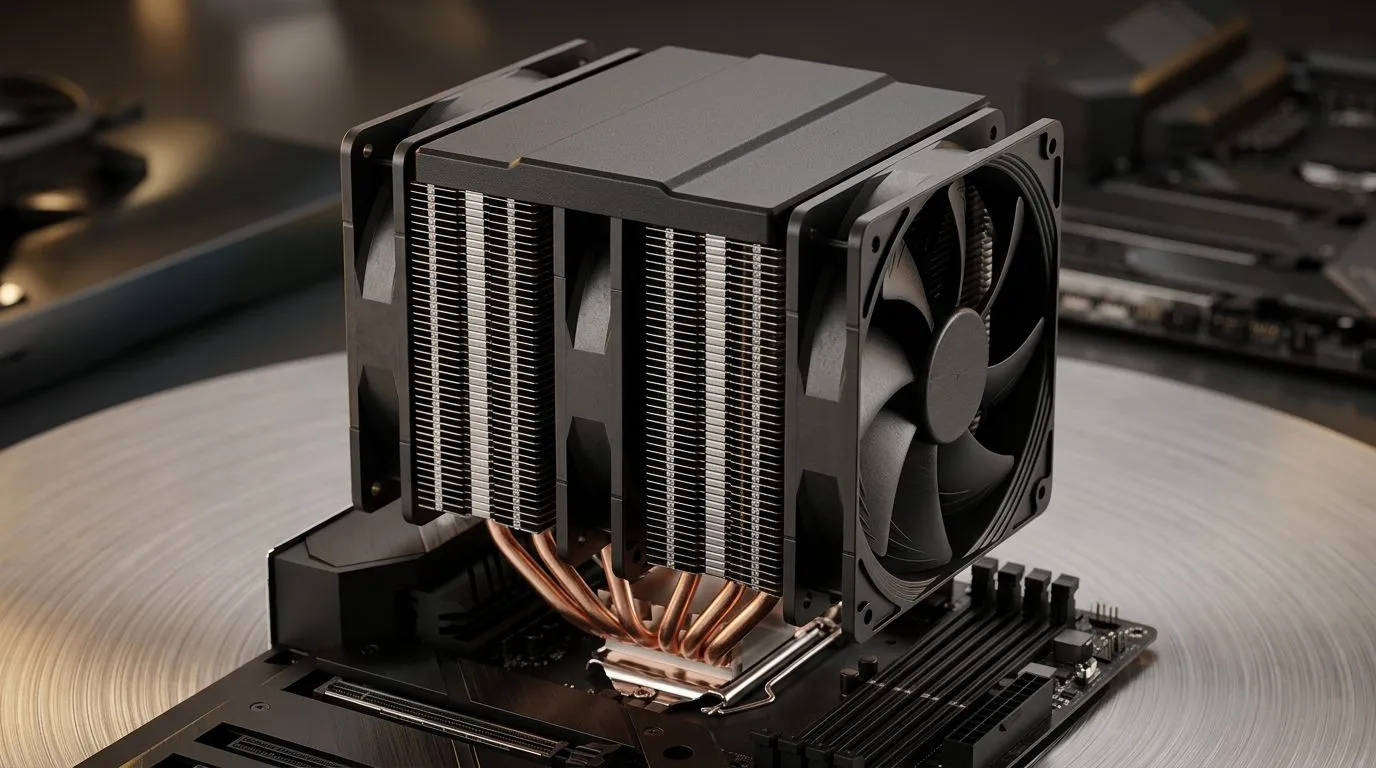
CPU Cooler TDP Ratings Explained: Heatpipes and Limits (Why Your PC Stays Cool in SA Summers) 🔧
South African summers can turn your gaming rig into a small heater. You’ll notice it first during long sessions… frame drops, fan ramping, and throttling. So how do you choose a CPU cooler that actually fits your CPU and your case? The answer starts with CPU Cooler TDP Ratings Explained: Heatpipes and Limits. It’s not just a number on the box. It’s about heatpipes, contact quality, airflow, and realistic thermal behaviour.
In this Deep Dives guide, we’ll break down what TDP ratings really mean, how heatpipes move heat, and what “limits” you should plan for before buying.
CPU Cooler TDP ratings explained: what the number means in real life ⚡
Most cooler marketing uses a thermal design power (TDP) style rating. But here’s the practical truth: TDP is a target power level, not a guarantee of silence or perfect temps.
A few helpful buying rules:
- Higher cooler-rated TDP usually means more headroom, especially under sustained loads.
- Your CPU’s boost behaviour matters. Modern chips can spike above base power for short bursts, then settle.
- Ambient temperature and case airflow can swing results. In SA, “room temp” is often not your friend.
If you’re aiming for a quieter build, don’t just chase maximum compatibility. Match your cooler’s capability with your CPU’s thermal needs and your cooling strategy.
Heatpipes: how they actually move heat ✨
Heatpipes are sealed tubes inside the cooler’s cold plate. They transfer heat from the CPU contact area to the fin stack. Inside, a working fluid evaporates at the warm end, travels, then condenses at the cooler end. That cycle moves heat efficiently, even when the cooler uses a compact tower layout.
What to look for:
- More surface area on the fin stack helps the fins reject heat into airflow.
- Good mounting pressure matters as much as heatpipe design. Too little contact equals poor transfer.
- Fan curve tuning can help you hit stable temps without blasting noise.
Heatpipe and limit realities: when “rated” still runs hot 🔥
Even if a cooler has enough thermal capacity on paper, “limits” show up when multiple factors stack up:
- Small case + restricted airflow: the fins can’t dump heat fast enough.
- One fan instead of two (or poor fan placement): airflow becomes uneven.
- Thick radiators or clearance issues: you end up with suboptimal fan orientation.
This is why we recommend filtering by cooler type and fan size when shopping. It’s not the same buying decision as a year ago… because airflow and clearance can be the real bottleneck.
A quick way to start is browsing air cooler options, then narrowing by fan size, brand, and your case clearance:
- Explore air cooler options here: https://www.evetech.co.za/PC-Components/cpu-coolers-84
- Want air coolers specifically? Start with this view: https://www.evetech.co.za/PC-Components/cpu-coolers-84?attributes-coolertype=Air+Cooler
- If your case supports it, 120mm fans can be a sweet spot for balance. Filter here: https://www.evetech.co.za/PC-Components/cpu-coolers-84?attributes-coolertype=Air+Cooler&attributes-coolingsize=120mm+Fans
- Looking for DeepCool models? Browse them directly: https://www.evetech.co.za/PC-Components/cpu-coolers-84?attributes-coolertype=Air+Cooler&brands=Deepcool
- Prefer EINAREX? Use this brand filter: https://www.evetech.co.za/PC-Components/cpu-coolers-84?attributes-coolertype=Air+Cooler&brands=EINAREX
Productivity Pro Tip 🔧
On Windows, use the PowerToys FancyZones utility to create custom snap layouts for your windows. It's a lifesaver for managing multiple apps on an ultrawide monitor, letting you organise your timeline, preview window, and asset folders perfectly for video editing.
How to choose the right cooler for your CPU (and your case) 🚀
Here’s a simple workflow that helps you avoid returns and buyer’s remorse:
- Check CPU cooler compatibility first (socket support and cooler height).
- Item
- Use the cooler’s rating as guidance, not a promise.
- Plan for sustained loads: streaming, rendering, and long multiplayer nights.
If you’re building a rig for competitive play, stable temperatures help keep boost clocks more consistent. That means fewer “why did it spike now?” moments mid-match.
CPU Cooler TDP Ratings Explained: Heatpipes and Limits (Final checklist before you buy) ✅
Before you tap “Add to cart,” run this final check:
- Does the cooler fit your case height and clearance?
- Do you have airflow where it matters (front intake, rear exhaust)?
- Are you cooling a CPU with sustained load patterns, or mostly light usage?
- Are you using a quality thermal paste application and proper mounting?
For most South African gamers, the best buys are the ones that respect the real-world limits: airflow, contact, and headroom. Choose smart, and your temps will thank you.
Ready to Find Your Perfect Match? The Mac vs Windows debate is complex, but for maximum power, choice, and value in South Africa, Windows is hard to beat. Explore our massive range of laptop specials and find the perfect machine to conquer your world.











