

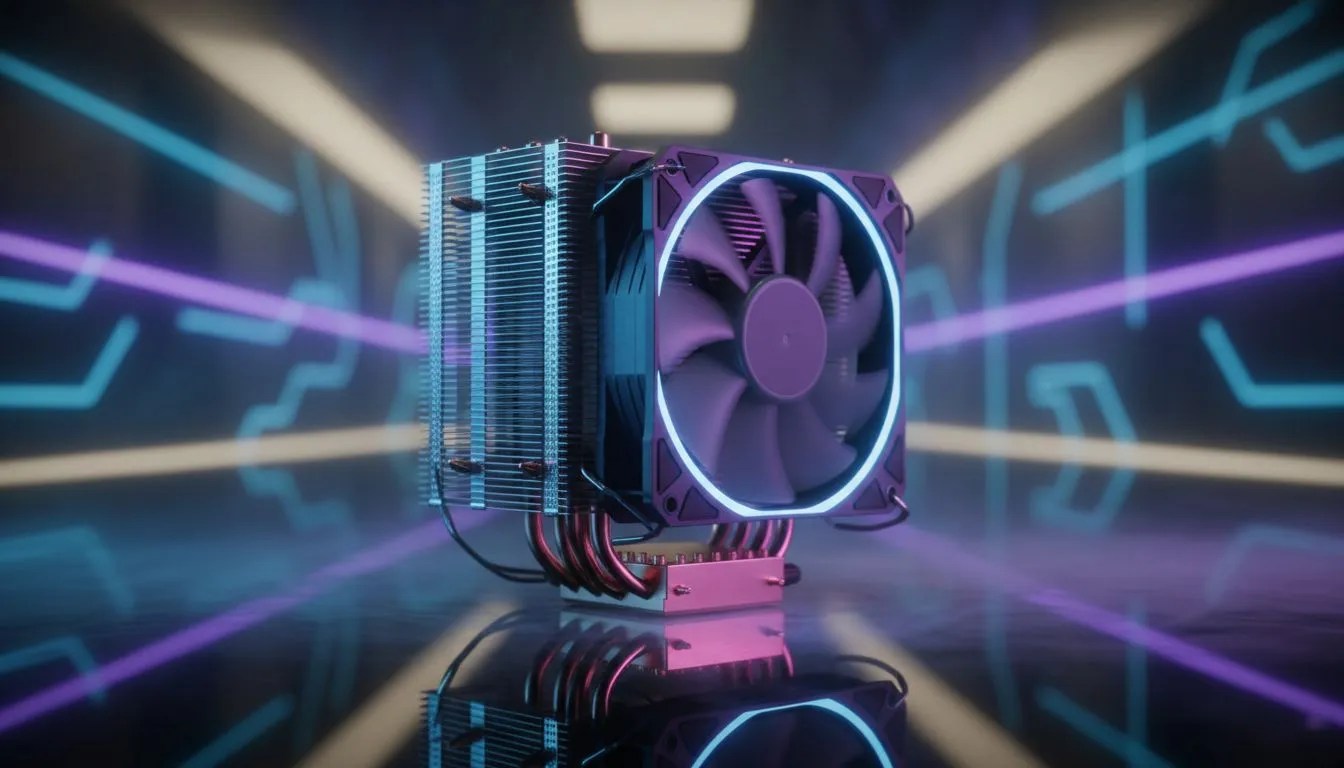
You’re in the final circle in Apex, the tension is thick... and your frames suddenly tank. Your PC is screaming, the fans are roaring, and you’ve just been sent back to the lobby. What happened? Your CPU likely got too hot and throttled itself. The culprit is often an underperforming cooler, and the secret to its power lies in a spec many overlook: CPU cooler thermal conductivity. It’s the invisible force deciding between victory and a thermal shutdown.
What is CPU Cooler Thermal Conductivity?
Think of heat as traffic and your CPU cooler as a highway. CPU cooler thermal conductivity is a measure of how quickly and efficiently that highway can move traffic (heat) away from the source (your processor). It's measured in Watts per meter-Kelvin (W/mK). The higher the number, the faster heat travels through the material.
For example:
- Copper: Has excellent thermal conductivity, around 400 W/mK. It's the super-highway for heat.
- Aluminium: Is lighter and cheaper, but with a lower conductivity of about 200 W/mK. It's more of a main road... still effective, but not as fast.
This is why most high-performance CPU coolers use a copper base to make direct contact with the CPU, rapidly pulling heat away.
How Thermal Conductivity Affects Real-World Performance
So, a higher W/mK rating is better... but what does that mean for your gaming or workflow? A cooler with high thermal conductivity moves heat from the CPU's integrated heat spreader (IHS) to the heatsink's fins much faster. This rapid transfer is crucial.
When heat is whisked away efficiently, your CPU's core temperature stays lower. This allows it to maintain higher boost clock speeds for longer periods. The result? Smoother frame rates in games, faster video rendering times, and a more responsive system overall. A good quality air cooler is often the most cost-effective way to achieve this.
Don't Forget the Paste! ⚡
The best cooler in the world can be crippled by bad thermal paste application. Thermal paste fills the microscopic gaps between your CPU and the cooler's baseplate, ensuring optimal heat transfer. Use a pea-sized dot in the centre for even coverage. Too much paste can actually insulate the heat, making your cooler less effective.
It’s More Than Just the Metal 🔧
While the thermal conductivity of the materials is a massive factor, it’s part of a larger system. The overall performance of a CPU cooler also depends on:
- Heat Pipes: These are the primary movers of heat from the base to the fin stack. More heat pipes, and especially those that make direct contact with the CPU, generally mean better performance.
- Fin Stack Design: The total surface area of the aluminium fins determines how much heat can be dissipated into the air. A dense fin stack provides more surface area.
- Fan Power: A fan with high airflow and static pressure is needed to push cool air through the fin stack and exhaust the hot air. This is why many gamers favour powerful 120mm fan coolers for their balance of performance and noise.
Choosing the Right Cooler for Your Build
Understanding how CPU cooler thermal conductivity affects performance empowers you to make a smarter choice. You don’t need a top-tier cooler for a budget CPU, but skimping on cooling for a high-end chip is a recipe for disappointment.
For powerful processors like an Intel Core i7 or AMD Ryzen 7 and above, look for coolers with a solid copper base and at least four to six heat pipes. Brands like Deepcool air coolers offer fantastic performance without breaking the bank. Similarly, options from brands like EINAREX air coolers provide excellent value and cooling potential for South African gamers. By investing wisely in your CPU cooler, you're not just buying a piece of metal; you're unlocking the full, stable performance you paid for. 🚀
Ready to Beat the Heat? Now that you understand the science of cool, you can choose a cooler that unleashes your PC's true potential. Explore our massive range of CPU coolers and find the perfect match to keep your rig frosty and your frames high.











