Cross-Platform Gaming Headset with 3.5mm Compatibility: Start Here
South African players don’t all game on the same device. One week it’s on PC at home, the next it’s on a console in the lounge, then maybe you’re on your laptop at a LAN party. So when you’re shopping for a headset, you need one thing that keeps working everywhere. A cross-platform gaming headset with 3.5mm compatibility means fewer headaches when Bluetooth dies, dongles go missing, or ports don’t match. 🎧
Cross-Platform Gaming Headset with 3.5mm Compatibility: What “Compatibility” Really Means
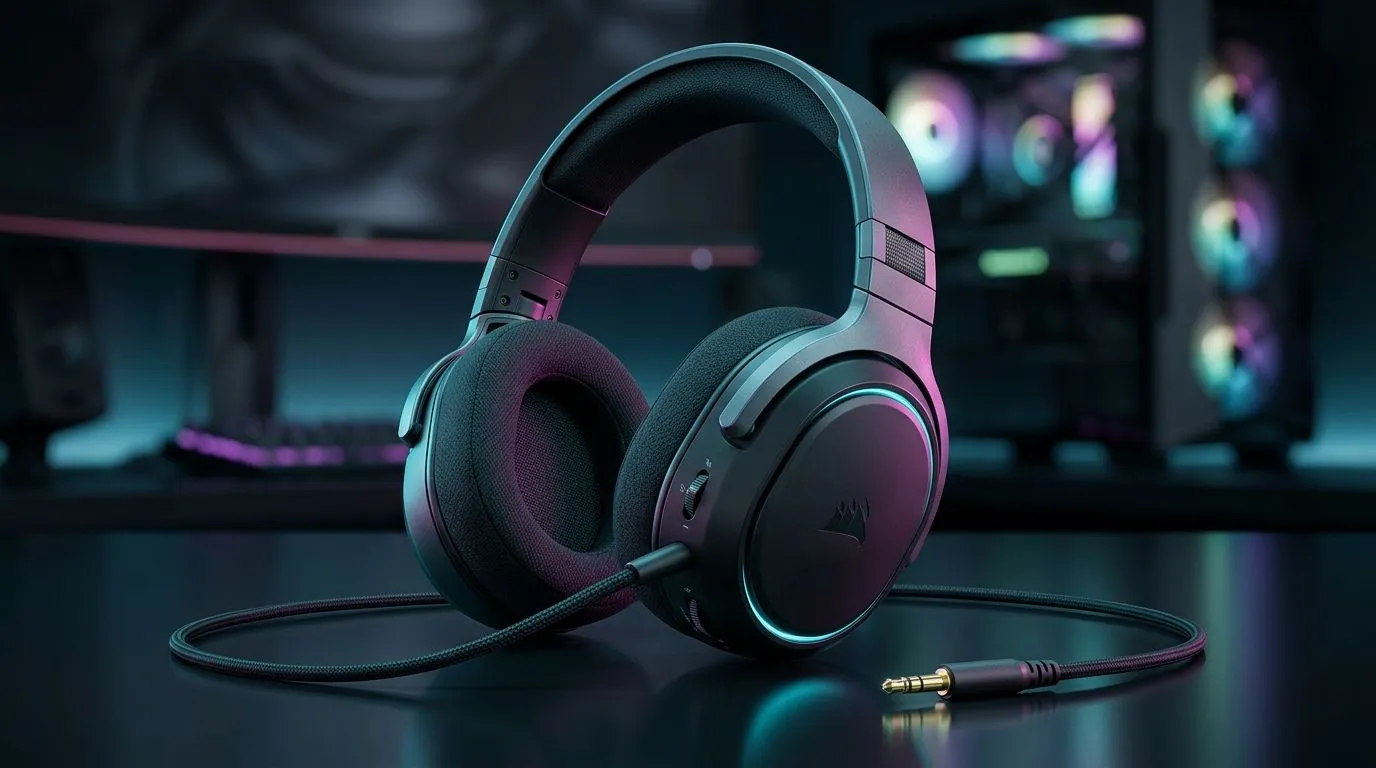
When a headset says it’s “3.5mm compatible”, you’re usually looking for a standard 3.5mm audio jack connection. That typically supports basic audio across PCs, consoles, and many controllers that have a headphone port. The big gotcha is microphone support. Some headsets use a combo plug (headphone + mic in one connector), while others need a separate adapter.
Here’s what to check before you buy:
Jack type and mic support 🔧
- Single 3.5mm TRS: Often audio only, depending on the headset and device.
- 4-pole TRRS combo plug: More likely to carry mic audio too (device dependent).
If you’re unsure, a quick message to support or reading the product’s connection notes saves you money and returns.
Cable length and comfort for long sessions ✨
For local weekend sessions that turn into 6-hour marathons, comfort matters. Look for:
- cushioned ear pads
- adjustable headband
- a cable length that doesn’t tug during quick chair spins
Sound profile: stereo vs surround
If you play competitive shooters, stereo imaging can be more consistent than heavily processed “virtual surround”. For immersion in story games, surround can feel great. The key is getting a headset that offers the mode options you’ll actually use.
Cross-Platform Gaming Headset with 3.5mm Compatibility: Quick Buying Checklist
Use this mini checklist when browsing Evetech options:
- Verify the 3.5mm connection (not just wireless-only).
- Confirm mic expectations for your device.
- Check whether you need drivers/software or if it’s plug-and-play.
- Consider impedance and volume if you’re on a laptop or controller.
For a practical starting point, browse Evetech’s broader headset selection:
Cross-Platform Gaming Headset with 3.5mm Compatibility: Real-World Scenarios (SA Edition)
Picture this: it’s Friday night, you’re hopping between your PC and your PlayStation. Your mate says, “Just use Bluetooth.” But by Saturday, the latency is noticeable and the battery warning hits mid-match. That’s where a wired 3.5mm headset shines.
Another common moment… you take your rig to a friend’s house. Wireless settings don’t always carry over cleanly. With 3.5mm, you simply plug in and play. ⚡
If you want a wireless option that still gives you flexibility, the Razer Barracuda X Chroma is worth a look for cross-scenario use:
And if you want to compare multiple Razer headsets in one sweep:
Or, if you want to explore a larger range of headset builds across the store:
Productivity Pro Tip ⚡
On Windows, open Sound settings and set your headset as the default output immediately after plugging in. Then test your mic in the input test panel. It prevents those “why is my team hearing game audio only?” moments during ranked.
Cross-Platform Gaming Headset with 3.5mm Compatibility: Final Words Before You Click Buy
A cross-platform gaming headset with 3.5mm compatibility is less about marketing and more about reliability. If you plan to move between devices, a wired 3.5mm setup keeps your audio consistent. It also reduces the “device mismatch” risk that can cost time, and in South Africa, time and money both matter.
If you’re pairing it with a controller, double-check whether your controller supports combo plugs for voice chat. If you’re gaming quietly at night, pick comfort first. Your ears will thank you on day 30.
Ready to Find Your Perfect Match?
If you want a headset that plays nicely across your devices, shop with confidence in South Africa. Check out our curated tech range and lock in the right fit for your setup. Explore our massive range of laptop specials and take your gaming sessions further.