

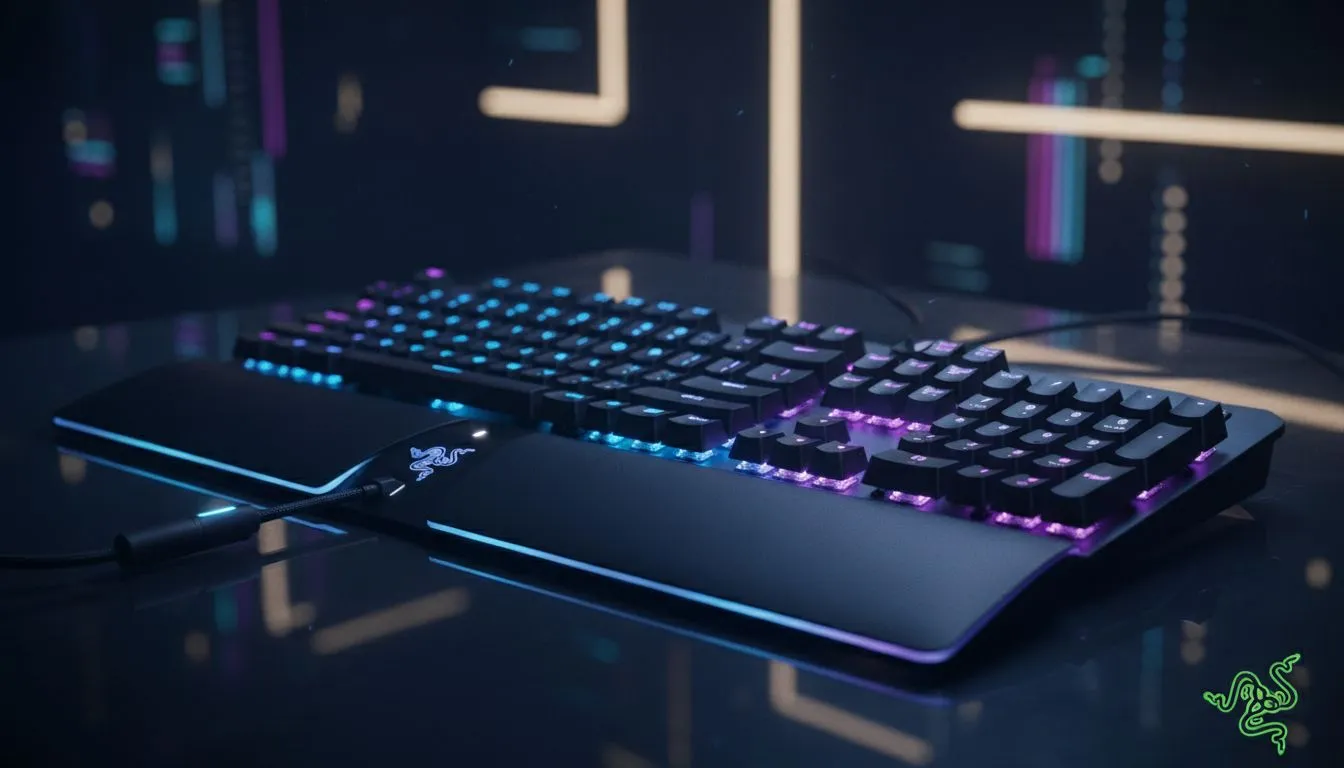
Customising Razer Synapse profiles for games and workflows
South African gamers and tech buyers: want your Razer kit to feel like a part of you? In less than ten minutes you can map profiles that switch automatically when a game or app opens, giving you instant DPI, light and macro setups for every moment — from an overnight CS:GO grind to a Monday morning Excel sprint. 🔧✨
Get started with Razer Synapse basics
Open Razer Synapse, create a new profile, and link it to the game executable or app. Name it clearly — "Valorant 1600 DPI" or "Video Edit — Timeline" — so switching is instinctive. Assign DPI stages, button remaps and lighting per profile. If your mouse supports onboard memory, export a profile for LAN nights or when you're away from your PC.
Explore Evetech's curated gaming mouse range if you need hardware that plays nicely with Synapse: check the gaming mouse selection for models that support onboard profiles and advanced remapping — https://www.evetech.co.za/components/gaming-mouse-117.aspx.
Build game-specific profiles that give you the edge
For FPS titles, set low non-linear DPI stages and a dedicated button for temporary sensitivity shifts. For MMOs, create a hotbar profile with macros for abilities and consumables. Use "profile linking" so the correct settings load when the game launches. Looking for a new mouse to try this on? Compare current best gaming mouse deals to pair your Synapse profiles with the right sensor and button layout — https://www.evetech.co.za/best-gaming-mouse-deals/x/054.aspx. 🚀
Craft workflow profiles for productivity
Razer Synapse is just as handy outside games. Create profiles for Photoshop, Premiere Pro or VS Code with app-specific macros and media keys. Map a button to toggle between colour grading and timeline shortcuts, or assign complex multi‑step macros to save repetitive clicks. If you prefer a wireless setup for a cleaner desk, browse our wireless mice selection — https://www.evetech.co.za/buy-wireless-mouse/x/1597.aspx.
Hardware and wiring considerations
Some workflow pros favour wired mice for latency consistency; wired mice often provide stable polling for precise pointer control. Need options? See wired mouse models that suit esports and precise editing tasks here — https://www.evetech.co.za/buy-wired-mouse/x/1596.aspx.
Accessories that complete your setup
Don't forget grips, extra mouse feet and carrying cases if you move between work and LANs. Small upgrades change feel and longevity. Find mouse accessories that complement your Razer gear at Evetech — https://www.evetech.co.za/buy-mouse-accessories/x/1595.aspx. ✨
Profile Sync & Backup ⚡
Keep a cloud backup of your Razer Synapse profiles and export a local copy. If you tweak lighting, DPI or macros often, a quick restore saves hours of reconfiguration.
Final tweaks and troubleshooting
Test each profile in a short session. If sensitivity feels off, tweak DPI stages rather than global sensitivity. Use Hypershift for temporary alternate controls instead of swapping profiles mid-match. Want a quick checklist? Start with DPI, then buttons, then macros, then lighting.
Ready to Find Your Perfect Match? The Mac vs Windows debate is complex, but for maximum power, choice, and value in South Africa, Windows is hard to beat. Explore our massive range of laptop specials and find the perfect machine to conquer your world.











