

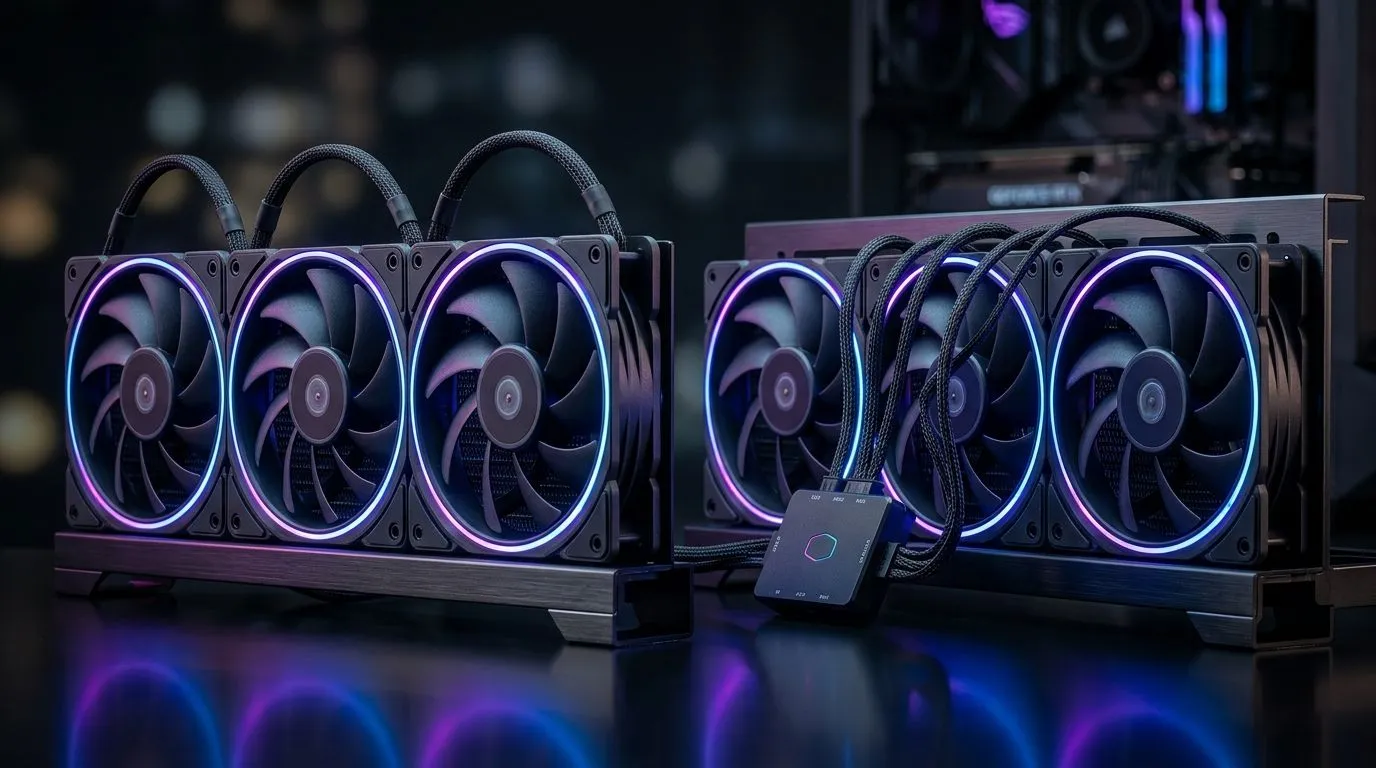
The Great Airflow Debate: Daisy-Chained ARGB Fans vs Standard Hubs
Building a high-end gaming rig in South Africa often feels like a balancing act between aesthetics and pure thermal performance. You have spent hours picking the perfect chassis, but now you are staring at a pile of cables, wondering if you should opt for daisy-chained ARGB fans or stick to dedicated fan hubs for your static pressure setup. Getting this wrong can lead to uneven cooling or, worse, a fried motherboard header. Let’s break down which route ensures your components stay icy under load.
Understanding Static Pressure and Power Limits
Static pressure is the unsung hero of a silent PC. It is what forces air through the dense fins of a CPU cooler, overcoming resistance to keep your temperatures in check. When you daisy-chain fans, you are essentially drawing all the power for those motors through a single motherboard fan header. While convenient for cable management, you risk exceeding the 1A limit usually found on modern boards. If you are pushing your system, a dedicated hub is the safer, more robust choice for high-static-pressure setups.
Thermal Management Pro Tip ⚡
mounting fans to a [Liquid Cooler (AIO)](https: www.evetech.co.za PC-Components cpu-coolers-84?attributes-coolertype=Liquid+Cooler+%28AIO%29), always ensure your intake fans have a clear path of airflow. Avoid placing your radiator against a solid front panel, which kills static pressure performance regardless of your fan configuration.
Choosing the Right Cooling Solution
Whether you are opting for the reliable performance of CORSAIR or the aggressive value of Deepcool, the core principle remains: consistency is king. If your case is cramped, a 360mm radiator will benefit significantly from a powered hub to ensure the fans spin in perfect unison. For more compact builds, a 240mm radiator might allow for daisy-chaining without hitting those dangerous power limits, provided your fans are low-draw models. 🚀
Why Hubs Usually Win for Static Pressure
Daisy-chaining is undeniably cleaner for those who hate cable clutter... but it often compromises the PWM signal integrity across the chain. A powered hub draws its current directly from your PSU via SATA or Molex, leaving your motherboard headers to handle only the signal. This ensures that every fan on your radiator is pulling the exact RPM needed to maintain optimal airflow. It is a small investment that pays off in longevity for both your fans and your motherboard. ✨
Ready to Find Your Perfect Match? Cooling your PC correctly is the difference between a smooth frame rate and thermal throttling. Whether you need a high-performance liquid loop or a sleek air cooler, explore our massive range of cooling solutions and keep your system running at peak performance.











